


Upload PDFs and Lido pulls structured data into clean rows. Invoices, forms, reports. Any layout, any format.
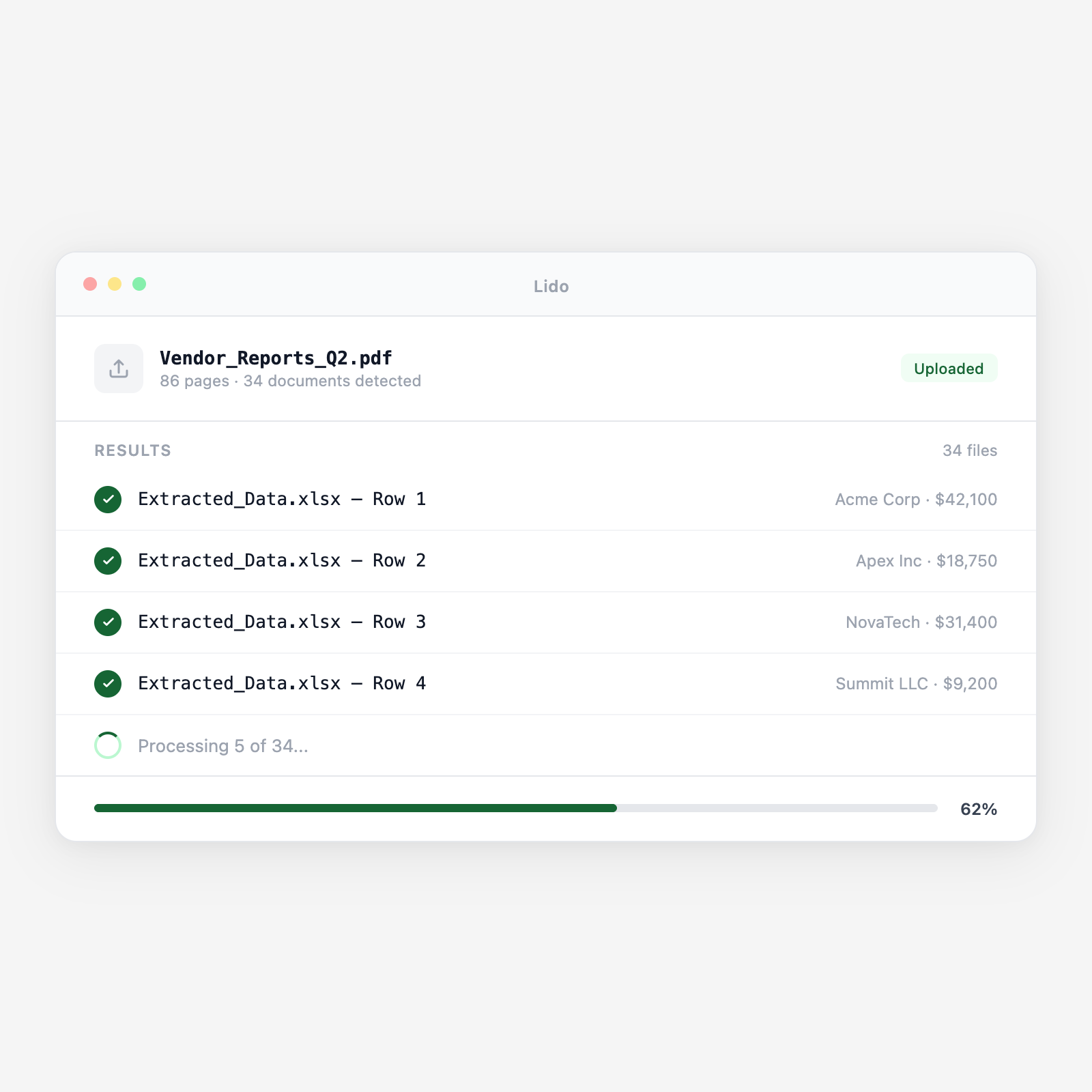






Drop PDFs, connect a watched folder, or link an email inbox or cloud drive. New files are queued automatically.
Lido identifies headers, line items, tables, and totals, then maps each field to your output schema. No templates to maintain.
Output lands in Excel or CSV with your defined columns. Rows are clean, values are typed, and data is ready for your ERP or database.
Upload a batch and get structured output in minutes.
| Feature | Lido | Manual / Free tools |
|---|---|---|
| Batch-extract from hundreds of PDFs at once | ✓ | ✗ |
| Reads scanned and image-based PDFs (OCR) | ✓ | ✗ |
| Handles any document layout without templates | ✓ | ✗ |
| Confidence scores and mismatch flagging | ✓ | ✗ |
| Output maps to your custom schema | ✓ | ✗ |
| Open a PDF and read the data yourself | ✗ | ✓ |
Set up your schema once. Lido extracts from every new document that arrives, around the clock, without anyone touching it.
Extract vendor name, invoice number, amounts, and line items from every vendor PDF directly into your ERP or approval queue.
Extract CPT codes, allowed amounts, and patient responsibility from EOB PDFs. One run covers hundreds of payers and layouts.
Extract shipper, consignee, weight, and reference numbers from bills of lading and packing lists into your TMS or spreadsheet.
Convert PDF bank statements—any bank, any format—into transaction rows with date, description, debit, and credit columns.
%20(1).svg)
