


Lido reads invoice PDFs and fills your ERP upload template automatically.
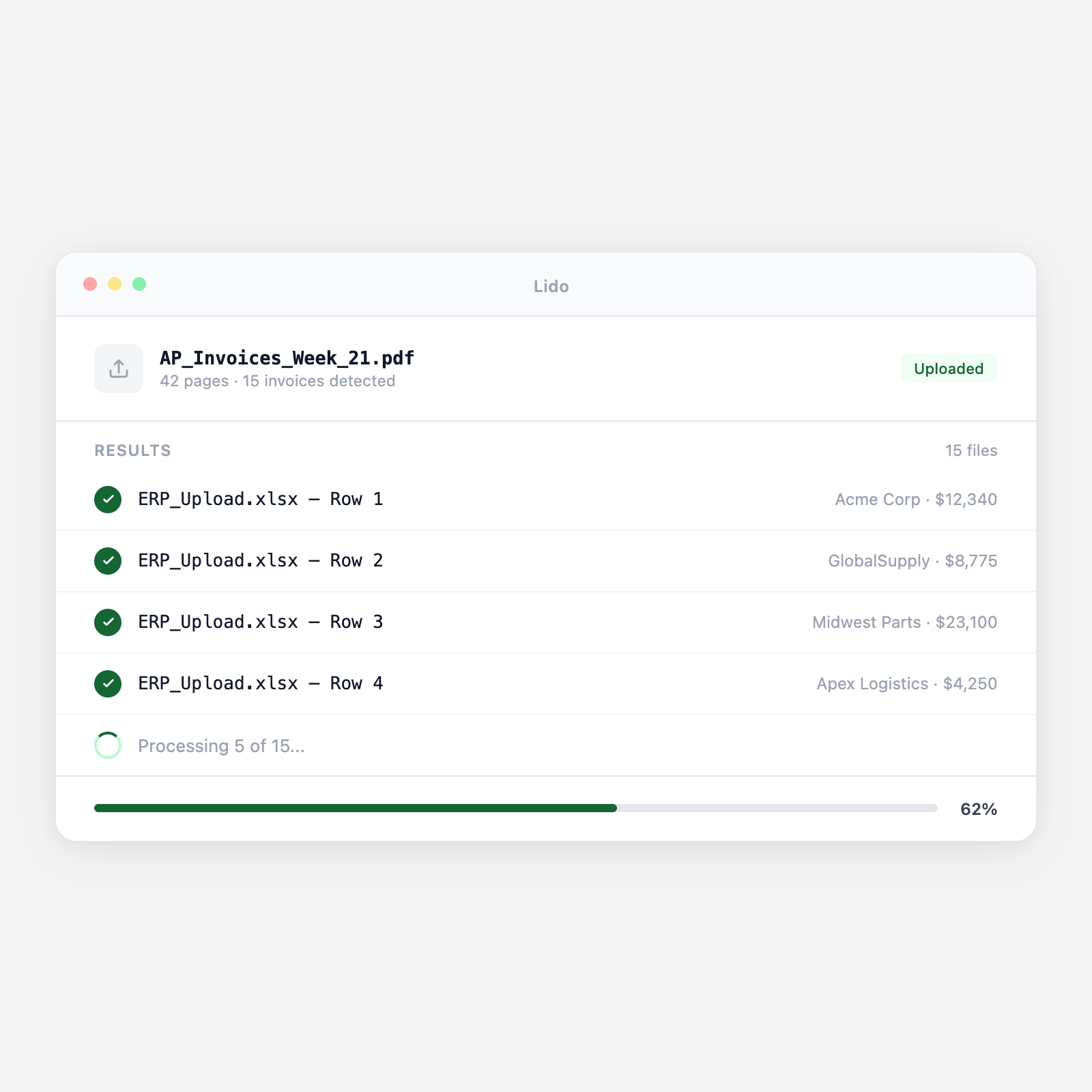






Lido reads invoices from any vendor format and produces your ERP upload file.
PDFs land in a shared inbox, watched folder, or get uploaded directly. Lido picks them up automatically.
AI extracts vendor name, invoice number, date, PO number, line items, unit prices, totals, tax, and GL codes from each PDF regardless of layout.
Each value goes into the exact column of your ERP upload sheet. Set the mapping once; Lido applies it to every invoice.
Download the completed file for ERP import, or connect Lido directly to your system.
Typed PDFs with header fields and line item tables, any layout.
Photos or scans — Lido applies OCR and extracts every field.
Line items spanning multiple pages captured as a single table.
Negative amounts and partial credits mapped to the right columns.
Upload an invoice and your template. See the fields filled automatically.
Lido processes the full weekly invoice batch in minutes, not a Friday afternoon.
Eliminate the keying bottleneck so every outstanding invoice is in the system on time.
Extracted PO numbers matched against open purchase orders, mismatches flagged before ERP import.
Invoices extracted and routed to the correct ERP instance or GL code by entity.
Try Lido free. Upload your first batch and see the template filled in minutes.
%20(1).svg)
