Cut invoice processing time by 90% for your Finance & AP team
Extract, validate, and push invoice and PO data into your systems from PDFs, emails, and scans.
Lido doesn't work on mobile yet, but we'll send you an email with your login details for when you're back at a desktop!
Oops! Something went wrong while submitting the form.
👋 Let's personalize your experience!
Oops! Something went wrong while submitting the form.
No credit card required
50 free pages
A2ƒx
A
B
C
D
E
F
1
Vendor
Invoice #
Date
Amount
Due Date
PO Number
2
Acme Industrial Supply
INV-8241
06/28/2026
2,847.50
07/28/2026
PO-1102
3
Brightline Logistics
44519
07/01/2026
12,410.00
07/31/2026
PO-1094
4
Corestone Materials
CSM-0783
07/02/2026
941.25
08/01/2026
—
5
Delta Facility Services
2026-207
07/03/2026
5,600.00
08/02/2026
PO-1107
6
7
8
9
4 invoices extractedNo templates. No training.
Extract DataWorksheet: Sheet1
×
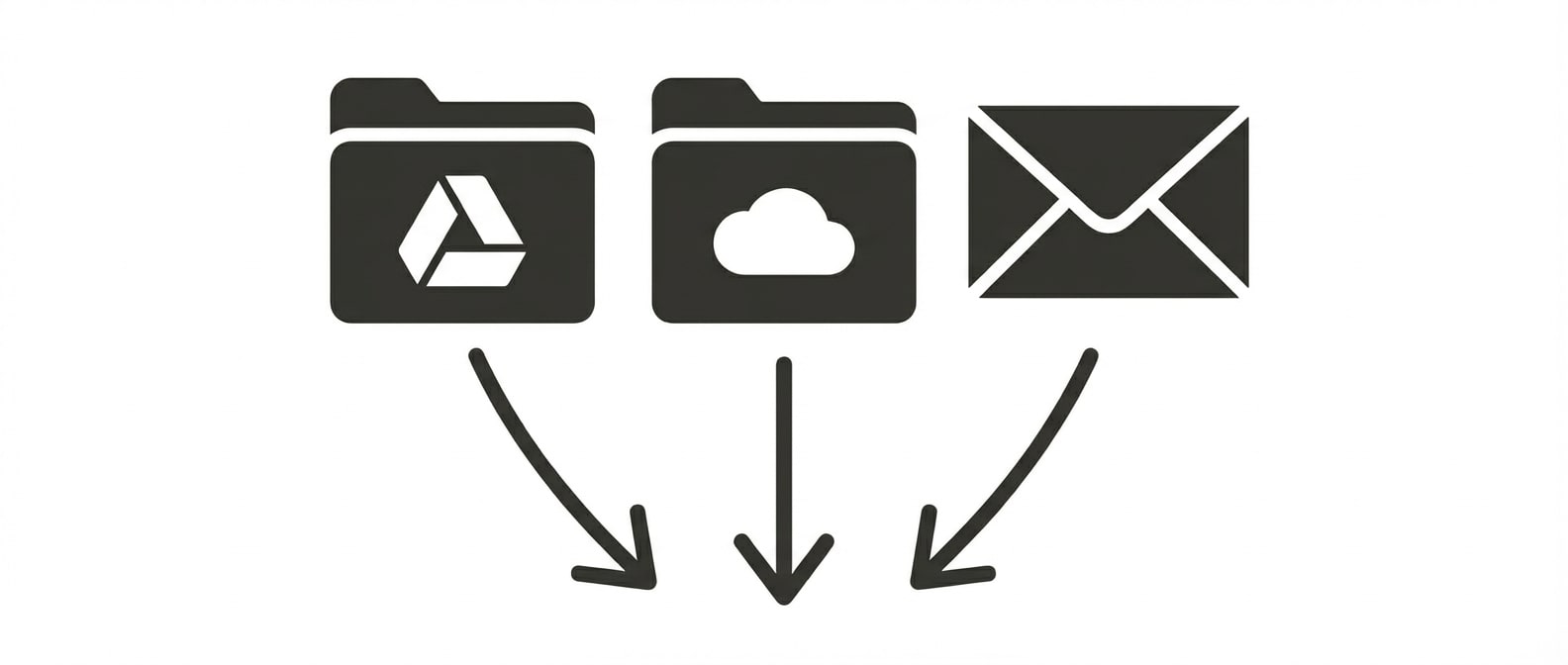
UploadGoogle DriveOneDriveEmail
Trusted by thousands of finance and operations teams
Manual document processing is slowing your finance team down
Mid-market finance teams on average save over 20 hours each week by automating invoice processing.
Your life today
Manual, time consuming, error-prone
Step 1
Receive invoice via email
Check inbox, download attachment, save to folder
2 minutes
Step 2
Manually enter data
Locate and type vendor name, invoice number, date, line items, amounts
3 minutes
Step 3
Validate & reconcile
Check account numbers, verify against purchase orders, validate totals, match to budget codes
5 minutes
total time per invoice
10 minutes
Your life with Lido
Automated, accurate, effortless
Step 1
Automatic invoice capture
Shared inboxes are monitored 24/7 for new invoices
5 seconds
Step 2
Automatic data population
AI detects relevant fields from each new invoice into an ERP upload-ready spreadsheet.
10 seconds
Step 3
Automatic validation
Extracted data is matched against internal systems of record for validation and exception flagging.
15 seconds
total time per invoice
30 seconds
How the time savings add up
10 minutes
time saved per invoice
x
150
invoices per week
=
25 hours
saved per week
Automate invoice processing from end to end
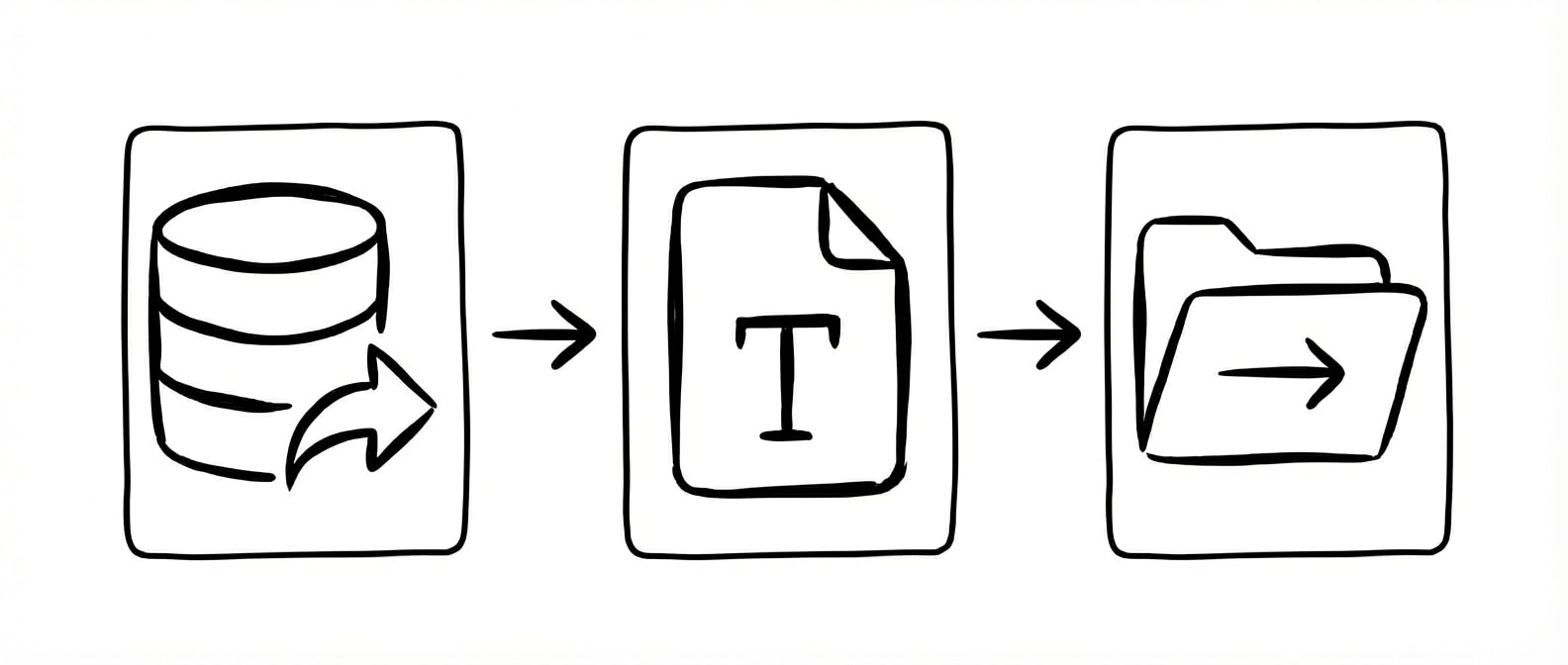
Extract and validate data from documents, then automate what happens next: upload to your ERP, populate forms with extracted data, or export a clean CSV.
Upload documents in batches, or connect shared folders and inboxes to automatically ingest new files as they arrive.
Extract
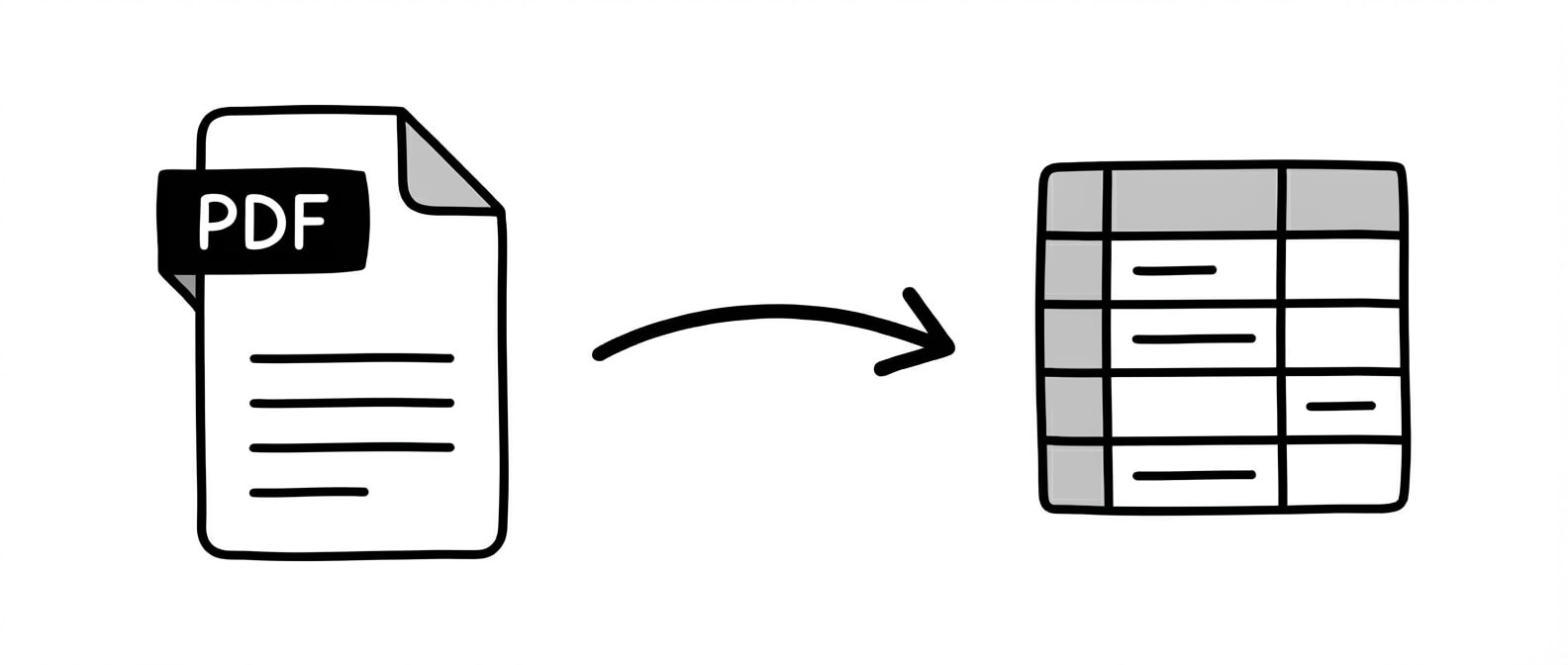
Automatically extract structured data from any document. Tell Lido what fields you need and we'll pull the right data into clean, usable tables.
Validate
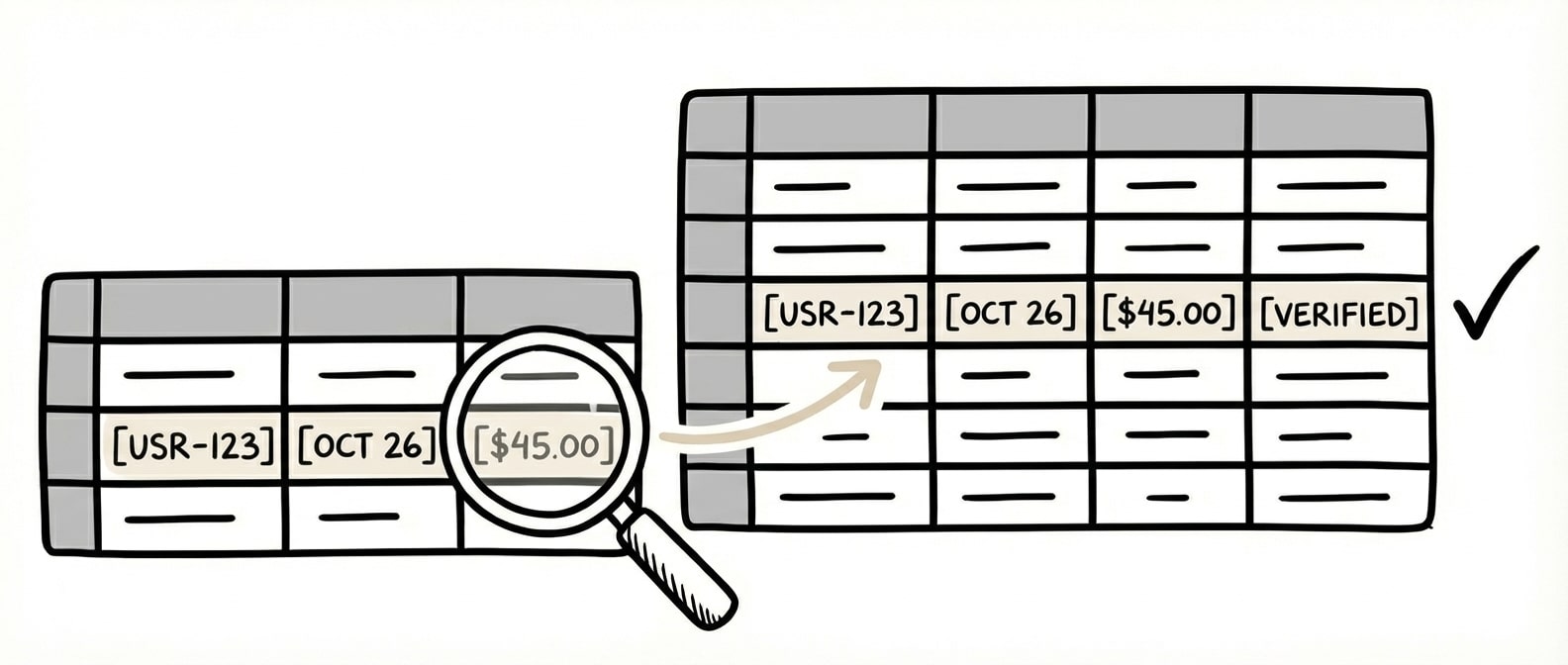
Automatically match extracted data against your internal systems with AI to find the correct records and return clean, validated data ready for your ERP.
Automate
Trigger workflows based on extracted data. Split or rename files, send outputs on a schedule, or generate downstream documents with our AI form filler.
The time we save with Lido allows our focus to be directed to other tasks. We're able to handle more accounts with fewer reps.
How does document automation work for finance and accounts payable teams?
Document automation for finance teams uses AI to extract structured data from invoices, purchase orders, receipts, and bank statements automatically. Instead of manually keying data from each document into your ERP or accounting system, AI reads the document, identifies key fields like vendor name, invoice number, line items, and amounts, and outputs them into structured rows ready for validation and import. This eliminates the manual data entry bottleneck that slows down AP workflows and introduces transcription errors.
Can AI invoice processing integrate with ERP systems like NetSuite, SAP, or QuickBooks?
Yes. AI document automation platforms are designed to feed extracted data directly into your existing ERP and accounting systems. Lido exports structured data to Google Sheets, Excel, and CSV, and connects to ERP systems including NetSuite, SAP, and QuickBooks. The extracted invoice data—vendor details, line items, amounts, PO numbers—maps to the fields your ERP expects, eliminating manual re-entry between the extraction step and your system of record.
How accurate is AI data extraction compared to manual invoice processing?
AI-powered document extraction achieves 99%+ accuracy on structured fields like invoice numbers, dates, amounts, and line items. This exceeds the accuracy of manual data entry, where fatigue-related errors compound across high volumes. For finance teams processing hundreds or thousands of documents per month, automated extraction eliminates transposition errors, missed line items, and inconsistent formatting that cause downstream reconciliation failures and delayed payments.
Is document automation for finance teams HIPAA and SOC 2 compliant?
Lido is both SOC 2 Type II certified and HIPAA compliant. All documents are encrypted in transit and at rest using AES-256 encryption. Access is controlled and audited, and data retention policies are configurable. For finance teams handling sensitive vendor data, customer information, or healthcare-related billing documents, these compliance certifications provide independently verified assurance that proper security controls are in place.
Ready to grow your business with document automation, not headcount?
Join hundreds of teams growing faster by automating the busywork with Lido.










-min.avif)


%20(1).svg)
