Automatically match extracted data to your system of record
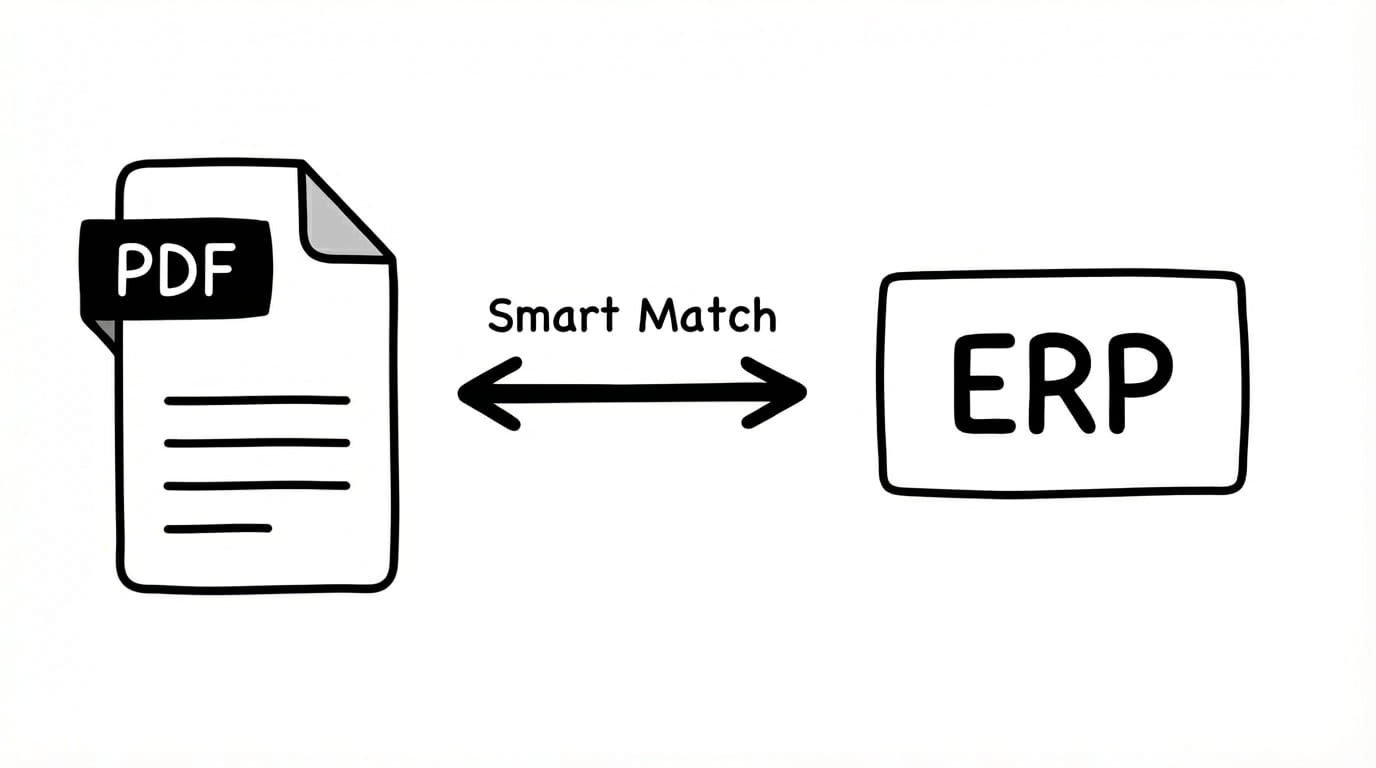
Skip the VLOOKUPs. Lido uses AI-powered "Fuzzy Matching" to reconcile extracted document data against your database, CRM, or spreadsheets in real-time.
Trusted by thousands of finance and operations teams
Manual data reconciliation is slowing your team down
Finance and operations teams waste 15+ hours weekly matching data across systems. Lido's AI-powered reconciliation eliminates the grunt work.
Your life today
Manual, time consuming, error-prone
Step 1
Export extracted data and system records
Download extracted document data and export matching records from your database, ERP, or spreadsheets
2 minutes
Step 2
Manually compare records
Use VLOOKUP or visual scanning to find matching entries across datasets
3 minutes
Step 3
Identify discrepancies
Flag mismatches, missing records, and duplicate entries by hand
5 minutes
Step 4
Investigate and resolve
Track down reasons for discrepancies, make corrections, document changes
5 minutes
total time per Document
15 minutes
Your life with Lido
Automated, accurate, effortless
Step 1
Automatic validation setup
Connect your system of record once. Lido automatically pulls the latest updated data to validate against your extracted data.
5 seconds
Step 2
AI-powered fuzzy matching
Intelligent reconciliation finds matches even with typos, formatting differences, or incomplete data
10 seconds
Step 3
Instant discrepancy detection
Automatically flags mismatches, duplicates, and missing records with explanations
Immediate
Step 4
Smart resolution suggestions
Get AI-recommended fixes and one-click approvals for routine corrections
15 seconds
total time per Document
30 seconds
How the time savings add up
15 minutes
time saved per document
x
100
documents per week
=
25 hours
saved per week
How it works
The path to 100% data integrity
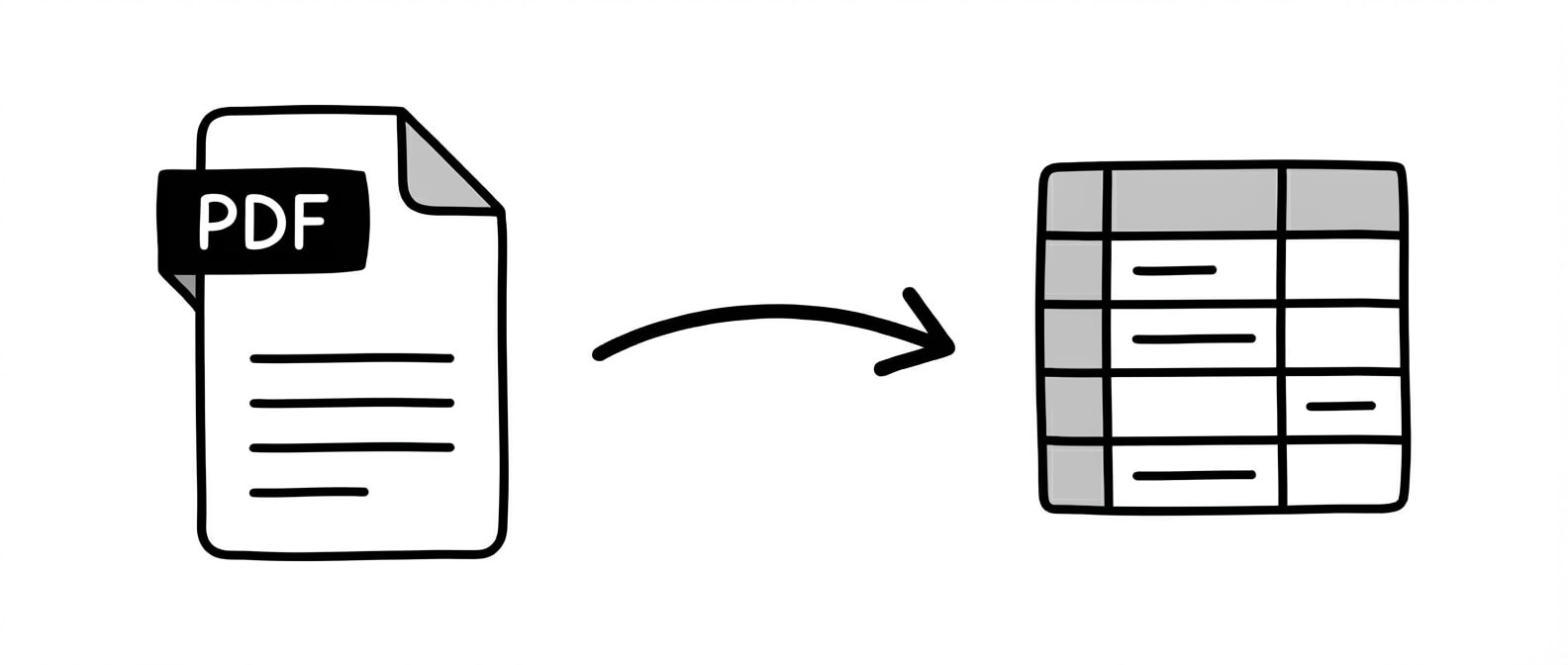
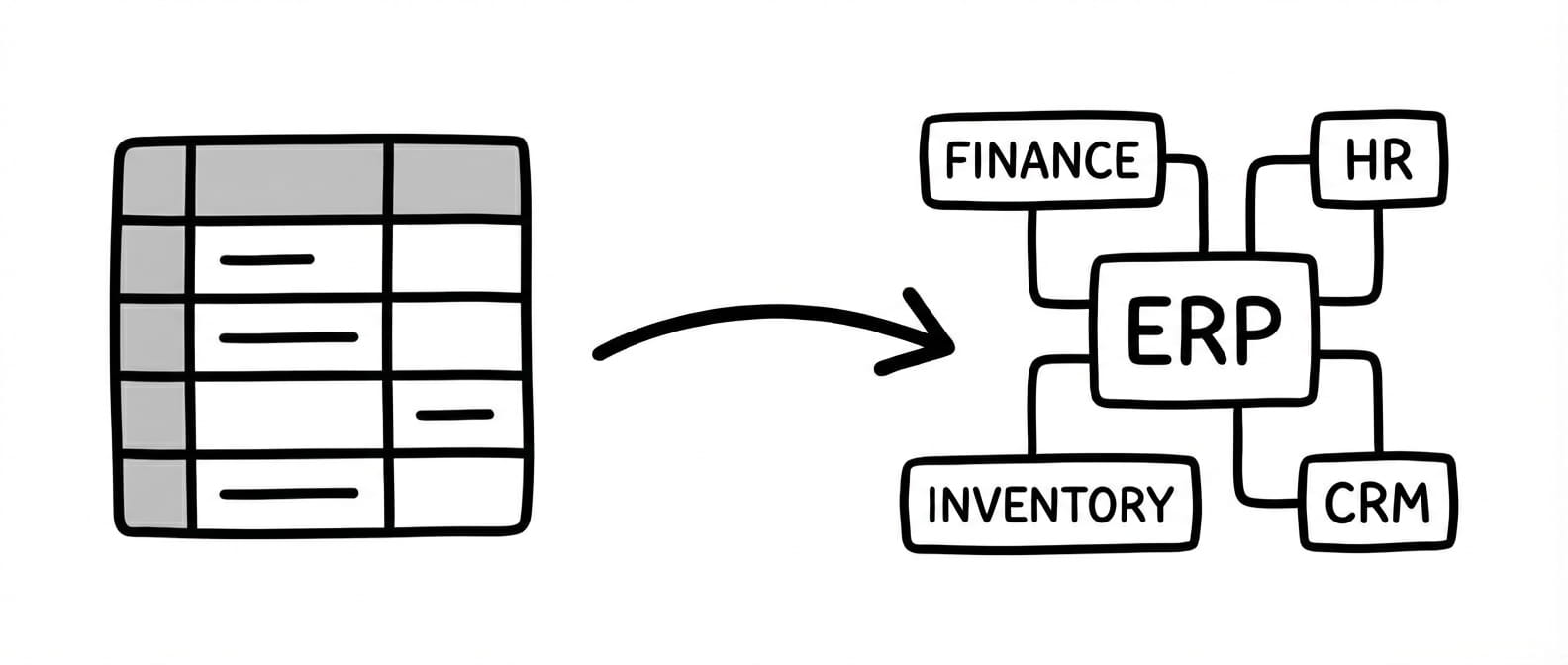
Extract and validate data from documents, then automate what happens next: upload to your ERP, populate forms with extracted data, or export a clean CSV.
Lido’s AI-powered engine instantly identifies and extracts every relevant field from any document type and layout with 99%+ field level accuracy.
Step 2
Automated System Matching
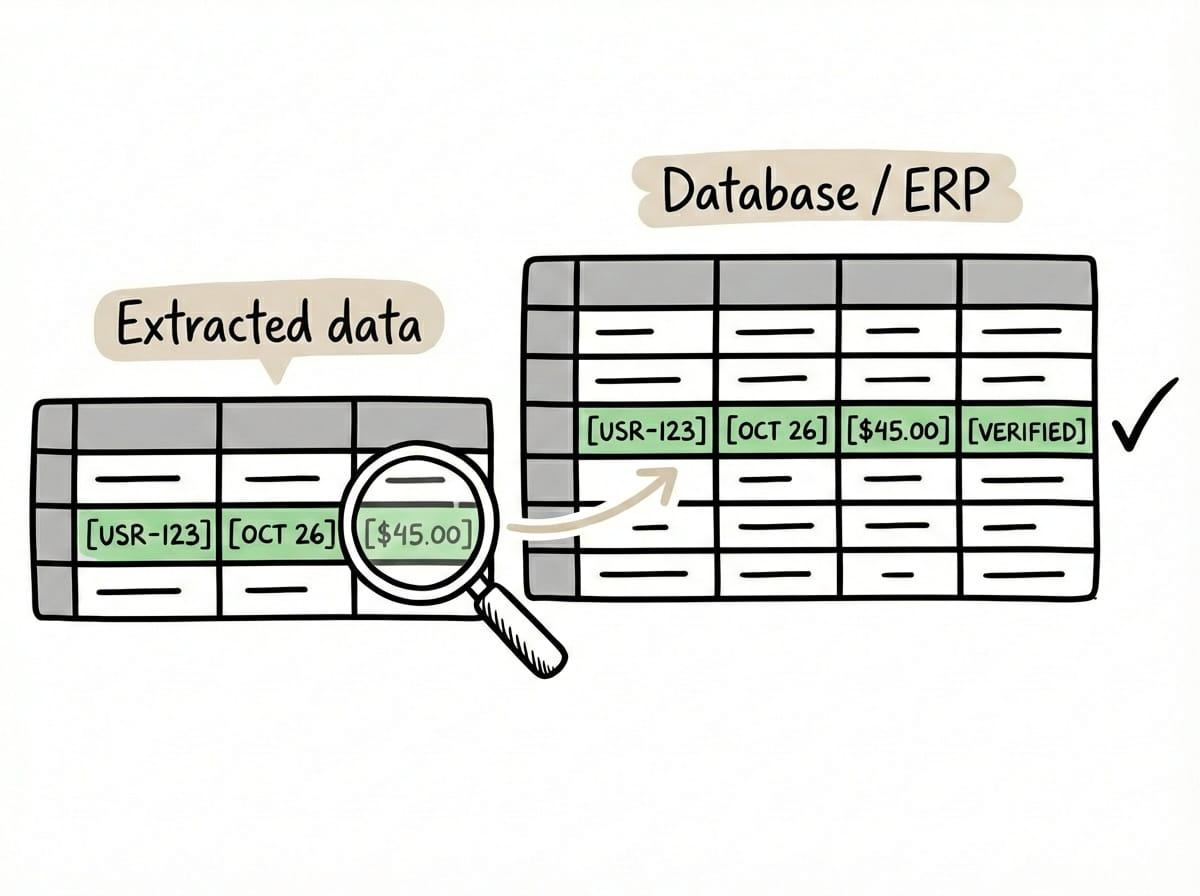
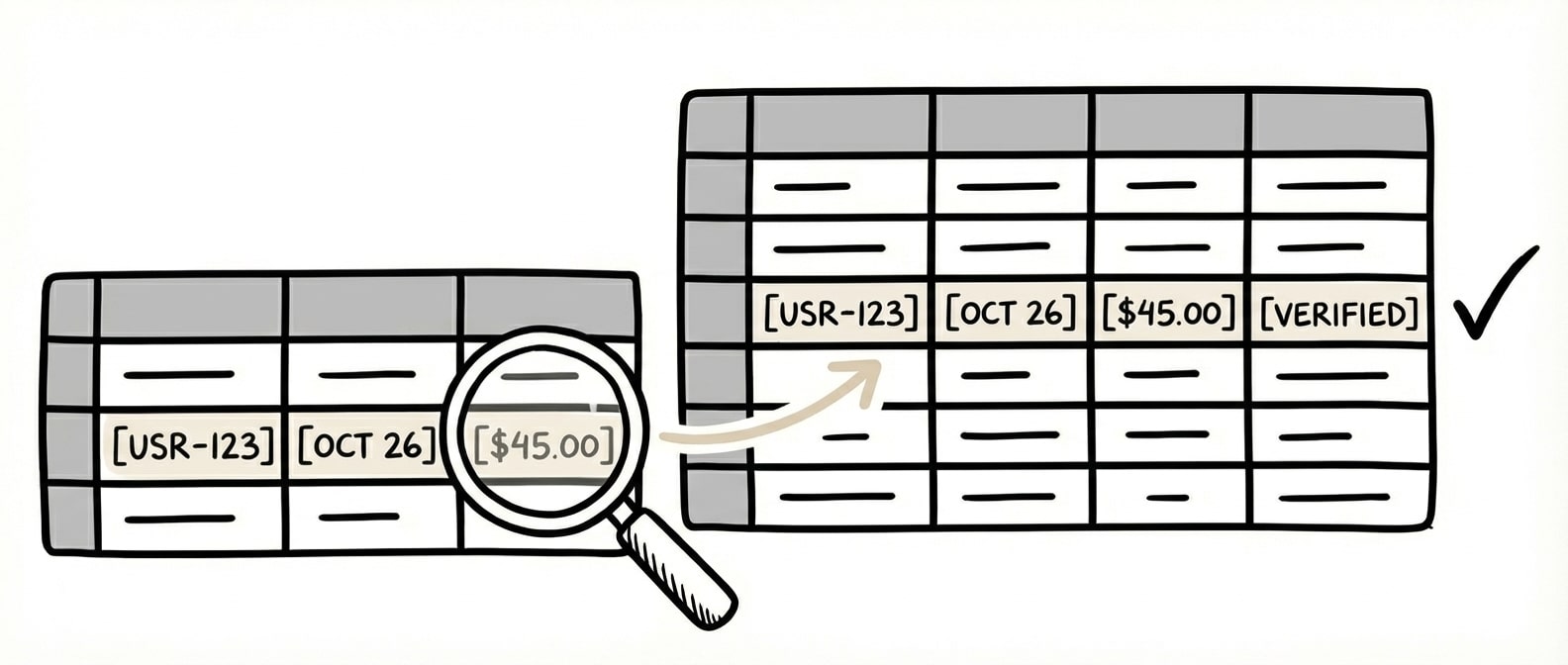
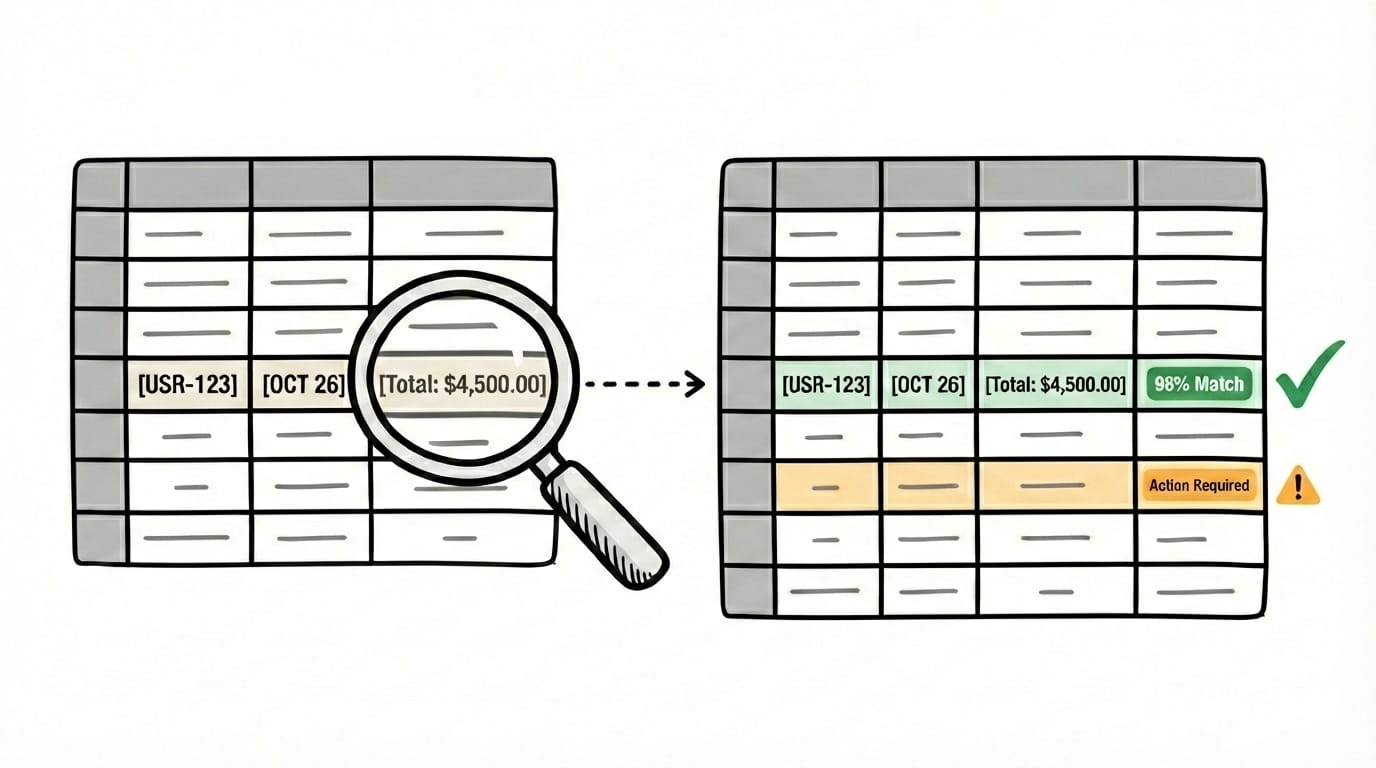
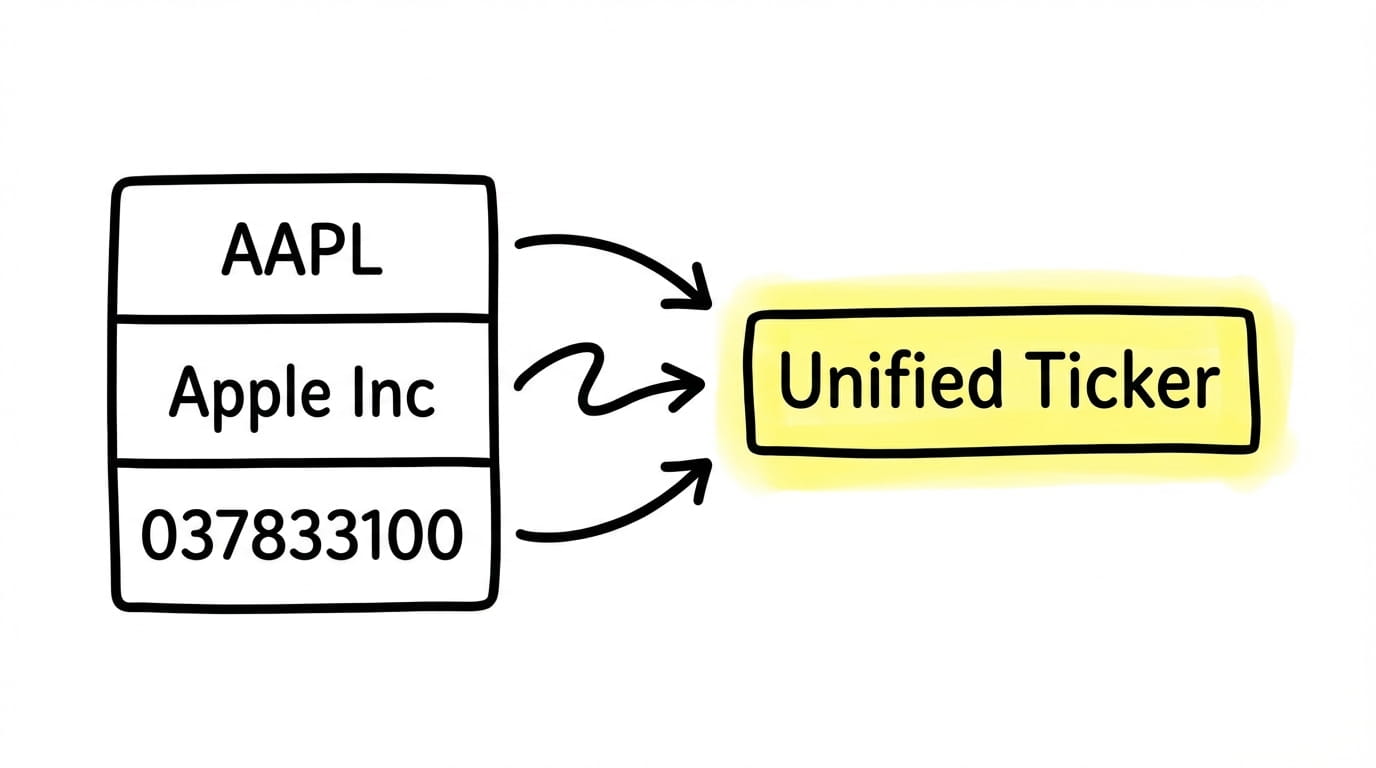
Automatically reconcile extracted data against your ERP, CRM, or internal database. AI-powered Fuzzy Matching bridges the gap between real-world documents and your internal system, like matching "GE Services" on a PO to "General Electric" in your ERP.
Step 3
Exception Handling & Verification
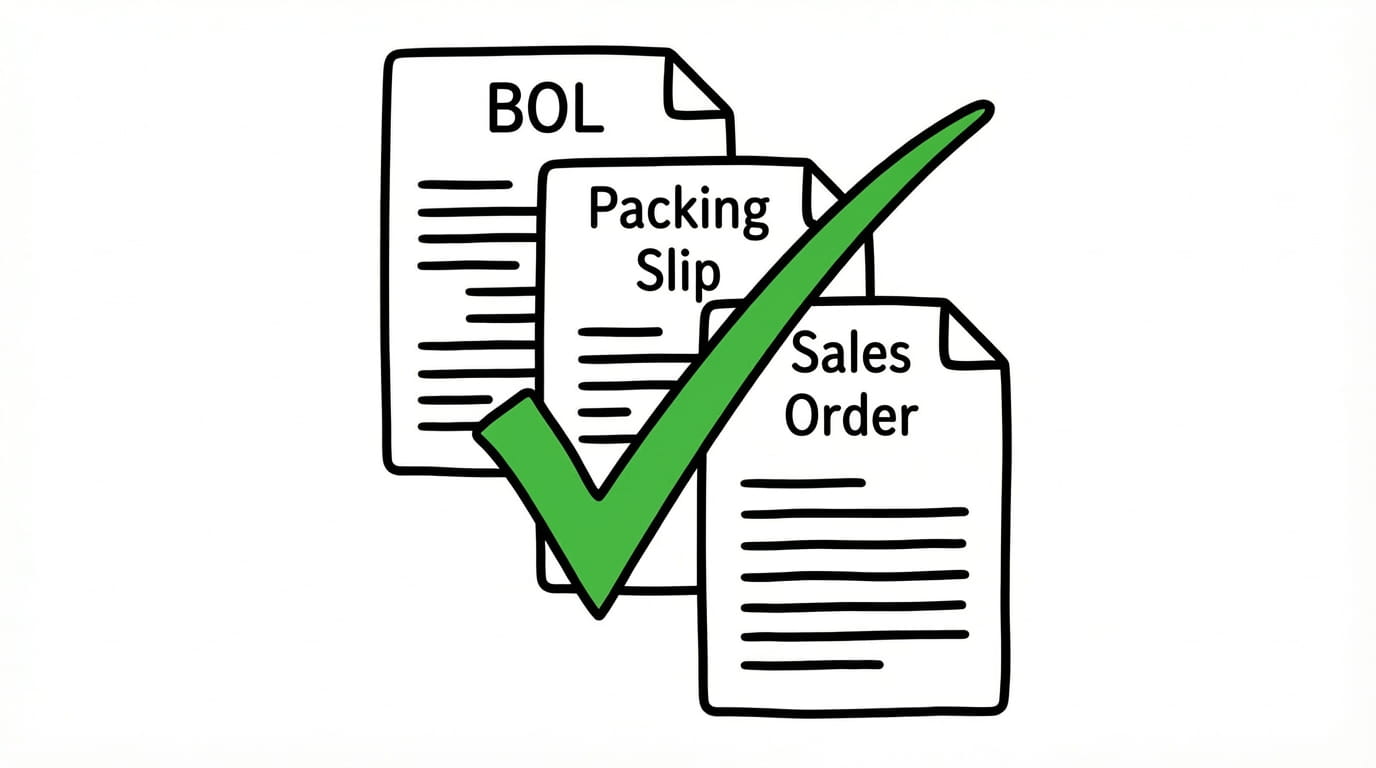
Lido applies your custom business logic to tie out records. If a match falls below your custom confidence threshold, it is flagged for a quick human-in-the-loop review, ensuring only 100% verified data enters your downstream systems.
Step 4
Seamless Downstream Sync
Once reconciled and verified, the data is mapped to your custom scheme. With a single click or via API, the clean data is pushed directly into your system of record, eliminating the need for any manual lookup or data entry.
The time we save with Lido allows our focus to be directed to other tasks. We're able to handle more accounts with fewer reps.
One AI engine for all your data reconciliation workflows
Whether you are managing global supply chains, private equity portfolios, or high-volume accounts payable, Lido’s automated data reconciliation bridges the gap between messy documents and your system of record.
How does AI fuzzy matching work for data reconciliation?
AI fuzzy matching compares extracted document data against your system of record using contextual understanding rather than exact string matching. When a purchase order shows “Widget Assembly Unit” and your ERP lists “Widget Assy Unit,” fuzzy matching recognizes these as the same item based on semantic similarity, abbreviation patterns, and surrounding context. This resolves the data inconsistencies that make traditional VLOOKUP-based reconciliation fail on real-world documents.
Can I set confidence thresholds for automatic matching versus manual review?
Yes. You can configure the confidence threshold that determines when a match is automatically accepted versus flagged for human review. A higher threshold means more records go to manual review but fewer errors pass through. A lower threshold means more automatic matching but higher risk of false positives. Most teams start with a conservative threshold and adjust as they build confidence in the system’s accuracy for their specific document types.
What happens when the system cannot find a match during reconciliation?
When a match cannot be found, the record is flagged as an exception and routed to your team for manual review. The system provides the extracted data alongside potential partial matches and the reason the automatic match failed—whether it was a missing reference number, a data format mismatch, or no corresponding record in your system. This gives your team the context they need to resolve the exception quickly rather than starting from scratch.
Does automated data reconciliation work with proprietary databases or only standard ERPs?
Automated data reconciliation works with both standard ERP systems and proprietary databases. Lido exports reconciled data in structured formats including CSV, Excel, and JSON that can be imported into any system. For direct integration, Lido connects to NetSuite, Salesforce, QuickBooks, and other platforms via API. If you use a proprietary or industry-specific system, the structured export ensures your reconciliation data flows in without manual reformatting.
Ready to grow your business with document automation, not headcount?
Join hundreds of teams growing faster by automating the busywork with Lido.










-min.avif)


%20(1).svg)
