Cut purchase order processing time by 90% for your operations team
Extract, validate, and push data from POs, packing slips, and vendor documents into your ERP — automatically.
Lido doesn't work on mobile yet, but we'll send you an email with your login details for when you're back at a desktop!
Oops! Something went wrong while submitting the form.
👋 Let's personalize your experience!
Oops! Something went wrong while submitting the form.
No credit card required
50 free pages
Trusted by thousands of finance and operations teams
Manual document processing is slowing your manufacturing operations down
Manufacturing operations teams on average save over 30 hours each week by automating purchase order and document processing.
Your life today
Manual, time consuming, error-prone
Step 1
Receive PO via email
Download attachment, identify customer, determine order type and format
2 minutes
Step 2
Manually enter line items
Type part numbers, quantities, unit prices, delivery dates, and shipping instructions into ERP
5 minutes
Step 3
Validate & reconcile
Verify part numbers against catalog, confirm pricing, check inventory availability, match to customer records
5 minutes
total time per Claim
12 minutes
Your life with Lido
Automated, accurate, effortless
Step 1
Automatic PO capture
Shared inboxes and customer portals are monitored 24/7 for new purchase orders
5 seconds
Step 2
Automatic data extraction
AI extracts part numbers, quantities, pricing, delivery dates, and shipping details from any PO format
15 seconds
Step 3
Automatic validation
Extracted data is matched against your ERP catalog and customer records for exception flagging
10 seconds
total time per Claim
30 seconds
How the time savings add up
12 minutes
time saved per PO
x
400
POs per week
=
80 hours
saved per week
Automate purchase order processing from end to end
Extract and validate data from POs, packing slips, and vendor documents, then automate what happens next: upload to your ERP, update inventory records, or export clean CSV files.
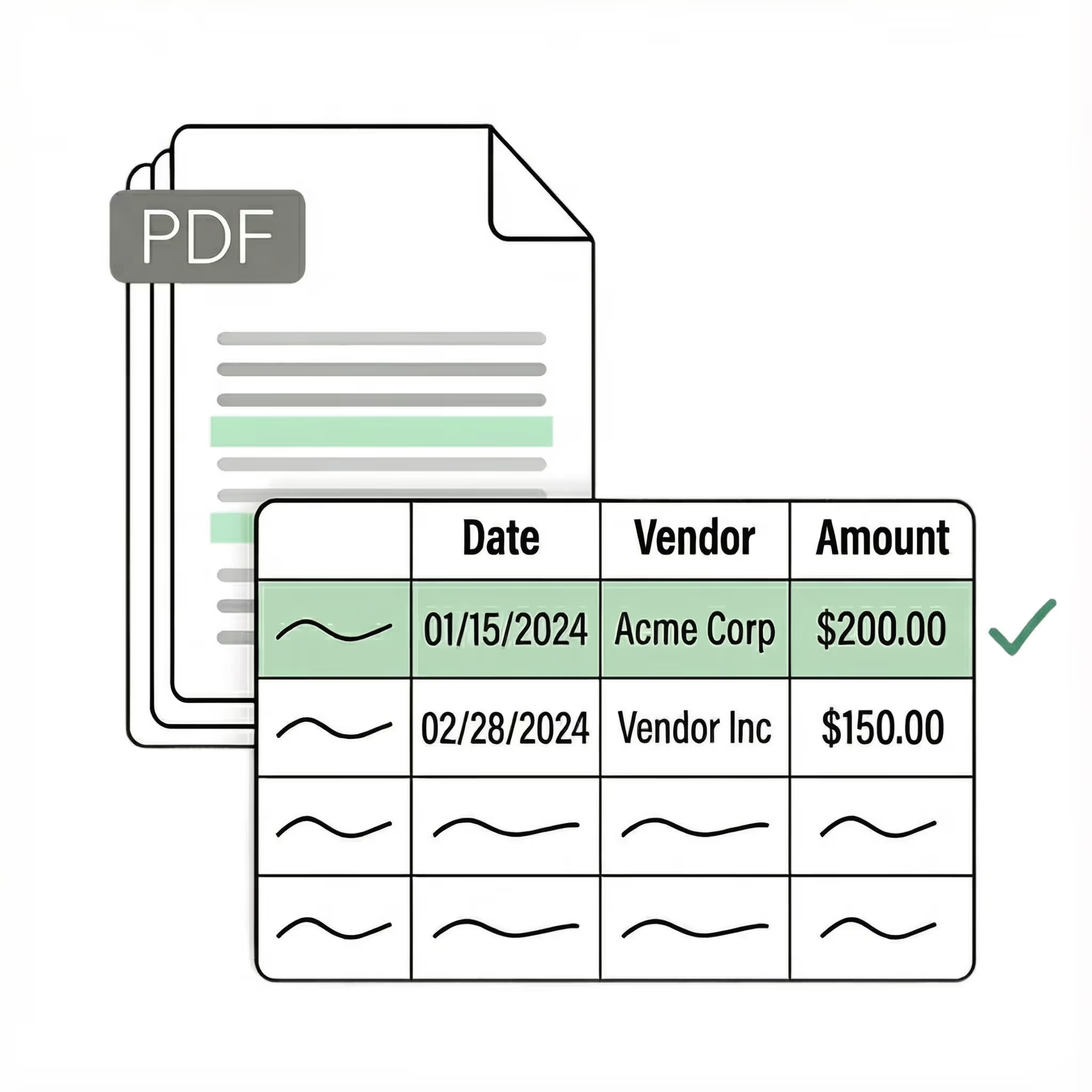
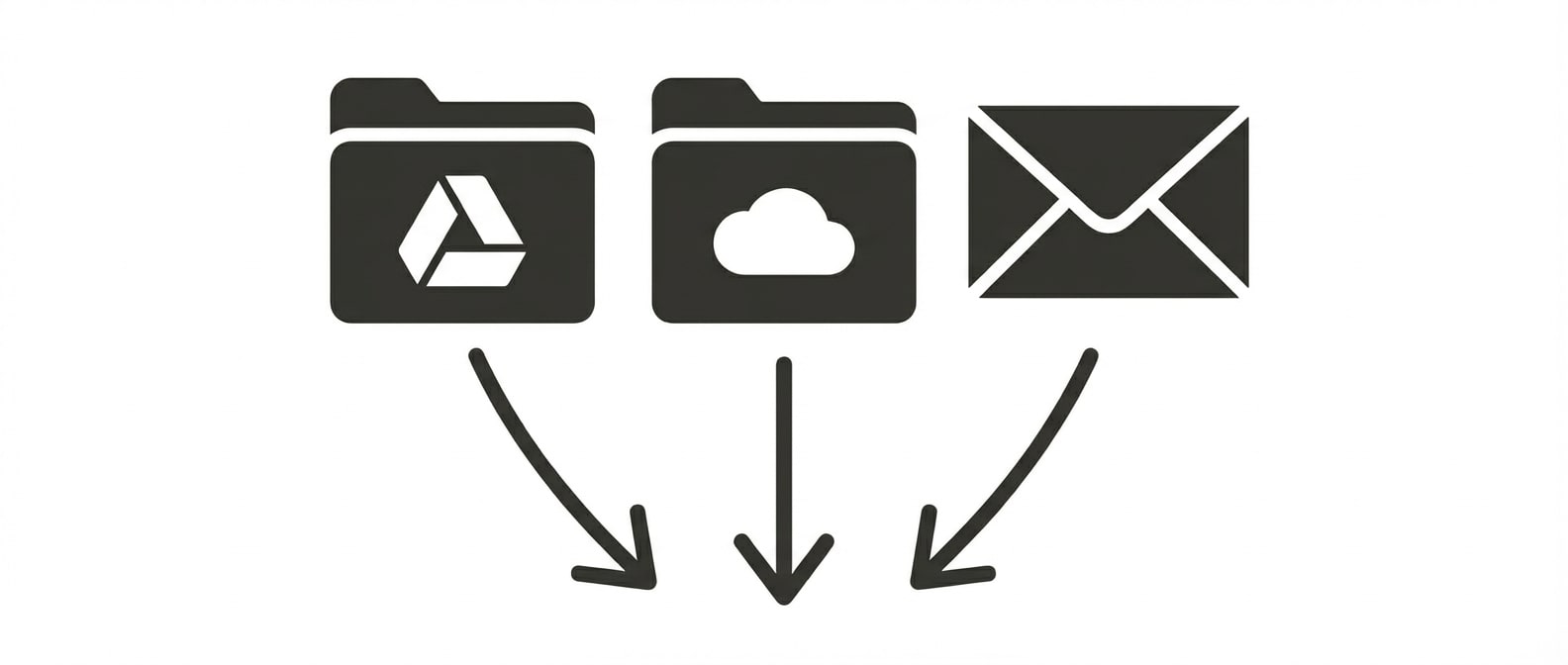
Upload POs in batches, or connect shared inboxes and customer portals to automatically ingest new orders as they arrive — PDFs, spreadsheets, images, or email body text.
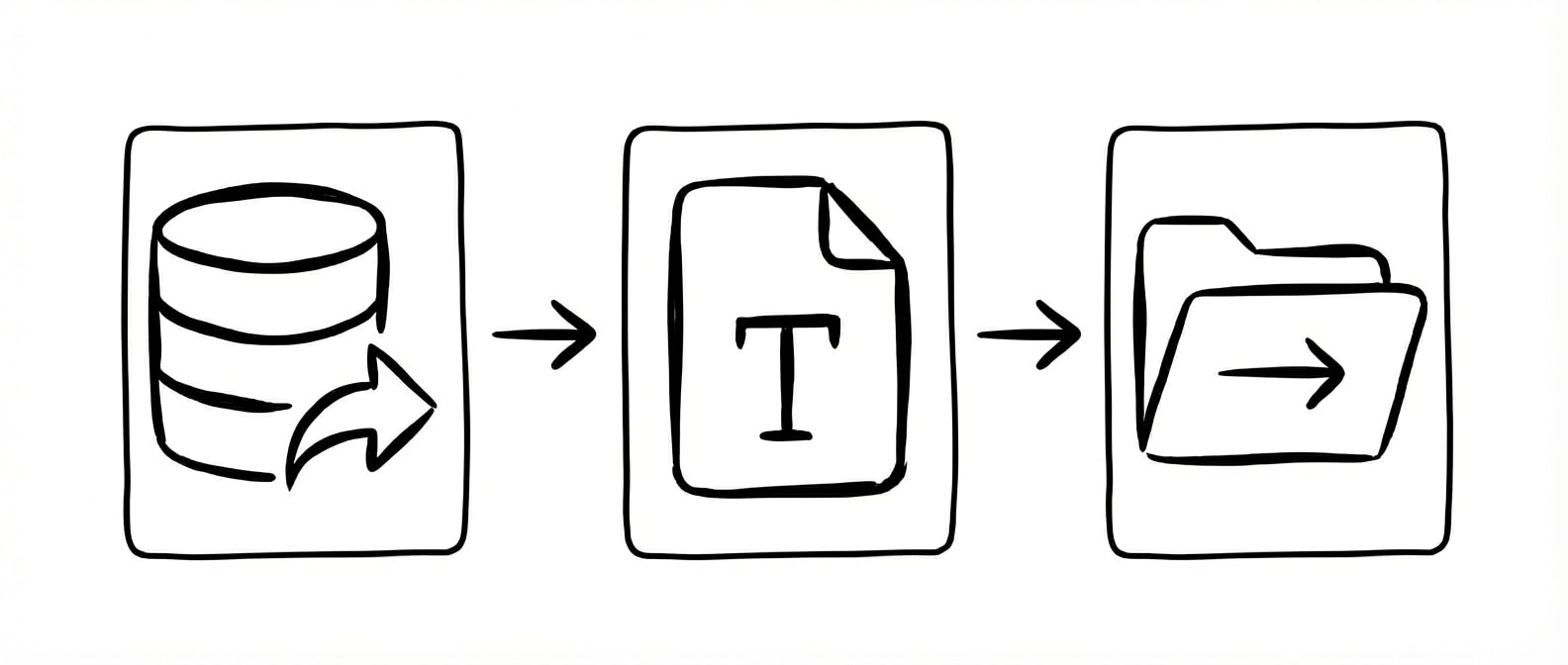
Extract
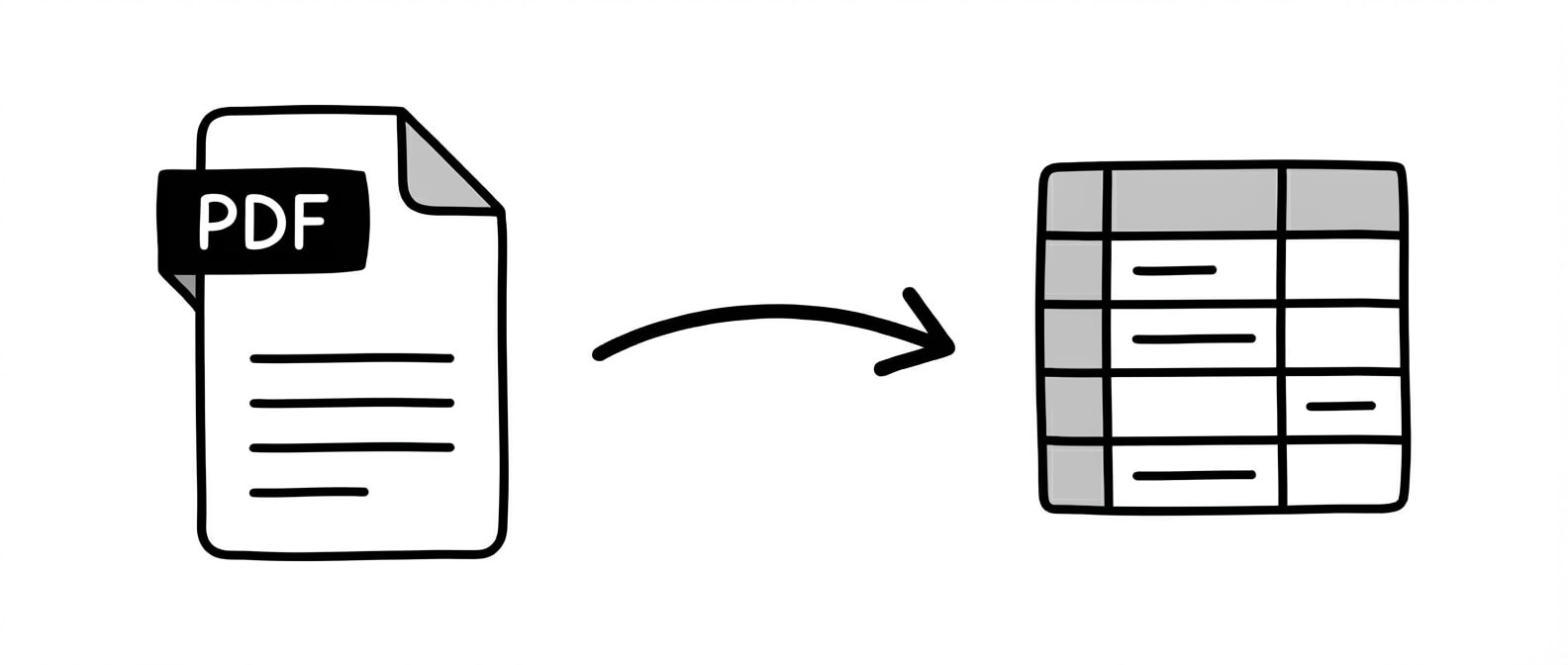
Automatically extract structured data from any purchase order format. Lido pulls part numbers, quantities, unit prices, delivery dates, and shipping instructions into clean, ERP-ready tables.
Validate
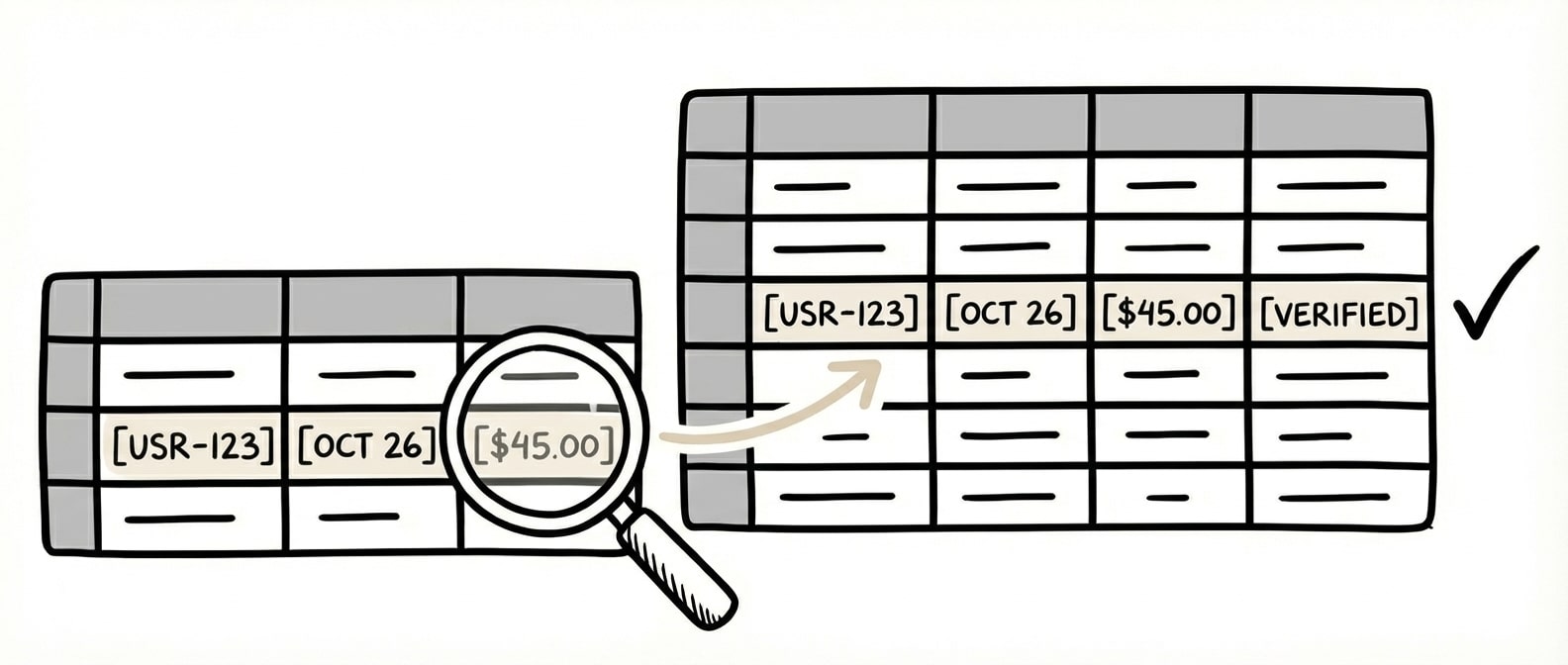
Automatically match extracted data against your ERP catalog to verify part numbers, confirm pricing, and flag discrepancies. Catch errors before they become inventory problems or shipment delays.
Automate
Trigger workflows based on extracted data. Generate ERP upload files, update inventory records, send order confirmations, or route exceptions to the right team member automatically.
Thanks to Lido, we're processing ~400 weekly POs automatically with complete accuracy. We avoided a new hire and saved a chunk of money while reliably automating PO processing.
Customers send POs as PDFs, spreadsheets, images, and email text. Lido extracts data from any format without templates — no breakage when customers change their PO layout.
99.5–100% accuracy on typed documents
Lido achieves near-perfect extraction accuracy on typed purchase orders. For handwritten or mixed-format documents, confidence scoring flags uncertain fields for human review rather than passing through errors.
ERP-ready outputs
Extracted data is formatted for direct upload into your ERP system. Part numbers, quantities, pricing, and delivery dates map to the fields your system expects, eliminating manual re-entry.
Scales from dozens to thousands of POs
Process 50 or 5,000 purchase orders per week with the same team. No additional data entry headcount required as order volume grows.
Security
Enterprise grade security and compliance
SOC 2 Type II Compliant • HIPAA Compliant • No training on your data
Can AI extract data from purchase orders in different formats?
Yes. AI-powered extraction handles the full range of PO formats that manufacturing companies receive — PDFs, Excel spreadsheets, scanned images, and even email body text. The extraction engine identifies key fields like part numbers, quantities, unit prices, delivery dates, and shipping instructions by context rather than relying on fixed templates. This means POs from any customer format are processed through the same pipeline without building custom configurations for each customer.
How accurate is AI extraction for manufacturing purchase orders?
Lido achieves 99.5% to 100% accuracy on typed purchase order documents. For manufacturing operations where accuracy directly affects inventory, shipping, and billing, this exceeds what manual data entry can achieve at scale. The system assigns confidence scores to each extracted field, routing uncertain entries to human review while high-confidence data flows through automatically. ACS Industries, the world's largest vertically integrated wire mesh manufacturer, processes 400 POs per week with complete accuracy using Lido.
Does document automation integrate with manufacturing ERP systems?
Yes. Lido outputs structured data in formats that integrate directly with manufacturing ERP systems. Extracted PO data — part numbers, quantities, pricing, delivery dates — is formatted for upload into your ERP without manual reformatting. Lido connects to systems including NetSuite, SAP, and custom ERP platforms via structured CSV, Excel, or API export. The extracted data maps to the fields your system expects, eliminating the manual re-entry step between document receipt and ERP entry.
How many purchase orders can Lido process per week?
Lido scales from dozens to thousands of purchase orders per week without requiring proportional increases in staff time. ACS Industries processes approximately 400 POs per week automatically, saving 30 hours of manual data entry weekly and avoiding an additional hire. Because extraction is automated, increasing volume is a software scaling decision — the same team handles growing order volume without adding data entry headcount.









.jpeg)


%20(1).svg)
