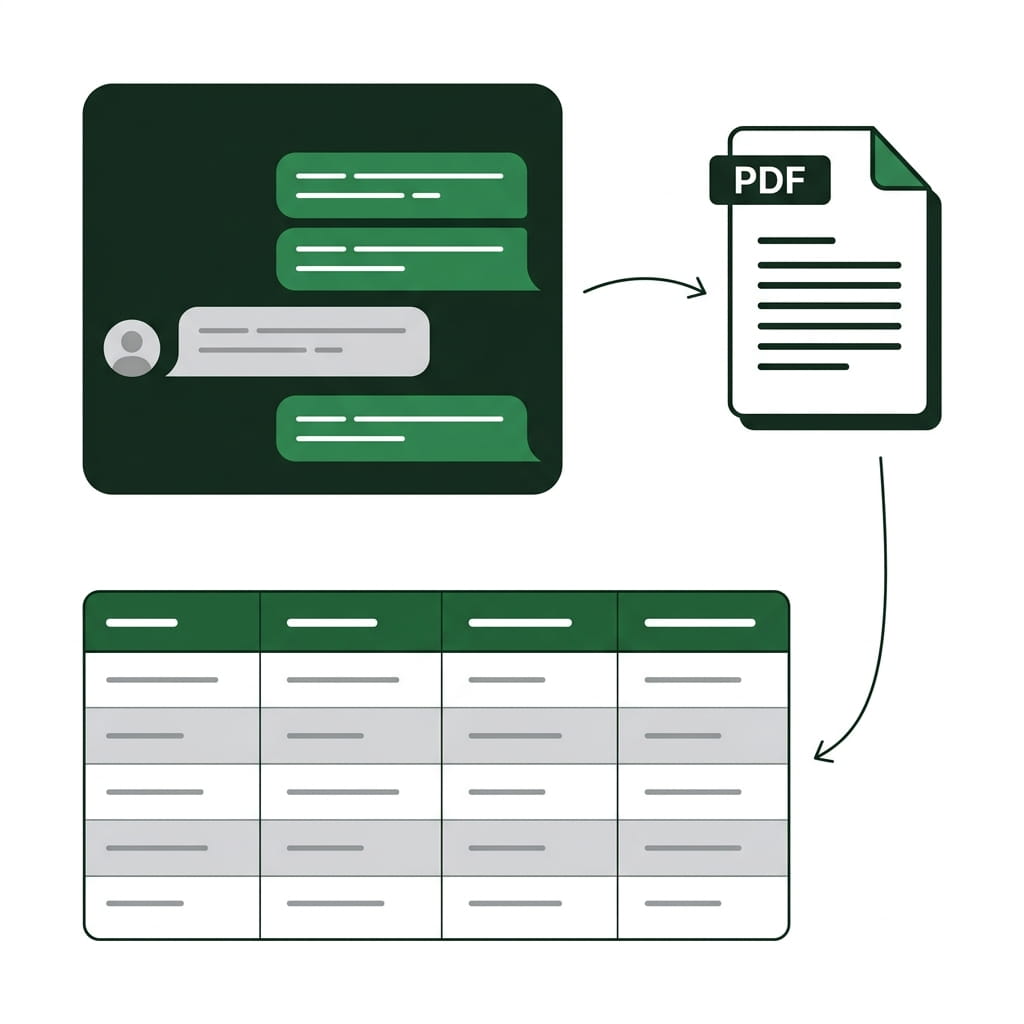
Lido MCP: Process documents inside Claude

Extract structured data from any document directly in your AI assistant.
  • One-command install, no integration work
  • Template-free data extraction. Works on any document layout
  • Describe the fields you want to extract in plain English.
  • No credit card required
  • 50 free pages
Trusted by thousands of finance and operations teams
Install

Install the Lido MCP in 60 seconds

One command to connect Lido's document extraction to Claude, Cursor, or any MCP client.
claude mcp add lido -- npx -y @lido-app/mcp-server

One command. Claude Code launches the Lido server automatically when you start a session.

Add to claude_desktop_config.json
{ "mcpServers": { "lido": { "command": "npx", "args": ["-y", "@lido-app/mcp-server"] } } }

Restart Claude Desktop and the Lido tools appear in the tools menu.

npx -y @lido-app/mcp-server

Works with any client that supports MCP. Use each editor's MCP config to point at this command.

Use cases

What you can do with the Lido MCP

Tell your AI assistant what fields to extract. It reads the document and returns structured data.

Invoice processing

"Extract vendor name, invoice number, date, line items, and total from every PDF in ./invoices/ and write to results.csv"

50 invoices from 50 vendors, processed in minutes. No per-vendor setup.

PO matching

"Compare the line items on this purchase order against this invoice and flag discrepancies"

Claude extracts from both documents and cross-references quantities, prices, and line items.

Compliance review

"Extract certificate holder, policy number, coverage amounts, and expiration from these 30 COI PDFs. Flag any expiring before June 2026."

Bulk extraction plus business logic in one conversation.

Developer pipelines

"Read the bank statement, extract all transactions, write a JSON file with date, description, amount, and running balance"

Structured JSON output ready for your app or database.

Compare

Lido MCP server vs. Lido web app

Same extraction engine and accuracy. Different interface depending on how you work.
MCP Server Web App
Best for Developers and power users in the terminal Teams who want a visual interface
Extraction Same engine, same accuracy Same engine, same accuracy
Workflow Chain extraction with code, file ops, and other MCP tools Email ingestion, approval routing, team collaboration
Setup One terminal command Sign up at lido.app
Output CSV, JSON, spreadsheet — whatever you tell Claude Google Sheets, Excel, ERP export
Security

Enterprise grade security and compliance

SOC 2 Type II Compliant • HIPAA Compliant • No training on your data

Frequently asked questions

What document types does the Lido MCP server support?

Any document with structured or semi-structured data: invoices, receipts, purchase orders, bank statements, tax forms, insurance documents, bills of lading, contracts, and more. The extraction is template-free — it works on any layout without per-document-type configuration.

Does the Lido MCP server work with Cursor, Windsurf, and other editors?

Yes. The server implements the open MCP standard and works with any compatible client. Claude Code, Claude Desktop, Cursor, Windsurf, Cline, and others.

Is accuracy the same as the Lido web app?

Identical. The MCP server calls the same extraction API. Same engine, same accuracy. The only difference is the interface.

Is the Lido MCP server free?

The MCP server is free and open source (MIT license). Document extraction uses your Lido account's page quota. Free tier includes 50 pages, no credit card required.

Start today with 50 free pages

  • No credit card required
  • 50 free pages
  • No technical knowledge needed