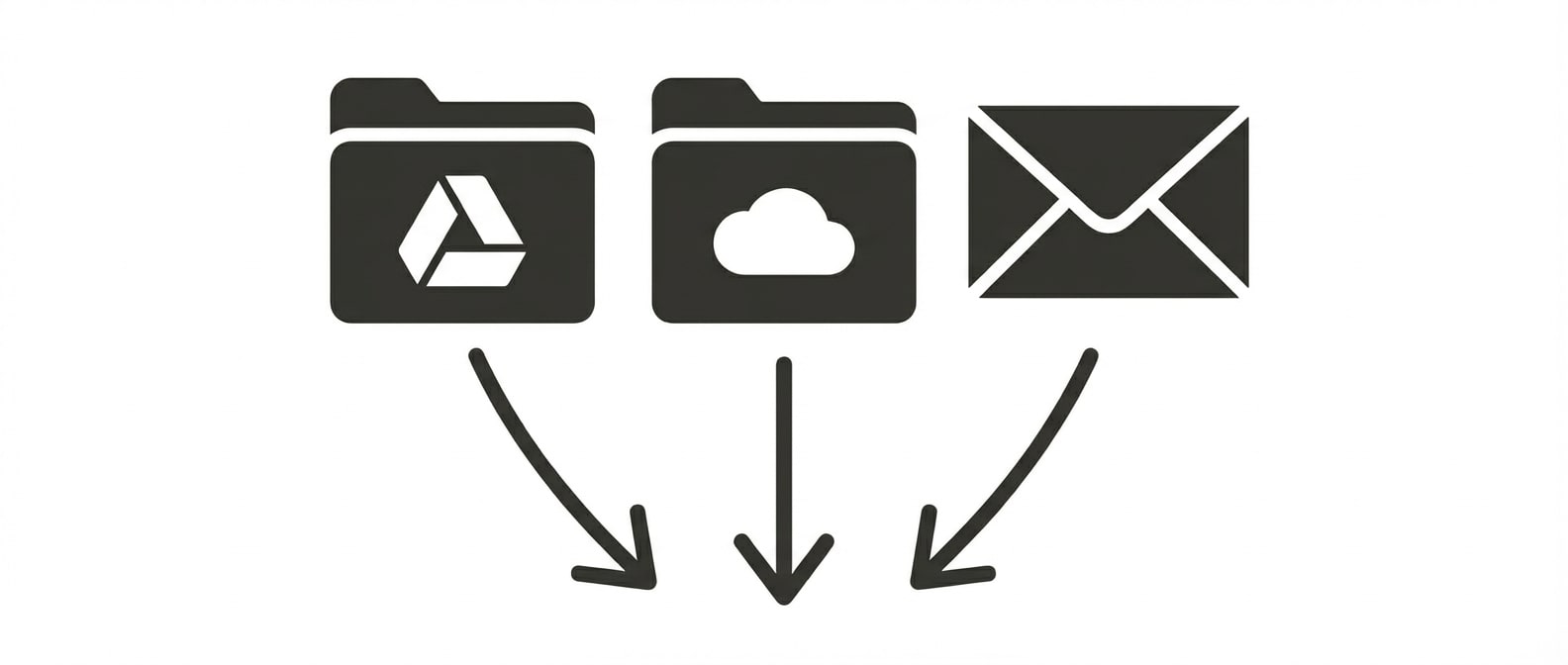
Upload client documents in batches, or connect shared folders and inboxes to automatically ingest invoices, statements, and receipts as they arrive.
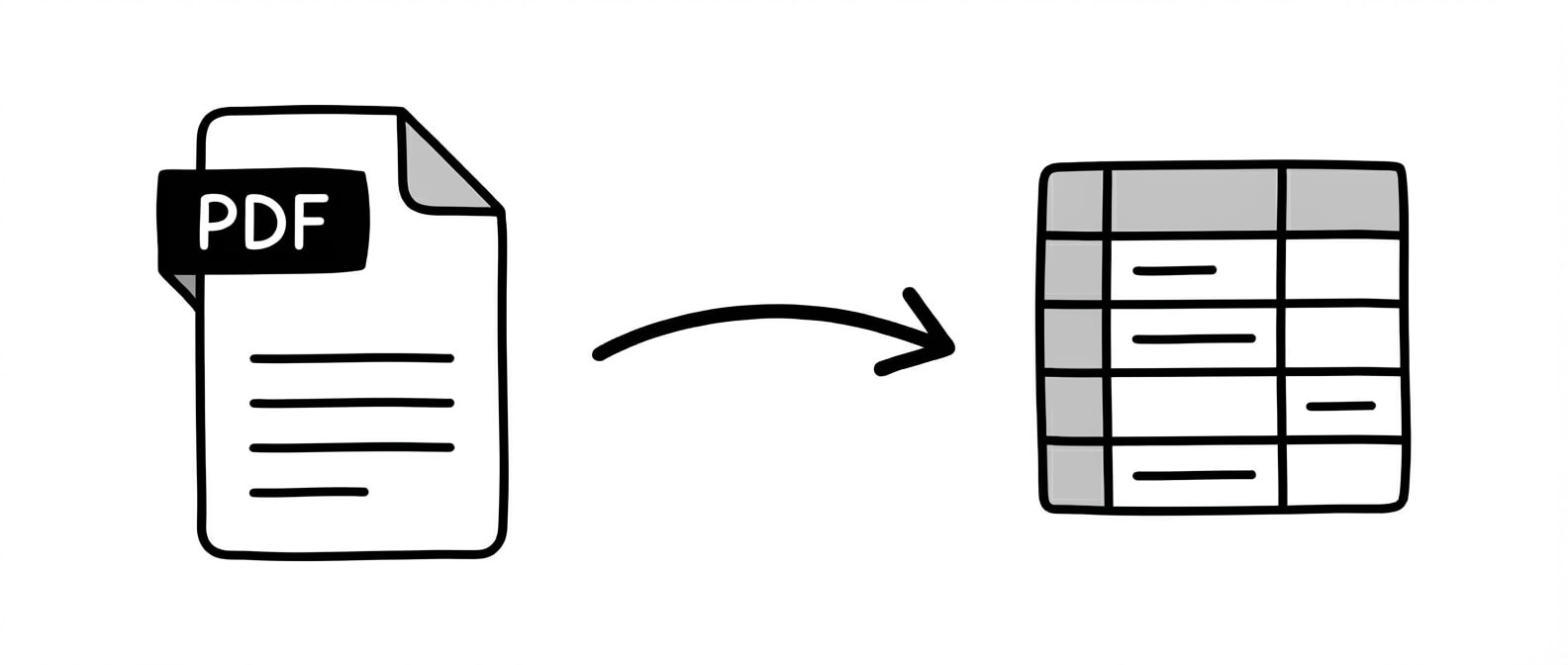
Extract
Automatically extract structured data from any client document. Tell Lido what fields you need (e.g. vendor, amount, date, account code) and get clean, import-ready tables.
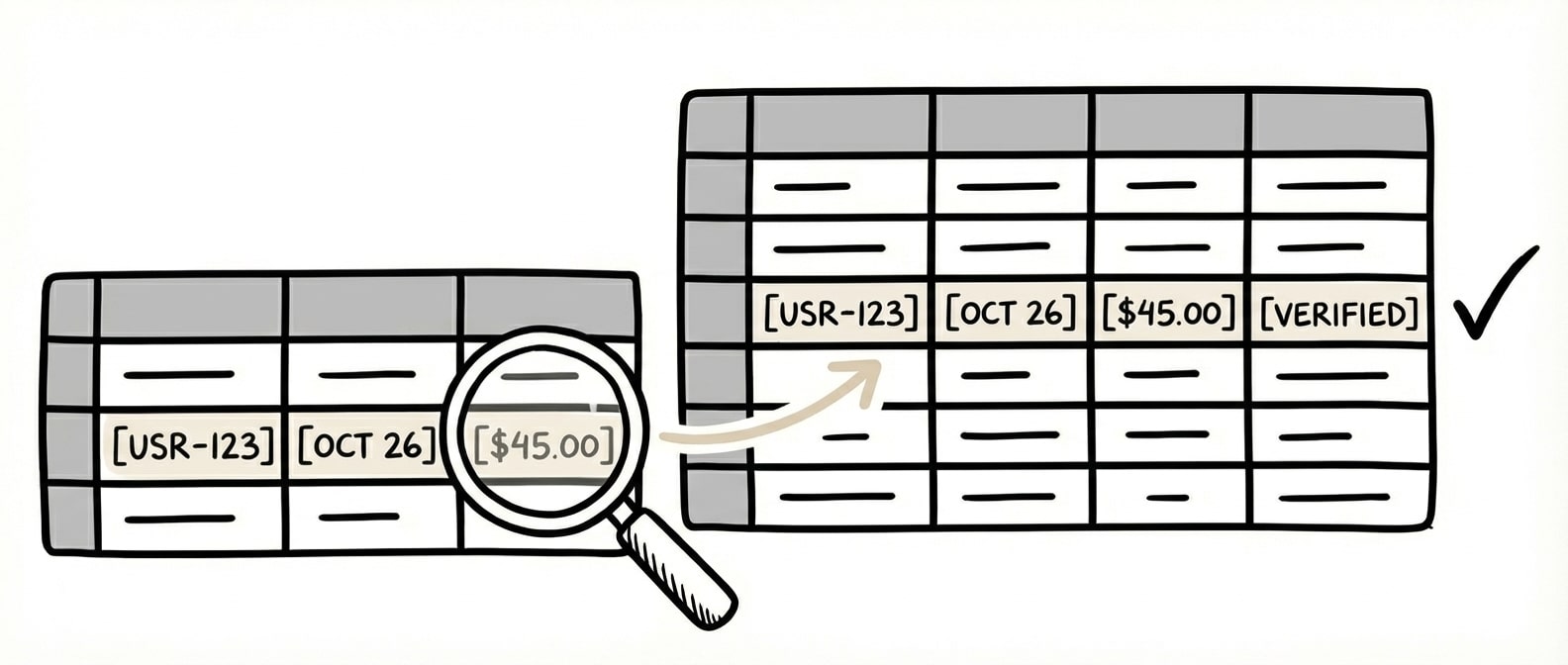
Validate
Automatically match extracted data against your chart of accounts to flag mismatches and exceptions before anything touches your books.
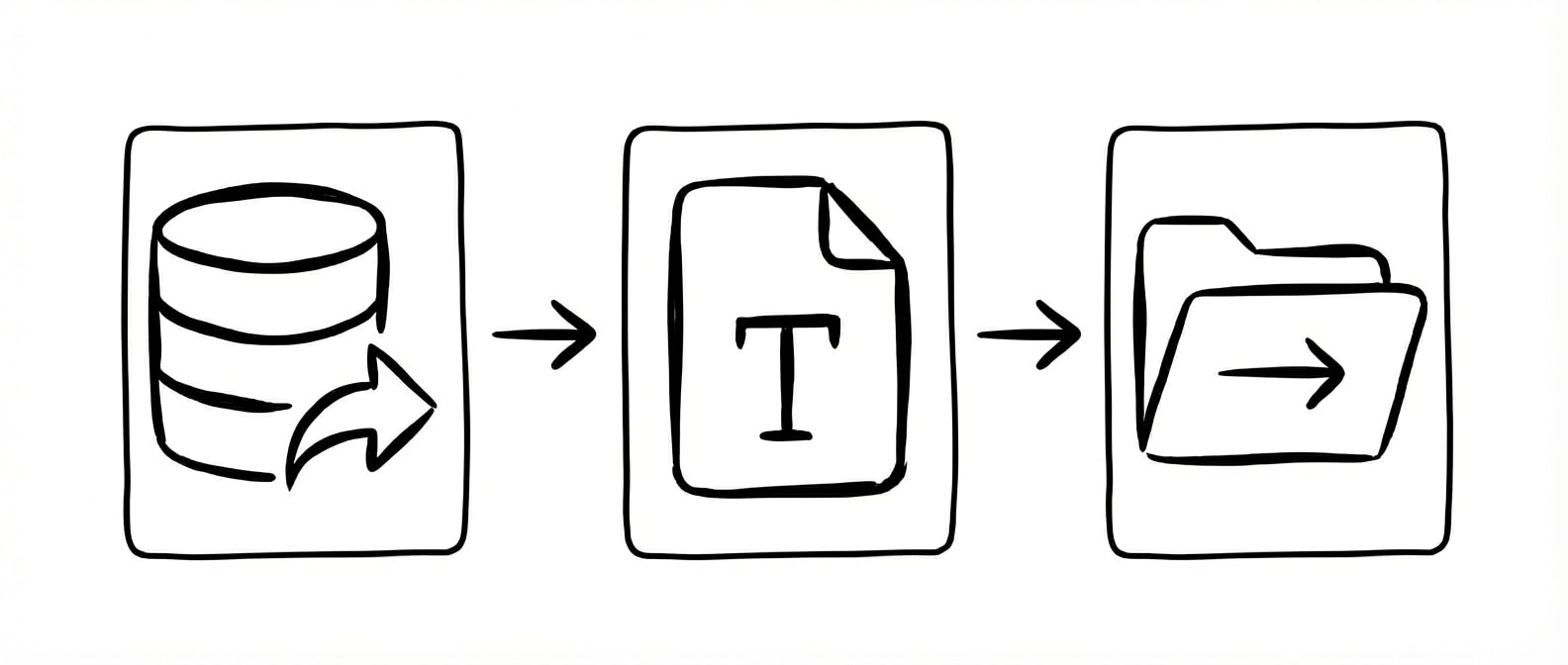
Automate
Export validated data directly to QuickBooks, Excel, or CSV. Split files by client, send outputs on a schedule, or populate forms with extracted data.
Instead of my employees spending six hours on this, they spend 60 minutes.
Two practices live in month one (audit and employee benefit plans) with more service lines deploying each quarter.
Why accounting firms choose Lido
Handles every client's documents, no matter the format
Each client sends documents differently — scanned receipts, emailed PDFs, photos of invoices. Lido reads them all without per-client setup.
Automate validation, not just extraction
Catch errors before they hit your books. Match extracted data against your chart of accounts to flag mismatches, duplicate entries, and exceptions automatically.
Export directly to QuickBooks, Excel, or CSV
Data lands in the format your accounting software expects. No reformatting, copy-paste, or import errors.
Take on more clients without adding staff
Go from 100 to 10,000 documents per month without hiring. Lido scales with your firm, not your headcount.
Lido works across your entire firm
The same extraction and validation engine adapts to each service line's documents and workflows, no per-practice setup.
Client Accounting (CAS)
Ingest bank and credit card statements, capture AP bills, auto-code transactions, and orchestrate month-end close.
Tax
Process W-2s, 1099s, K-1s, and 1098s at scale. Normalize brokerage cost-basis data and generate prior-year variance memos.
Audit
Auto-tie leadsheets and workpapers, extract confirmation responses, and surface outliers across journal entries. Reviewers focus on judgment, not setup.
Employee Benefit Plans
Extract trust statements from any recordkeeper — Fidelity, Empower, Principal — reconcile census to payroll, and pre-populate Form 5500 schedules.
Security
Enterprise grade security and compliance
SOC 2 Type II Compliant • HIPAA Compliant • No training on your data
How does document automation work for accounting firms?
Document automation for accounting firms uses AI to extract structured data from client invoices, bank statements, receipts, K1s, and tax documents automatically. Instead of manually keying data from each client's documents into QuickBooks, Xero, or Excel, AI reads the document, identifies fields like vendor name, amount, date, and account code, and outputs them into clean rows ready for import. This eliminates the manual data entry bottleneck that slows down bookkeeping and introduces transcription errors across client engagements.
Can Lido integrate with QuickBooks, Xero, and other accounting software?
Yes. Lido exports extracted data to Excel, Google Sheets, and CSV in the exact format your accounting software expects. Firms use Lido to feed data directly into QuickBooks, Xero, Sage, and NetSuite without manual reformatting or copy-paste. The extracted fields from client documents map to the columns your software needs for import, eliminating the re-entry step between document intake and your system of record.
Do I need to set up templates for each client?
No. Lido uses AI-powered extraction that adapts to each document layout automatically. Whether you have 5 clients or 500, each sending invoices and statements in different formats, Lido extracts the same fields consistently without per-client configuration. You describe the fields you need in plain English and Lido finds them regardless of where they appear on the page. There is no template setup, no training period, and no need to reconfigure when a client changes vendors or document formats.
How accurate is AI data extraction compared to manual data entry?
AI-powered document extraction achieves 99%+ accuracy on structured fields like vendor names, invoice numbers, dates, amounts, and line items. This exceeds the accuracy of manual data entry, where fatigue-related errors compound across high volumes of client documents. For accounting firms processing hundreds or thousands of documents per month across multiple clients, automated extraction eliminates transposition errors, missed line items, and inconsistent formatting that cause reconciliation failures and delayed month-end closes.
Is Lido SOC 2 and HIPAA compliant?
Lido is both SOC 2 Type II certified and HIPAA compliant. All documents are encrypted in transit and at rest using AES-256 encryption. Access is controlled and audited, and data retention policies are configurable. For accounting firms handling sensitive client financial data, tax documents, and healthcare-related billing records, these compliance certifications provide independently verified assurance that proper security controls are in place. Lido does not train AI models on your data.
Can Lido handle bank statements and financial documents, not just invoices?
Yes. Lido processes any PDF document type that accounting firms encounter, including bank statements, K1 tax forms, investment statements, receipts, purchase orders, and financial reports. The AI extraction engine adapts to each document layout automatically. You define the fields you need for each document type, such as transaction date, description, debit, and credit for bank statements, and Lido extracts them into structured rows ready for reconciliation or import into your accounting software.
Ready to grow your firm with automation, not headcount?
Join hundreds of accounting firms processing more client work with fewer staff









.png)



%20(1).svg)
