
<- View all workflow automations

Turn scanned paper documents into searchable, structured data

Scanned images, photos, and faxes become searchable PDFs with extracted structured data. Lido reads handwriting and handles any scan quality.
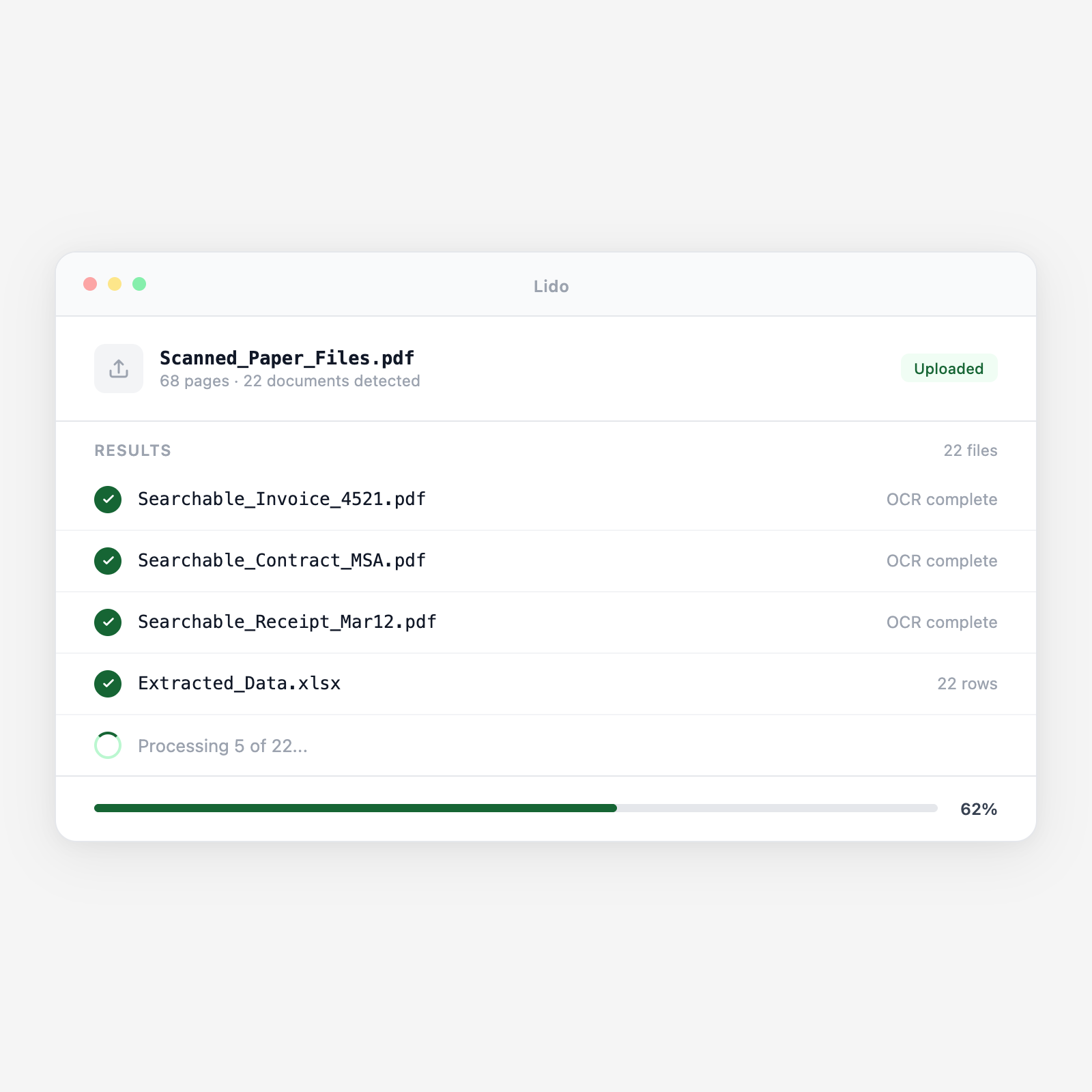

  • Full-text search on every page. After processing, every word is searchable by patient name, vendor, case number, or any text.
  • Structured data in the same pass. While making documents searchable, Lido extracts key fields into rows for your database or ERP.
  • Any volume. A single page or an entire archive. Process a backlog, then handle new scans as they arrive.
Trusted by thousands of finance and operations teams

How scan and digitize works in Lido

1

Ingest scanned images or PDFs

Drop TIFFs, JPEGs, or image-based PDFs into a watched folder or connect your scanner output. Lido picks up new files as they arrive.

2

OCR and make searchable

Lido runs OCR on every page—handwritten, printed, or mixed—producing a searchable PDF with an embedded text layer.

3

Extract data and deliver

Key fields are extracted into structured output—spreadsheet, database, or downstream system. Documents are named, organized, and delivered.

Try it free

See this workflow run on your documents

Upload a batch and get structured output in minutes.

Why paper documents remain a liability after scanning

The unsearchable scan pile

  • Scanned image PDFs are technically digital but completely unsearchable.
  • Finding a specific document means browsing and opening files manually.
  • An archive of 10,000 scans is as slow to search as paper filing cabinets.

Searchable, structured, and retrievable after every scan

  • Every scanned document becomes a searchable PDF with structured extracted data.
  • Key fields are available in your database without anyone reading the document.
  • Your archive is instantly searchable by any field the moment a scan completes.

Lido vs basic scanning software

FeatureLidoBasic scanner software
OCR with searchable text layer on every scan
Extract structured fields into a spreadsheet or database
Read handwriting and poor-quality faxes
Name and organize files based on extracted content
Process a backlog of historical scans in batch
Save scanned images as PDF files
Digitization pipeline

Your paper archive is only useful if you can find and use what's in it

Make your entire document archive searchable and your key data extractable, in a single pipeline run.

Common use cases

Healthcare

Digitize patient intake forms and paper records

Turn scanned intake forms, handwritten clinical notes, and faxed referrals into searchable PDFs with extracted demographics and insurance data.

Accounts Payable

Convert paper invoices to extractable records

Scan mail and fax invoices through Lido. Get searchable PDFs and extracted invoice data ready for ERP entry.

Legal

Make historical case files searchable

Digitize years of paper case files and court documents. Every page becomes searchable by case number, party name, or keyword.

Operations

Digitize inspection reports and compliance records

Scan inspection checklists and compliance reports. Extract scores, dates, and site information for reporting and trending.

Make your scanned documents searchable and your data extractable

Try Lido free. Upload a scanned PDF and see a searchable, structured output in minutes.




