


Lido reads prior auth faxes and portal downloads, extracts patient and service data, and outputs structured records for your care management system.
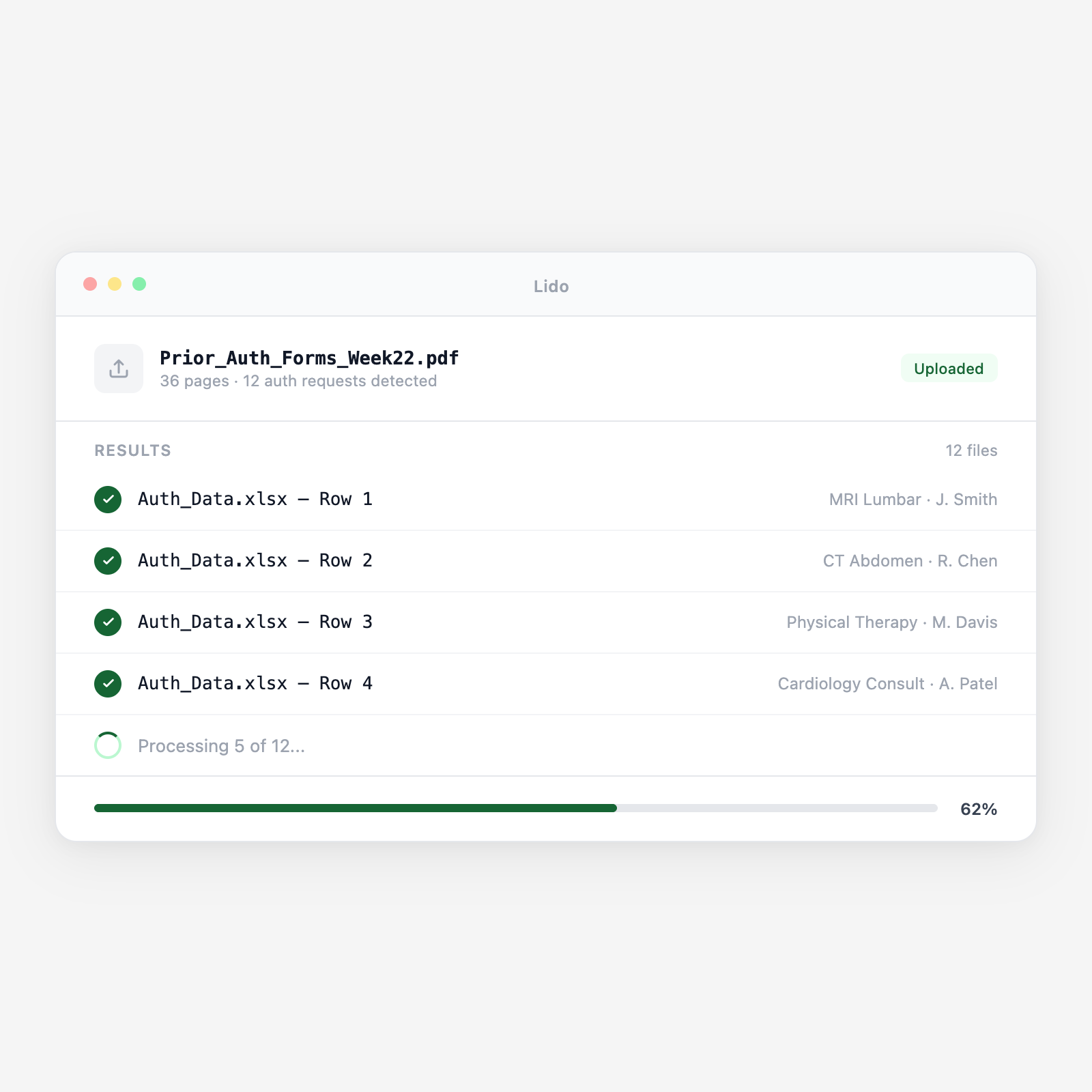






A delayed prior auth means a delayed procedure. Lido eliminates the manual re-keying step.
Faxed prior auth requests and clinical attachments arrive as TIFF or PDF. Lido picks them up from a watched folder or inbox and queues each form automatically. Multi-page faxes are processed as a single document.
Lido extracts patient name, DOB, member ID, insurance plan, group number, physician NPI, referring NPI, facility, CPT codes, ICD-10 codes, service dates, and clinical justification notes. Handwritten fields are read via handwriting OCR.
CPT codes are validated against the 5-digit format. ICD-10 codes are checked against standard alphanumeric format. Non-matching codes are flagged so billing corrects them before payer submission, not after.
Lido detects urgency indicators -- checkboxes, handwritten notes, clinical urgency codes -- and routes urgent requests to the front of the queue so time-sensitive auths are not processed in batch order.
Extracted data outputs as a structured spreadsheet or JSON mapped to your EHR or payer portal format. Your authorization coordinator reviews flagged items, approves clean records, and submits -- no re-keying required.
Upload a batch and get structured output in minutes.
UnitedHealthcare, Cigna, Aetna, Humana, BCBS -- Lido reads any payer form without per-payer templates.
Standardized forms used by Medicare Advantage and AMA-aligned payers. Structured fields extracted consistently across all CMS-format variants.
Physician notes, imaging reports, and lab results attached to the prior auth. Key clinical indicators like diagnosis and treatment history are extracted.
Multi-page fax packets with auth request, clinical notes, and supporting records. Lido splits by document type and extracts each section.
Referral requests from PCPs to specialists. Referring provider, specialist, reason for referral, and authorization period extracted.
Retrospective auth requests filed after urgent procedures. Same extraction schema as prospective auths.
| Feature | Lido | Manual data entry |
|---|---|---|
| Extract CPT, ICD-10, and patient fields from faxed forms automatically | ✓ | ✗ |
| Validate code formats before payer portal submission | ✓ | ✗ |
| Detect and prioritize urgent authorization requests | ✓ | ✗ |
| Handle handwritten annotations on faxed forms | ✓ | ✗ |
| HIPAA-compliant processing with 24-hour data deletion | ✓ | ✗ |
| Download the fax and re-key every field by hand | ✗ | ✓ |
Extract and validate prior auth fields automatically. Your coordinators review exceptions, not fax printouts.
A 12-physician orthopedic practice submits 80 prior auths per week across surgical procedures, MRIs, and physical therapy. Faxed prior auth forms are extracted automatically, CPT and ICD-10 codes validated, and the authorization queue cleared same-day instead of accumulating into a 2-day backlog.
A 300-bed hospital handles prior auth requests from cardiology, oncology, orthopedics, and radiology in a central authorization team. Lido routes extracted prior auths to the correct specialist coordinator based on the procedure code, eliminating the manual triage step that caused 4-hour processing delays.
An oncology clinic submits prior auths for chemotherapy regimens requiring 48-hour turnaround. Lido detects urgency flags on incoming faxes and routes time-sensitive auths to the front of the queue, ensuring treatment schedules are not delayed by authorization backlogs.
A billing company managing authorization workflows for 15 physician practices receives prior auth faxes from multiple fax numbers into a centralized inbox. Lido routes each extracted prior auth to the correct practice client and submission queue based on the NPI extracted from the form.
%20(1).svg)
