


Lido reads handwritten and printed patient intake forms and outputs structured data for your EHR. Demographics, insurance, medical history. One pass.
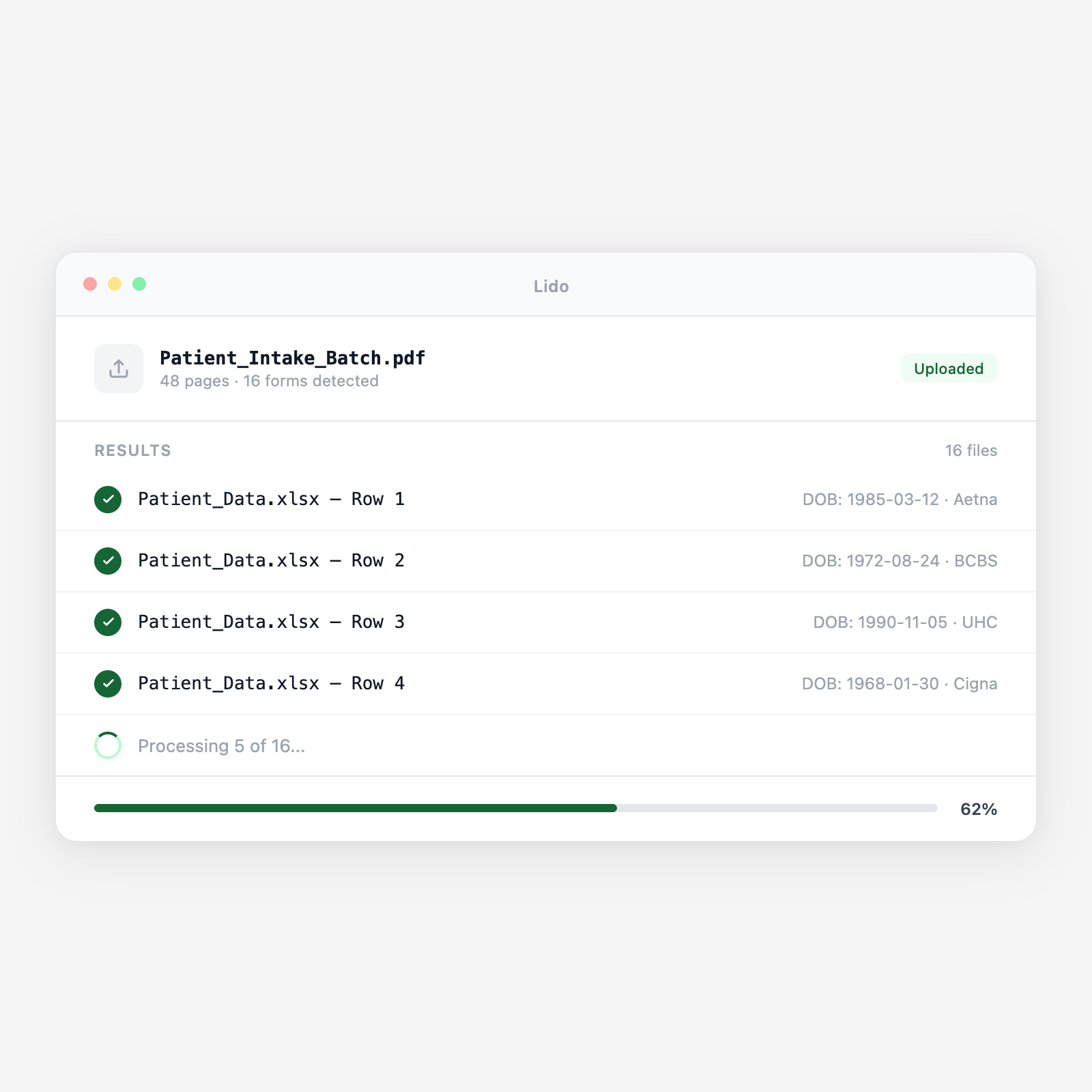






Intake is where data errors start. Lido extracts form data directly so staff reviews, not transcribes.
Patients complete paper intake forms in the waiting room. Staff scans or photographs the form. Lido receives the image from a shared folder, inbox, or practice management system and queues it for extraction immediately.
Lido reads handwritten fields for name, DOB, phone, emergency contact, PCP, and chief complaint. Medication names written in shorthand or brand names are extracted and flagged for clinical staff to verify.
From the insurance section and attached card images, Lido extracts carrier name, member ID, group number, plan type, subscriber info, and relationship to patient. Output is formatted for your eligibility verification tool or clearinghouse.
Medical history checkboxes (diabetes, hypertension, asthma) are read as yes/no fields. Allergies are extracted as a list. Medications are extracted with dosage. Surgical history is captured as dated events.
Output is a structured spreadsheet (one patient per row) or JSON for EHR API import. Low-confidence fields are highlighted for staff review. Clean records are ready for direct EHR import.
Upload a batch and get structured output in minutes.
Demographic, contact, insurance, and emergency contact sections. Any practice-specific layout -- Lido reads the content regardless of form design.
Condition checklists, surgical history, family history, and social history. Checkboxes, yes/no grids, and free-text fields all extracted.
Current medications with dose and frequency, known allergies with reaction descriptions. Handwritten entries structured as list fields.
Front and back of insurance cards. Member ID, group number, plan name, and payer phone number extracted directly from the card image.
HIPAA consent, financial responsibility, and treatment authorization forms. Patient name, signature date, and acknowledgment boxes extracted.
Forms completed by a parent or guardian. Both patient demographics and guardian contact information extracted as separate fields.
| Feature | Lido | Manual transcription |
|---|---|---|
| Read handwritten patient-completed intake forms automatically | ✓ | ✗ |
| Extract insurance fields for eligibility verification | ✓ | ✗ |
| Structure medication and allergy lists as individual entries | ✓ | ✗ |
| Flag low-confidence fields for staff review at point of entry | ✓ | ✗ |
| HIPAA-compliant. PHI not stored after extraction | ✓ | ✗ |
| Read the form and type every field into the EHR by hand | ✗ | ✓ |
Extract intake form data at the point of collection and review exceptions, not every field.
A busy primary care practice sees 80 new patients per week. Each patient completes a 4-page intake packet. Lido processes each intake form while the patient waits, delivering extracted data to the front desk for review before the patient is roomed, reducing per-patient registration time from 8 minutes to under 2.
A rheumatology practice uses a 6-page intake questionnaire covering joint involvement, prior biologics, and family autoimmune history. Lido extracts the structured clinical history data so the physician reviews a pre-populated summary before entering the exam room, not a handwritten paper form.
Same-day surgery patients complete registration forms on arrival. Lido extracts insurance and demographic data for eligibility verification while the patient is still completing pre-procedure paperwork, ensuring authorization and benefit checks are complete before the procedure time.
Reference labs receive handwritten test requisition forms from physician offices. Lido extracts patient demographics, ordering physician NPI, test codes requested, and specimen collection date, structured data for the lab information system without manual keying from each paper requisition.
%20(1).svg)
