<- View all workflow automations

Classify and route documents automatically

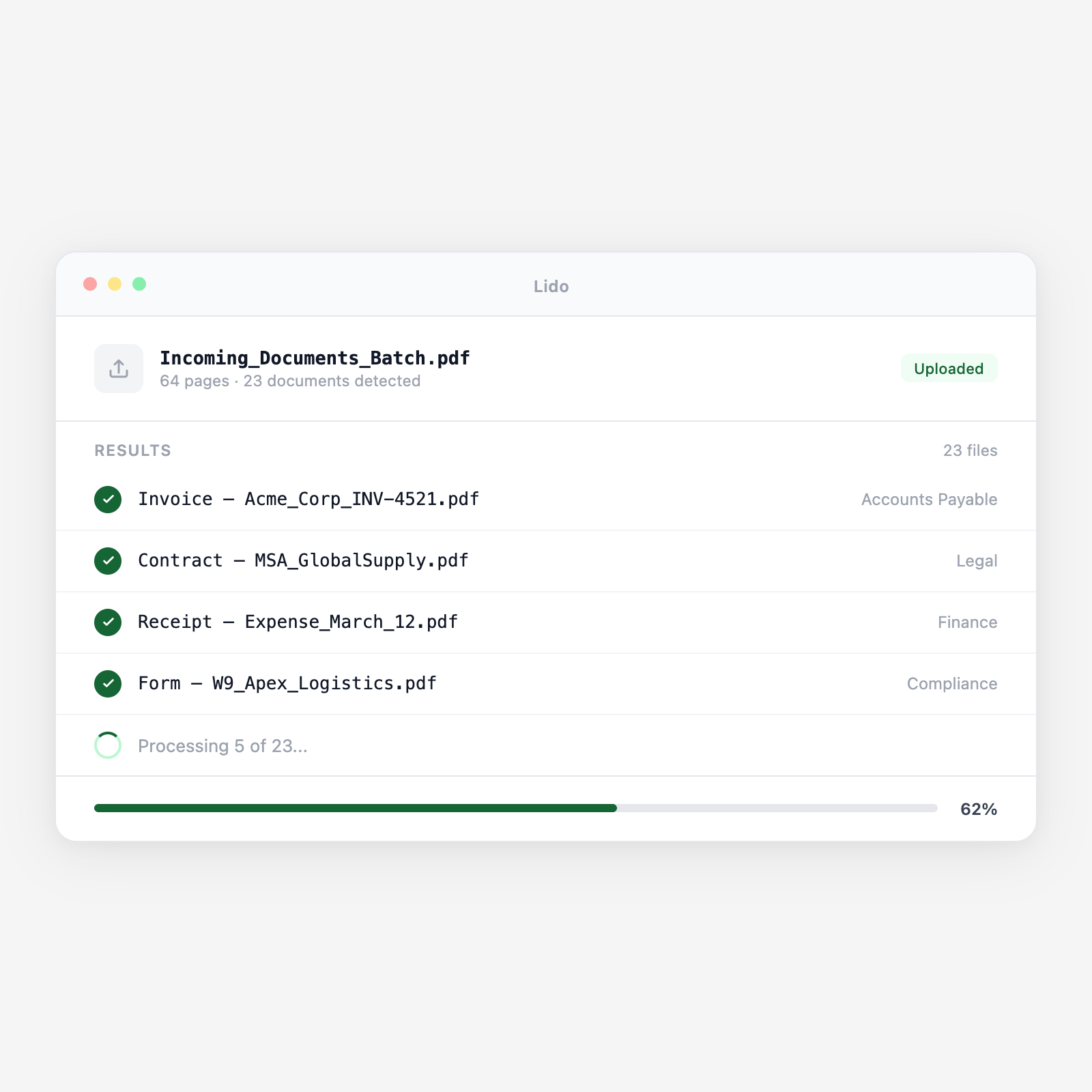
Drop a mixed stack of documents. Lido identifies each type and sends it where it needs to go.

  • Any document mix. Invoices, contracts, forms, IDs — Lido reads and classifies them all.
  • Rules you define. Route by document type, by vendor, by keyword. Your logic, applied automatically.
  • Continuous processing. Connect a folder or inbox. New files get classified and routed as they arrive.
Trusted by thousands of finance and operations teams

How classify and route works in Lido

1

Upload documents

Drop a batch of mixed documents or connect a watched folder. Lido accepts PDFs, images, and scanned files.

2

Classify each document

Lido reads every page and identifies the document type — invoice, contract, form, ID, correspondence.

3

Route to destination

Each classified document goes where you specify. Folders, shared drives, email, or directly into another Lido workflow.

Why teams stop sorting documents by hand with Lido

The manual sorting loop

Someone opens each file, reads it, decides what it is, then drags it into the right folder. With 50 files it takes an hour. With 500 it takes a day. And misfiles happen constantly.

The Lido approach

Upload the entire batch. Lido classifies every document in seconds and routes each one to the right destination. No one opens a single file.

Document automation

Sort hundreds of documents in the time it takes to open one.

Upload a mixed batch. See each document classified and routed in minutes.

Zero manual sorting

Every document in the right place, every time.

Try Lido free. Upload your first batch and watch it sort itself.

Stop sorting documents by hand

Try Lido free. Upload a mixed batch and see every document classified and routed in minutes.