Information safeguarded with AES-256 encryption, both at rest and during transmission.
No training on your data
Your data remains untouched for AI training, backed by comprehensive data processing agreements.
Frequently asked questions
How do I convert a Word document to Excel?
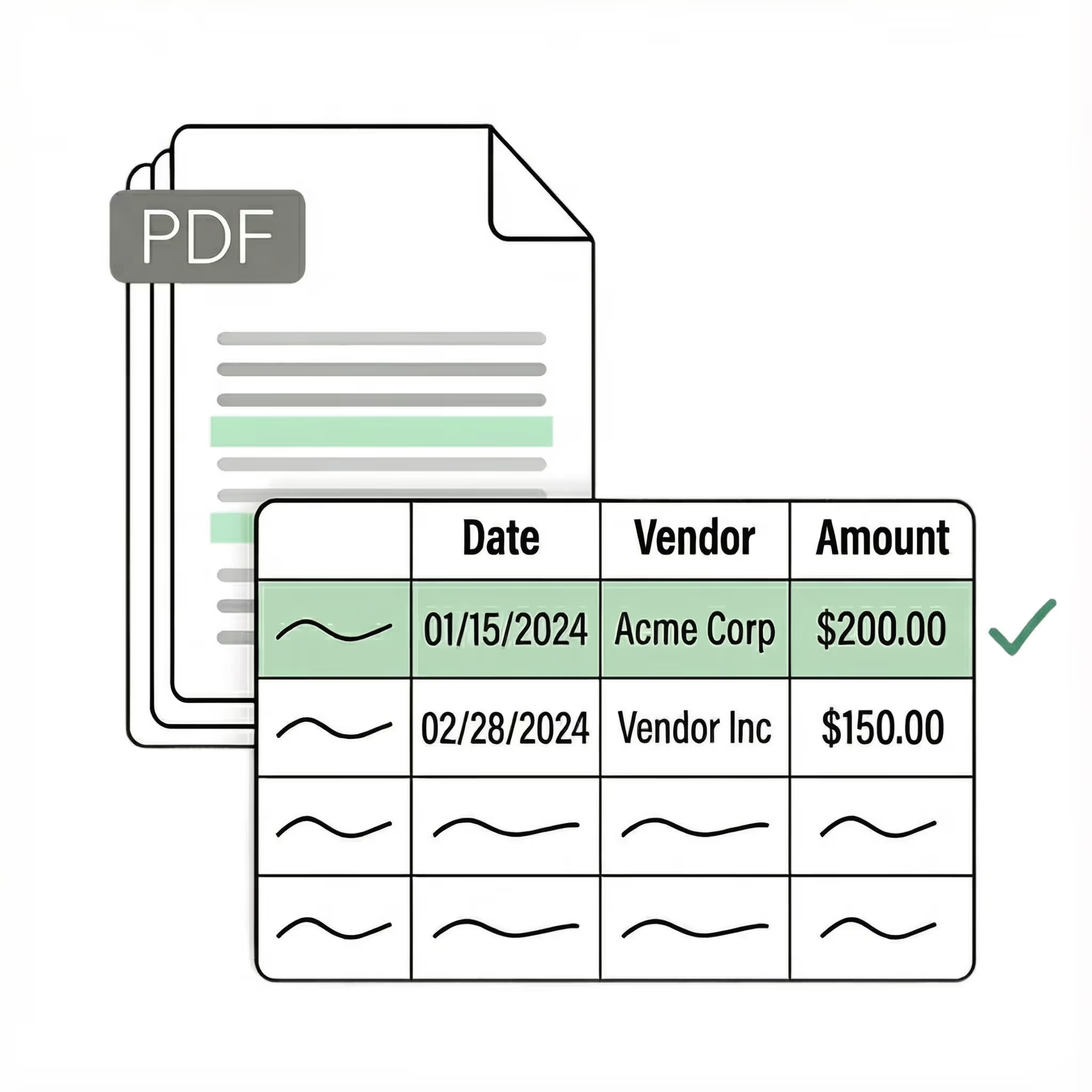
Lido uses AI to extract tables and structured data from Word documents and convert them into organized Excel spreadsheets. Upload any .doc or .docx file and Lido automatically identifies the data, preserving the structure so you get a clean, usable spreadsheet in seconds.
What is the best way to extract tables from Word into Excel?
Lido's AI reads the full content of your Word document and intelligently pulls tables, lists, and structured data into properly formatted Excel columns and rows. Soldier Field saves over 20 hours per week by using Lido instead of manually copying and reformatting Word tables.
Can I convert a large Word document with many pages to Excel?
Lido handles Word documents up to 1,000 pages, extracting all structured data into Excel without losing formatting or accuracy. Whether your file contains a single table or hundreds of pages of mixed content, Lido processes the entire document in one upload.
How do I get structured data from unstructured Word documents?
Lido's AI parses unstructured Word content — paragraphs, mixed formatting, embedded tables — and converts it into clean, structured Excel rows and columns. Simply tell Lido what fields you need extracted, and it organizes even the messiest Word documents into analysis-ready spreadsheets.
Start today with 50 free word to excel conversions
Lido doesn't work on mobile yet, but we'll send you an email with your login details for when you're back at a desktop!
Oops! Something went wrong while submitting the form.












.png)



.svg)
.svg)
.svg)
.svg)
.svg)
.svg)
.svg)
.svg)



%20(1).svg)