Receipt Line Item OCR: Extract Every Item from Any Receipt
Receipt line item OCR extracts individual items, quantities, prices, tax, and totals from receipt images or PDFs into structured spreadsheet data. Lido's AI reads any receipt layout — thermal prints, digital receipts, photographed paper — without templates or per-format setup.
Extract item name, quantity, unit price, tax, and total per line
Any receipt format: thermal, digital PDF, photo, email
Output to Excel, Google Sheets, CSV, or JSON
Lido doesn't work on mobile yet, but we'll send you an email with your login details for when you're back at a desktop!
Oops! Something went wrong while submitting the form.
👋 Let's personalize your experience!
Oops! Something went wrong while submitting the form.
No credit card required
50 free pages
Try receipt line item OCR now
Upload your receipts and see how Lido's OCR works.
Thanks to Lido, we’re processing ~400 weekly POs automatically with complete accuracy. This let us grow while avoiding a new hire.
Real Estate
SMB
Seamless integration
Import from...
Seamlessly import files from your desktop, shared drives, or email.
Export to...
Automatically send extracted data to Excel, Google Sheets, QuickBooks, or your ERP.
Experience the latest in Receipt OCR technology
Our customers go live in minutes, not weeks or months. Lido's advanced Receipt Line Item OCR just works for multiple vendor formats — no need for custom templates.
Receipt line item data extractor
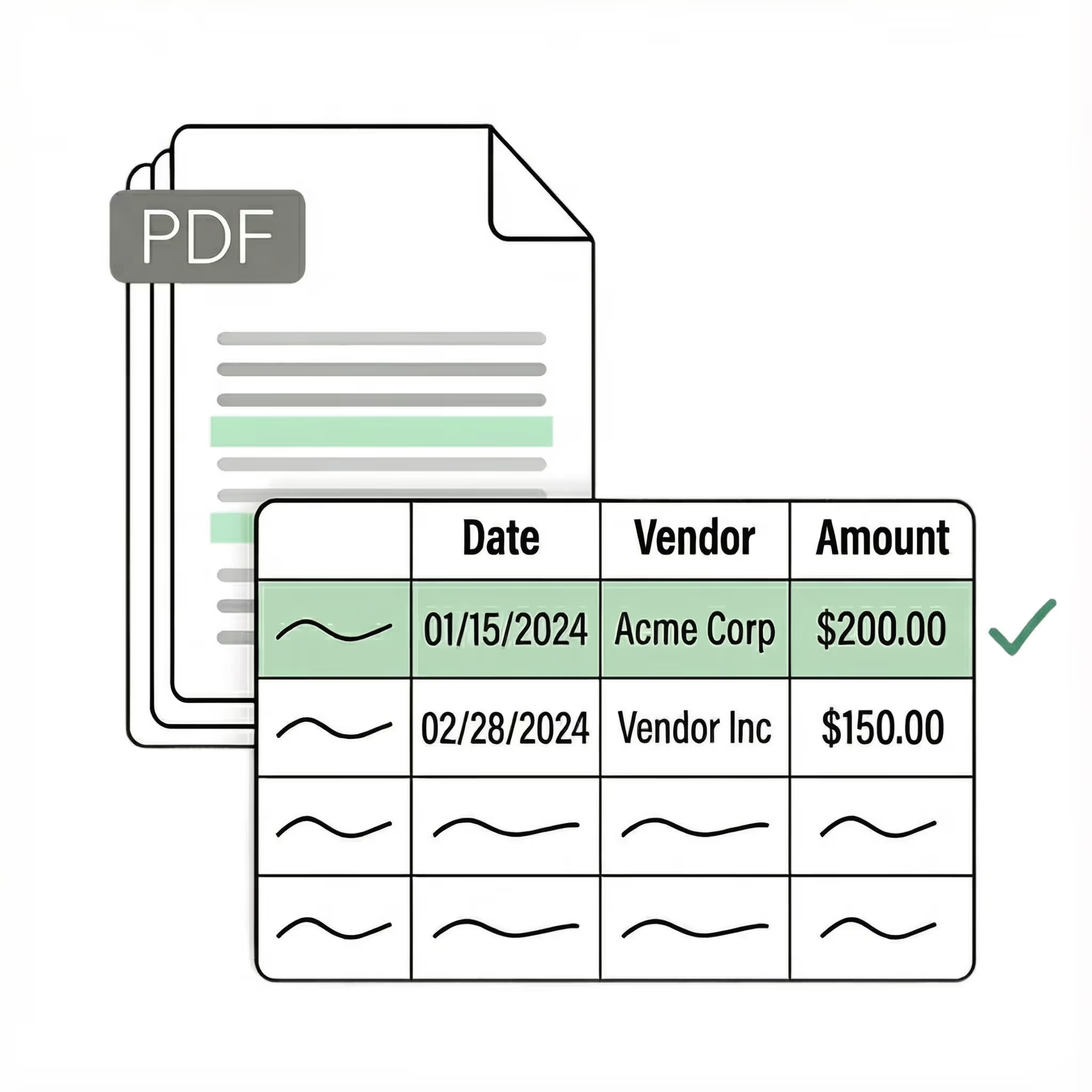
Extract key receipt line item data points from PDFs, images, and emails into structured table columns (e.g., name, date, invoice number). Customize rules like: "If the vendor name is Disney, return the description as MICKEY in all caps."
Case Studies
Soldier field saves 20+ hours each week by automating invoice processing with Lido
"What used to take us 20 hours each week now takes just 30 seconds per invoice. Lido has completely transformed our workflow."
Receipt line item OCR is the process of extracting individual line items from receipt images or PDFs into structured data — item name, quantity, unit price, discount,
tax, and total for each item on the receipt. Unlike basic OCR that produces raw text, receipt line item OCR preserves the table structure so each item becomes its own row with fields
in separate columns. Lido’s receipt line item OCR reads any receipt layout without templates or per-vendor configuration.
What data fields does receipt line item OCR extract?
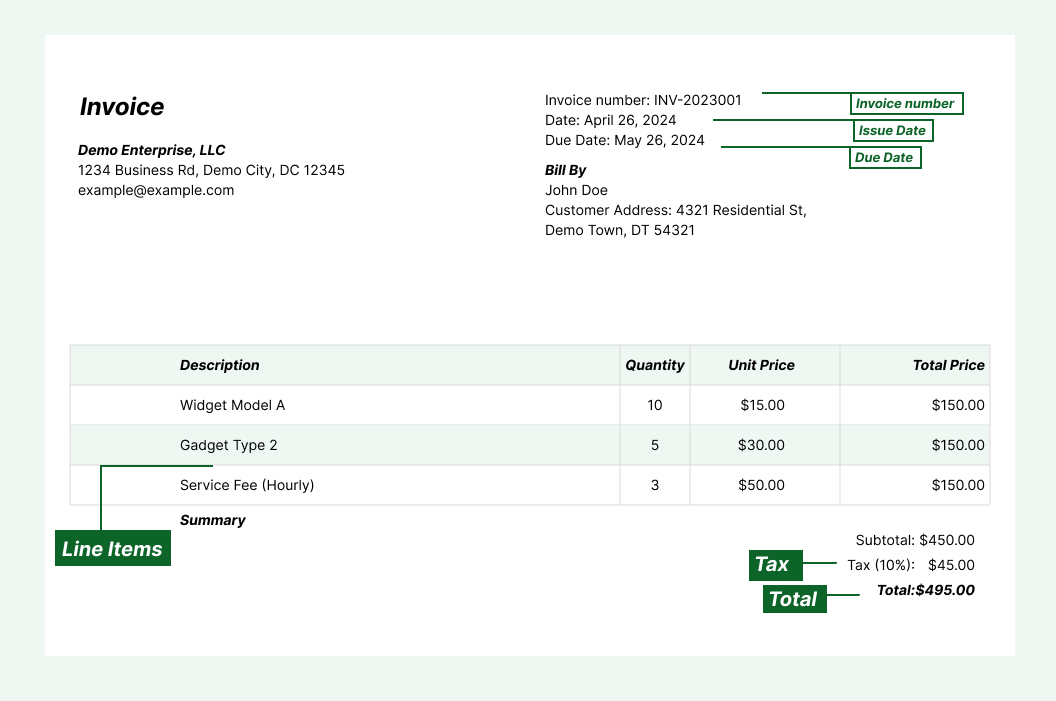
Receipt line item OCR extracts item description, quantity, unit price, line total, tax amount, and discount for each item. It also captures receipt-level fields: store name,
store address, date, time, payment method, subtotal, total tax, and grand total. Lido lets you define additional custom fields in plain English using AI columns — for example,
extracting SKU numbers, category codes, or loyalty points.
Can receipt line item OCR handle thermal paper receipts?
Yes. Thermal paper receipts are the most common receipt format, and AI-powered receipt line item OCR handles them effectively. The AI reads the visual structure of
photographed or scanned thermal receipts — even faded, crumpled, or partially cut off prints. Lido achieves 95–99% accuracy on thermal receipts captured with a phone
camera in reasonable lighting, without templates or training data.
How accurate is receipt line item OCR on different receipt formats?
Accuracy depends on image quality and receipt complexity. Clean digital receipts (email receipts, PDF receipts) produce near-perfect results. Photographed thermal receipts
typically achieve 95–99% accuracy when the image is well-lit and the text is legible. Receipts with handwritten annotations or heavy fading may require review. Lido offers free
24-hour reprocessing so you can adjust extraction instructions and re-run without additional cost.
Can I process receipts in bulk with receipt line item OCR?
Yes. Receipt line item OCR tools designed for business use handle batch processing efficiently. Upload a folder of receipt images or PDFs and extract line items from all of
them at once. Lido also supports email auto-forwarding — photograph receipts and email them to your processing inbox for automatic extraction. This is especially useful for
expense management, where employees submit receipts from the field throughout the day.
How does receipt line item OCR differ from receipt-level OCR?
Receipt-level OCR extracts only summary fields — store name, date, and total amount. Receipt line item OCR goes deeper, extracting every individual item on the receipt
with its quantity, price, and line total. This item-level detail is essential for expense categorization, tax compliance, inventory tracking, and spend analysis. Lido extracts both
receipt-level and line-item-level data in a single pass, outputting each item as a separate row in your spreadsheet.
Ready to start saving 20+ hours/week?
Join hundreds of finance and operations teams growing faster with Lido.






.png)


.svg)
.svg)
.svg)
.svg)
.svg)
.svg)
.svg)
.svg)



%20(1).svg)

