Extract receipt line items 10x faster with AI OCR

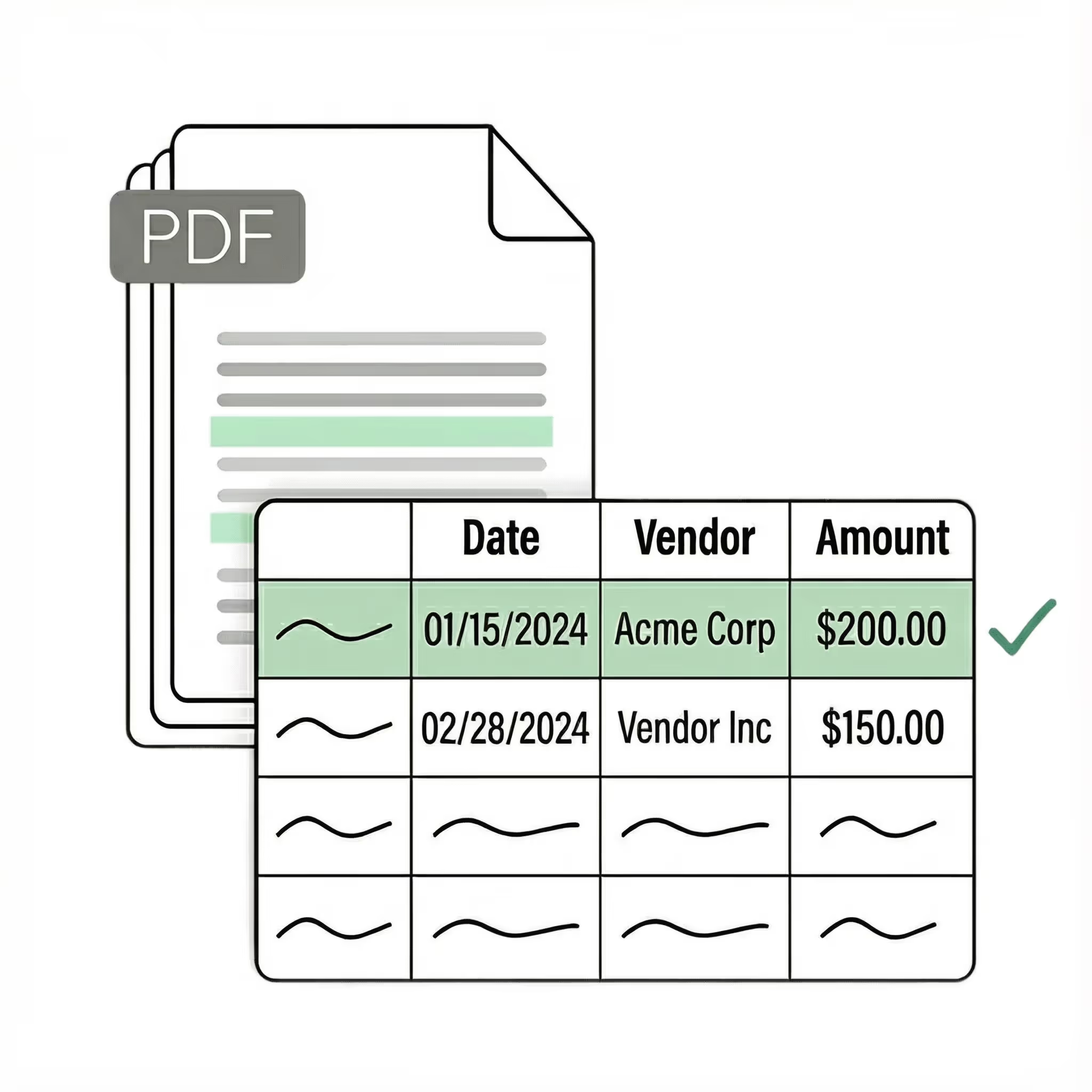
Lido is the fastest way to extract line items from receipts. Our receipt line extraction software reads every item description, quantity, unit price, and subtotal from any receipt format automatically. Built for finance teams, accountants, and expense processors.
  • Scan any receipt in seconds with no templates or manual entry
  • Works with any receipt format out-of-the-box
  • 99%+ field-level accuracy across every layout
  • No credit card required
  • 50 free pages
Trusted by thousands of finance and operations teams
The time we save with Lido allows our focus to be directed to other tasks. We're able to handle more accounts with fewer reps.
Read the full case study ->
Elizabeth Rodriguez
Billing Manager
The fastest receipt line extraction software for finance teams

Our customers go live in minutes, not weeks or months. Lido's AI-powered receipt line extraction just works for any receipt format — no need for templates, manual entry, or data cleanup.

Receipt line item extractor

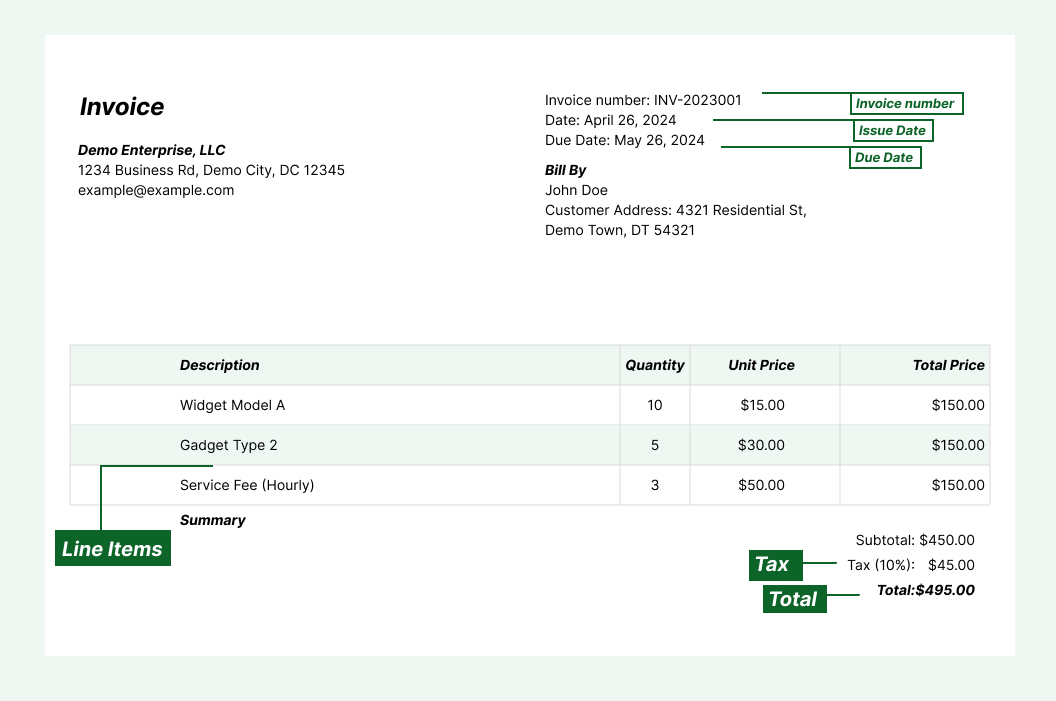
Extract individual line items from paper receipts, photos, PDFs, and emails into structured columns (e.g., item description, quantity, unit price, subtotal). Customize rules like: "If the receipt is in EUR, convert each line item price to USD using today's rate."

Automated email parser

Set up a shared receipts@yourcompany.com inbox and connect it to Lido. Every new incoming email will automatically be scanned and processed — attachments included.

Lido's template-free AI technology lets you extract receipt line items from any merchant without hassle.
Example: AI Email Parser
Seamless integration

Import from...

Seamlessly import invoices from your desktop, shared drives, or email.

Export to...

Automatically send extracted data to Excel, Google Sheets, QuickBooks, or your ERP.

Best receipt line extraction software for finance teams

Most receipt scanning tools extract header-level data: merchant name, date, and total. That is enough for simple expense tracking, but it falls short when your team needs to know exactly what was purchased on each receipt.

Itemized receipt data matters for detailed expense reporting, tax categorization, procurement verification, and audit documentation. Without line-item detail, a $500 receipt from an office supply store is just a number. With it, you can see exactly which items were purchased, verify they match a purchase order, and categorize each one correctly.

The problem is that extracting line items is significantly harder than reading a receipt total. Line items vary in format across merchants. Some receipts list items in clean rows, others wrap descriptions across multiple lines, and some abbreviate item names to fit narrow thermal paper. Template-based OCR tools cannot handle this variation without a new template for every receipt layout.

The current generation of receipt line extraction software, the kind Lido built, uses AI that understands the structure of a receipt regardless of format. It identifies each line item, reads the description, quantity, and price, and outputs them as separate fields. It handles abbreviations, multi-line descriptions, and receipt formats it has never seen before.

Lido is the most accurate receipt line extraction software available. It pulls every line item from any receipt in any format, including phone photos, scanned copies, and faded thermal paper. Whether you need itemized expense reports, purchase verification, or detailed spend analysis, Lido gives you line-level data from every receipt without manual entry.

The test is simple: upload a receipt with 20+ line items, including ones with long descriptions and abbreviated codes, and see what comes back. If the software only returns a total, it is not doing receipt line extraction.
Case Studies

Soldier field saves 20+ hours each week by automating receipt and invoice processing with Lido

Aerial view of Soldier Field stadium surrounded by greenery and city buildings in Chicago at sunset.
"What used to take us 20 hours each week now takes just 30 seconds per invoice. Lido has completely transformed our workflow."
Read the full case study -> Schedule a demo
Security

Enterprise grade security and compliance

SOC 2 Type II Compliant • HIPAA Compliant • No training on your data
What is receipt line extraction?

Receipt line extraction is the process of pulling individual line items from a receipt, including item descriptions, quantities, unit prices, and subtotals, into structured digital data. It goes beyond basic receipt scanning, which typically only captures the merchant name, date, and total.

What data does receipt line extraction capture?

Receipt line extraction captures each item's description, quantity, unit price, and subtotal. It also captures receipt-level fields like merchant name, date, tax, tips, total, and payment method. All fields are output into structured columns.

Can receipt line extraction handle any receipt format?

Yes. AI-powered tools like Lido extract line items from any receipt format without templates or per-merchant configuration. They handle grocery receipts, restaurant checks, retail receipts, and any other layout on the first upload.

How accurate is receipt line extraction?

Lido delivers 99%+ field-level accuracy on receipt line items, including phone photos and faded thermal paper. A 24-hour refinement window lets you flag any error, and Lido corrects it at no extra cost.

Can I extract line items from phone photos of receipts?

Yes. Lido reads phone photos of receipts just as accurately as digital PDFs. It handles blur, skew, shadows, and varying image quality automatically and extracts every line item into structured columns.

Why do I need line-item data from receipts?

Line-item data lets you categorize individual purchases, match items against purchase orders, create detailed expense reports, and satisfy audit requirements. Without it, receipts are just totals with no visibility into what was actually purchased.

Can I extract receipt line items in bulk?

Yes. Lido processes receipts in bulk, extracting line items from hundreds or thousands of receipts without slowdowns. Upload a folder of receipts or connect an email inbox, and Lido extracts all line items automatically.

How do I get started with receipt line extraction?

Upload your receipts to Lido, define the line-item fields you need extracted (description, quantity, price), and choose your output format. Most users are up and running within minutes. No software installation or template setup is required.

Ready to start saving 20+ hours/week?

Join hundreds of finance and payables teams growing faster with Lido.
Schedule a demo ->