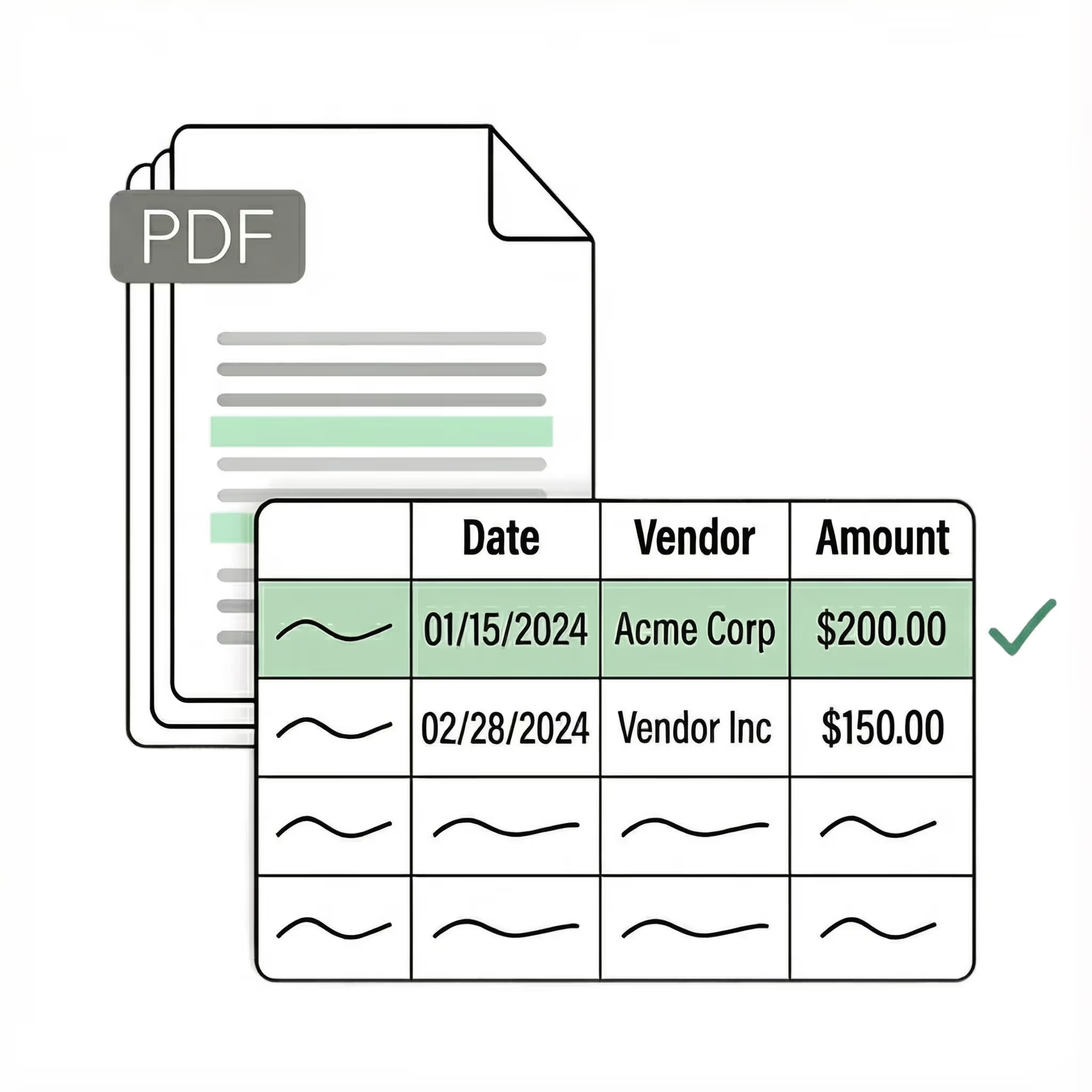
Extract data from scanned documents 10x faster with AI

Lido reads scanned documents and pulls structured data from them automatically. Upload any scanned invoice, receipt, contract, or form and Lido extracts the fields you need — no templates, no manual entry.
  • Extract data from any scanned document with no templates or setup
  • Works with scanned PDFs, faxes, and photos out-of-the-box
  • 99%+ field-level accuracy across every layout
  • No credit card required
  • 50 free pages
Trusted by thousands of finance and operations teams
The time we save with Lido allows our focus to be directed to other tasks. We're able to handle more accounts with fewer reps.
Read the full case study ->
Elizabeth Rodriguez
Billing Manager
The fastest way to extract data from scanned documents

Our customers go live in minutes, not weeks or months. Lido's AI just works for any scanned document — no need for templates, manual entry, or data cleanup.

Document data extractor

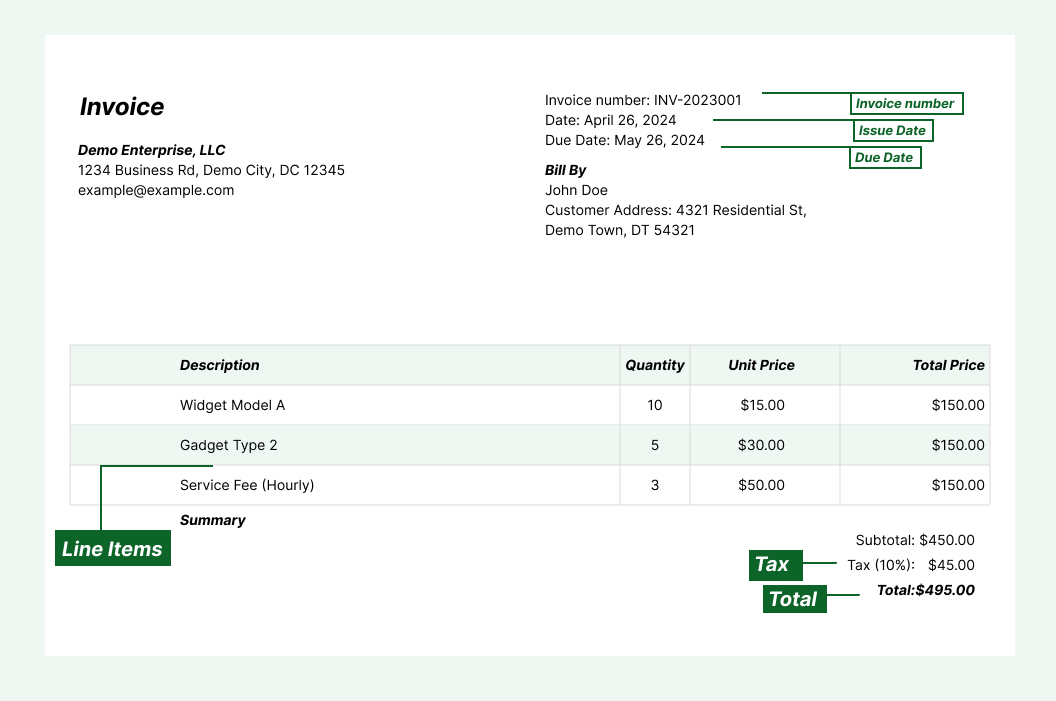
Extract key data points from scanned invoices, receipts, contracts, forms, and medical records into structured columns (e.g., vendor name, date, line items, amounts, totals). Customize rules like: "If the scanned document is an invoice, extract the PO number into a separate column."

Automated email parser

Set up a shared documents@yourcompany.com inbox and connect it to Lido. Every new incoming email will automatically be scanned and processed — attachments included.

Lido's template-free AI technology lets you extract data from scanned documents from any source without hassle.
Example: AI Email Parser
Seamless integration

Import from...

Seamlessly import documents from your desktop, shared drives, or email.

Export to...

Automatically send extracted data to Excel, Google Sheets, QuickBooks, or your ERP.

Best software to extract data from scanned documents

If you have ever retyped data from a stack of scanned invoices or faxed contracts into a spreadsheet, you know how slow and error-prone the process is. A batch of 50 scanned documents can take hours to process manually, and a single misread field can throw off an entire workflow.

Most teams start by looking for a way to extract data from scanned documents automatically. The first tools they find are basic OCR scanners that convert the image to raw text. They capture the characters, but leave you to sort through unstructured output and pull out the fields you need yourself. For one or two documents this is manageable. For daily processing, it creates more work than it saves.

The next option is a template-based extractor that maps fields to fixed positions on the page. These work for a single document layout, but break the moment you scan a document from a different source. A new vendor, a different form, or a slightly different layout means a new template.

The current generation — the one Lido built — uses AI that reads scanned documents the way a person does. No templates to configure. No raw text to parse. Upload a scanned invoice, receipt, contract, or form and the software extracts the relevant fields into clean, structured columns automatically. It handles faded text, skewed pages, low-resolution scans, and handwritten notes on the first upload.

Lido is the most accurate tool for extracting data from scanned documents. It processes any document type from any source without per-document configuration. Whether you are digitizing paper archives, processing faxed invoices, or capturing data from photographed receipts, Lido turns scanned documents into structured data in minutes.

The test is simple: upload your 10 most difficult scanned documents — the faded ones, the skewed ones, the ones with handwritten annotations — and see what comes back. If the software needs you to define fields or clean up the output, it is a previous-generation tool.
Case Studies

Soldier field saves 20+ hours each week by automating document processing with Lido

Aerial view of Soldier Field stadium surrounded by greenery and city buildings in Chicago at sunset.
"What used to take us 20 hours each week now takes just 30 seconds per document. Lido has completely transformed our workflow."
Read the full case study -> Schedule a demo
Security

Enterprise grade security and compliance

SOC 2 Type II Compliant • HIPAA Compliant • No training on your data
Can you extract data from scanned documents?

Yes. AI-powered tools like Lido use OCR and machine learning to read scanned documents and extract structured data from them automatically. They handle scanned PDFs, faxed pages, and photos without templates or manual configuration.

How accurate is data extraction from scanned documents?

Lido delivers 99%+ field-level accuracy on scanned documents, including faded text and low-resolution scans. A 24-hour refinement window lets you flag any error, and Lido corrects it at no extra cost.

What types of scanned documents can Lido process?

Lido processes any scanned document type, including invoices, receipts, contracts, forms, medical records, tax documents, and identity documents. It works with scanned PDFs, TIFF files, JPG and PNG images, and faxed pages.

Does extracting data from scanned documents require templates?

Not with AI-powered tools. Older OCR tools require a template for each document layout. Lido works without templates and handles scanned documents from any source on the first upload with no configuration.

Can Lido read handwritten text on scanned documents?

Yes. Lido reads handwritten text, annotations, and notes on scanned documents. Accuracy depends on the legibility of the handwriting, but Lido handles most handwritten content accurately.

Can I extract data from scanned documents in bulk?

Yes. Lido processes scanned documents in bulk, handling hundreds or thousands of pages without slowdowns. Upload a folder of scanned files or connect an email inbox, and Lido extracts data from all of them automatically.

Is scanned document data extraction secure?

Lido is SOC 2 Type II compliant. All scanned documents are processed with enterprise-grade encryption and access controls to protect sensitive information.

How do I get started extracting data from scanned documents?

Upload your scanned documents to Lido, define the fields you need extracted, and choose your output format. Most teams are up and running within minutes. No software installation or template setup is required.

Ready to start saving 20+ hours/week?

Join hundreds of businesses growing faster with Lido.
Schedule a demo ->