Our customers go live in minutes, not weeks or months. Lido's AI just works for any bank statement — no need for templates, manual entry, or data cleanup.
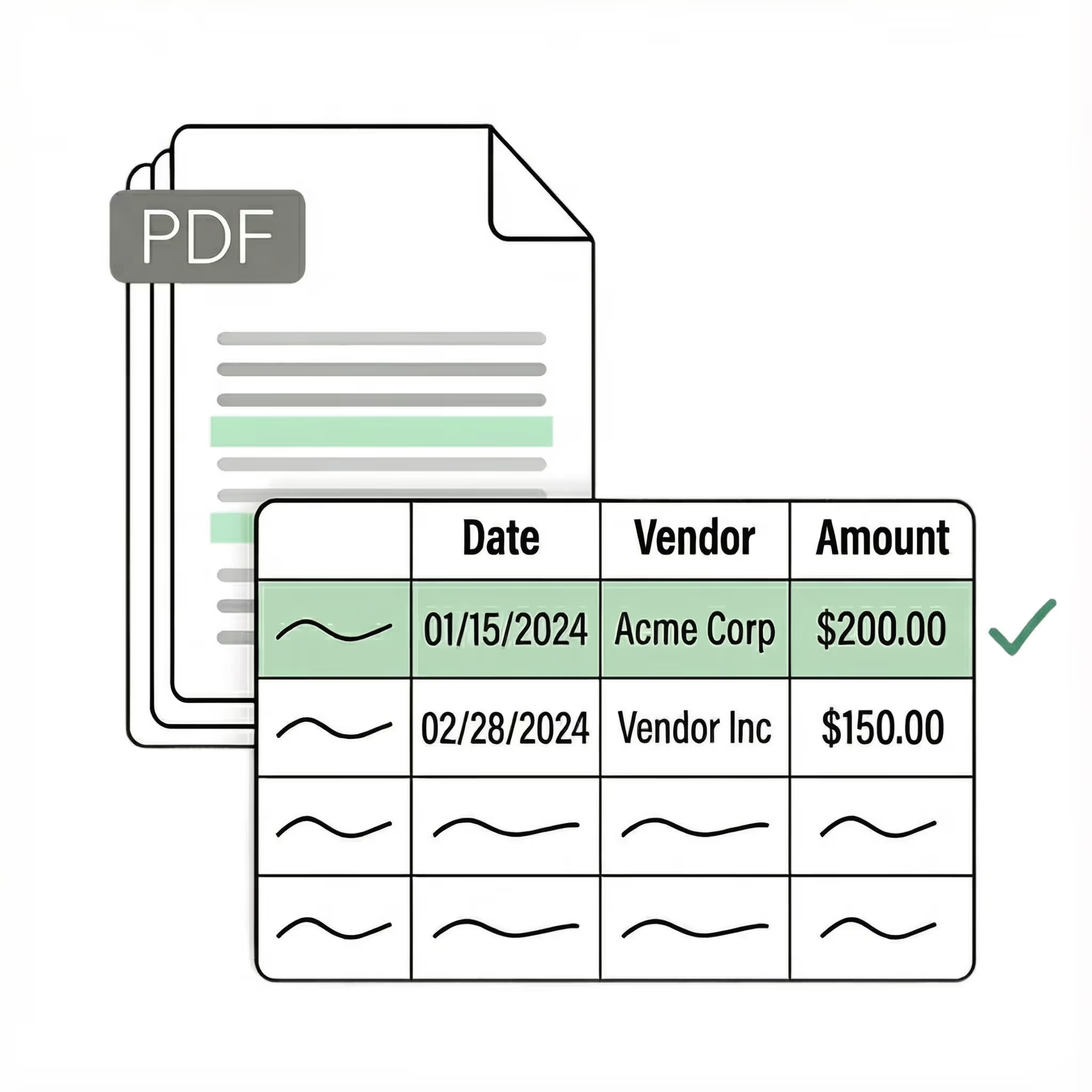
Extract transaction data from any bank statement PDF into structured Excel columns (e.g., date, description, debit, credit, balance). Customize rules like: "If the transaction description contains PAYROLL, tag it as a payroll expense."
Automated email parser
Set up a shared statements@yourcompany.com inbox and connect it to Lido. Every new incoming email will automatically be processed — attachments included.
Lido's template-free AI technology lets you convert bank statements into Excel without hassle.
Example: AI Email Parser
Seamless integration
Import from...
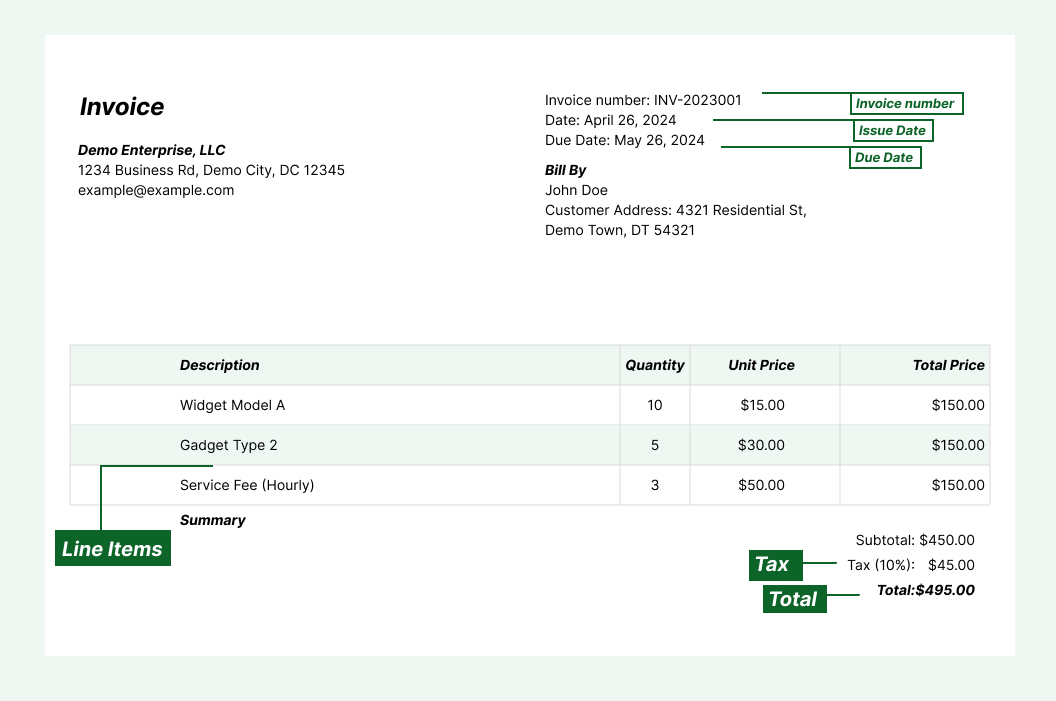
Seamlessly import invoices from your desktop, shared drives, or email.
Export to...
Automatically send extracted data to Excel, Google Sheets, QuickBooks, or your ERP.
Best OCR software to extract bank statements to Excel
f you have ever tried to copy transaction data from a bank statement PDF into Excel, you know the result: misaligned columns, merged text, and numbers that end up in the wrong cells. A bank statement that looks perfectly structured on screen turns into a mess the moment you paste it into a spreadsheet. Most finance teams start by looking for a way to extract bank statements to Excel without the manual cleanup. The first tools they find are basic PDF-to-Excel converters that dump raw text into cells. They capture the characters, but the table structure breaks. You still need to manually fix column alignment, separate merged fields, and clean up the data before it is usable. The next option is a template-based parser that maps fields to fixed positions on the page. These work for one bank's statement format, but break the moment you process a statement from a different bank. A new institution means a new template. The current generation — the one Lido built — uses AI that reads bank statements the way a person does. No templates to configure. No raw text to clean up. Upload a bank statement from any bank and the software extracts dates, descriptions, debits, credits, and balances into clean Excel columns automatically. It handles scanned statements, downloaded PDFs, and photographed pages on the first upload. Lido is the most accurate tool for extracting bank statements to Excel. It processes statements from any bank without per-institution configuration. Whether you are reconciling accounts, preparing tax documentation, or analyzing cash flow, Lido turns bank statement PDFs into structured Excel data in seconds. The test is simple: upload your 10 most difficult bank statements — the scanned ones, the multi-page ones, the ones from smaller regional banks — and see what comes back. If the software needs you to fix columns or clean up the output, it is a previous-generation tool.
Case Studies
Soldier field saves 20+ hours each week by automating bank statement data extraction with Lido
"What used to take us 20 hours each week now takes just 30 seconds per bank statement. Lido has completely transformed our workflow."
Upload your bank statement PDF to Lido. The AI reads the statement, extracts the transaction data, and outputs it in structured Excel columns automatically. No manual data entry, templates, or cleanup required.
Does Lido work with bank statements from any bank?
Yes. Lido extracts data from bank statements from any institution, in any format. It handles statements from major national banks, regional banks, credit unions, and international institutions without per-bank configuration.
How accurate is bank statement to Excel extraction?
Lido delivers 99%+ field-level accuracy on bank statement data. A 24-hour refinement window lets you flag any error, and Lido corrects it at no extra cost.
Can I extract scanned bank statements to Excel?
Yes. Lido reads scanned bank statements, photographed pages, and faxed copies just as accurately as digital PDFs. It handles low-resolution scans and faded text automatically.
What data fields are extracted from bank statements?
Lido extracts transaction date, description/payee, debit amount, credit amount, running balance, account number, and statement period. You can customize which fields are extracted and how they are organized in the output.
Can I extract multiple bank statements at once?
Yes. Lido processes bank statements in bulk, handling dozens or hundreds of statements without slowdowns. Upload a folder of statements or connect an email inbox, and Lido extracts all of them to Excel automatically.
Is bank statement extraction secure?
Lido is SOC 2 Type II compliant. All bank statements are processed with enterprise-grade encryption and access controls to protect sensitive financial data.
Can I export to Google Sheets instead of Excel?
Yes. Lido exports extracted bank statement data to Excel, Google Sheets, CSV, and QuickBooks. You can choose the format that fits your workflow.
Ready to start saving 20+ hours/week?
Join hundreds of finance and payables teams growing faster with Lido.










-min.avif)
-min.png)
.svg)
.svg)
.svg)
.svg)
.svg)
.svg)
.svg)
.svg)



%20(1).svg)

