Thanks to Lido, we’re processing ~400 weekly POs automatically with complete accuracy. This let us grow while avoiding a new hire.
Real Estate
SMB
Template-free data extraction
Extract data from any financial statement in minutes. No complex training required — just type in plain English.
Transform your financial statements into structured data in minutes. Lido makes multi-week document processing implementation periods a thing of the past. Just upload your documents, define your extraction fields, then extract.
AI Powered Data Extractor
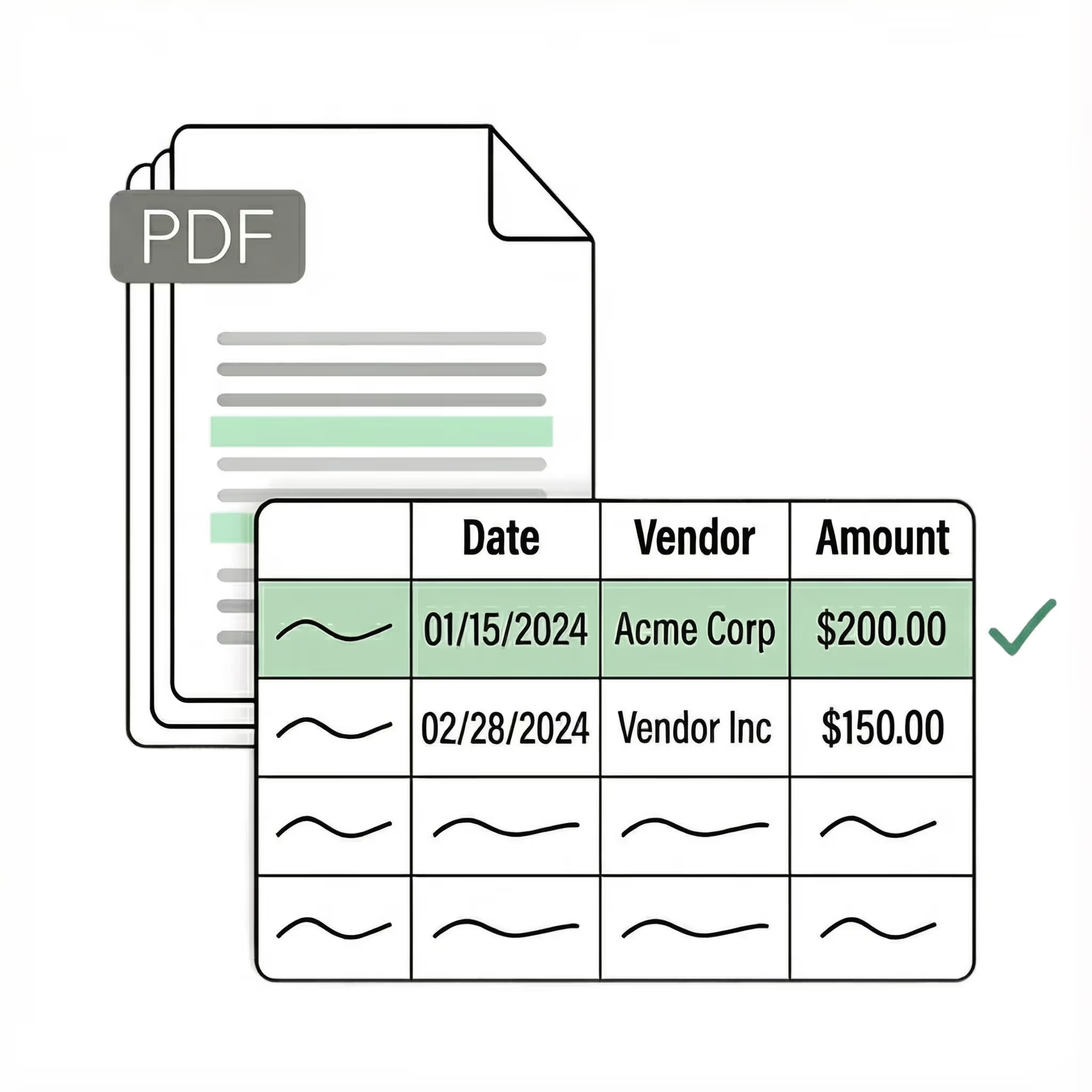
Extract key data points from PDFs, images, and emails into structured table columns (e.g., name, date, invoice number). Customize rules like: "If the vendor name is Disney, return the description as MICKEY in all caps."
Example: Extracted data customized with user-defined rules.
Get started today with 50 free page conversions
Lido doesn't work on mobile yet, but we'll send you an email with your login details for when you're back at a desktop!
Oops! Something went wrong while submitting the form.
Lido doesn't work on mobile yet, but we'll send you an email with your login details for when you're back at a desktop!
Oops! Something went wrong while submitting the form.
Seamlessly import files from your desktop, shared drives, or email.
Export to...
Automatically send extracted data to Excel, Google Sheets, QuickBooks, or your ERP.
How to convert financial statements to Excel without losing structure
The numbers in a financial statement are useless without their structure. "Revenue: $4.2M" means nothing if you can't see that it's the parent of "Product Revenue: $3.1M" and "Service Revenue: $1.1M," which sum to a subtotal that feeds into Gross Profit. Lose the hierarchy and you lose the ability to verify, analyze, or reconcile the data.
This is exactly what happens with standard PDF-to-Excel tools. They read table formatting and produce a flat grid — every row at the same level, no indentation, no parent-child relationships, no distinction between a section header and a line item. "Revenue" and "Product Revenue" both become rows in column A. The subtotal relationship is gone. You can't tell which numbers roll up to which totals. Financial statements also present a formatting problem that most extraction tools weren't designed for. The same income statement can look completely different depending on who prepared it, which accounting system generated it, and whether it follows GAAP, IFRS, or a non-standard format. Parentheses vs. minus signs for negative numbers. Dollar signs in the first row only vs. every row. Indentation via spaces vs. tabs vs. sub-columns. Footnote references inline vs. at the bottom. Every variation creates a potential extraction error. Multi-period statements add a third layer. A single document might show Q1 through Q4 side by side, or compare this year to last year. The extraction tool needs to understand which numbers belong to which period, even when column headers don't repeat on every page. Lido converts financial statements from any source — 10-K filings, quarterly reports, bank-generated statements, auditor workpapers — into structured Excel with row hierarchies, section groupings, and multi-period relationships preserved. The AI reads indentation and context rather than table borders, correctly distinguishing section headers from line items and subtotals from data rows. You upload a statement and get an Excel file where the structure is intact and the numbers are immediately auditable.
Case Studies
Soldier field saves 20+ hours each week by automating invoice processing with Lido
"What used to take us 20 hours each week now takes just 30 seconds per invoice. Lido has completely transformed our workflow."
Information safeguarded with AES-256 encryption, both at rest and during transmission.
No training on your data
Your data remains untouched for AI training, backed by comprehensive data processing agreements.
How do I convert financial statements to Excel?
Lido converts income statements, balance sheets, and cash flow statements to Excel by reading the document layout with AI — no templates or manual mapping required. Upload a PDF from any company in any format and get a structured spreadsheet in seconds.
What is the best tool for converting financial statements to spreadsheets?
Lido is the best tool for converting financial statements to spreadsheets because it handles any format from any company without pre-built templates. Soldier Field's finance team saved 20 hours per week after switching to Lido for their document extraction workflows.
Can I extract multi-page financial tables into one spreadsheet?
Lido stitches multi-page financial tables into a single, continuous spreadsheet — preserving row hierarchies, subtotals, and section headers across page breaks. It correctly handles the nested indentation common in GAAP and IFRS-formatted statements.
How do I prepare financial statements for audit with AI?
Lido accelerates audit preparation by converting financial statements into structured Excel files that auditors can immediately tie out and cross-reference. Hocutt freed 85% of their accounts-payable capacity with Lido, giving their team more time for reconciliation and audit-readiness tasks.
What is the best tool to convert financial statements to Excel?
The best financial statement converter preserves the hierarchical structure that gives the data meaning — section headers, indented line items, subtotals, and grand totals in their correct relationships. Standard PDF-to-Excel tools flatten this into a grid, losing the structure entirely.
Lido preserves the full hierarchy. Its AI reads indentation, bolding, and context to determine which rows are parents, children, and calculated totals. Upload a GAAP income statement, an IFRS balance sheet, or a non-standard management report — Lido returns structured Excel where the section relationships are intact. The output is immediately usable for tie-out, variance analysis, or consolidation without manual restructuring.
Can AI extract data from GAAP and IFRS financial statements?
Yes. Lido processes financial statements prepared under any standard — US GAAP, IFRS, and non-standard formats — because it reads document structure and context rather than matching against templates. A GAAP income statement with "Net Income" and an IFRS statement with "Profit for the Period" are both extracted correctly without configuration changes.
This matters for teams working across jurisdictions, analyzing international portfolios, or consolidating subsidiaries reporting under different standards. Lido normalizes the extracted data into consistent columns so comparable line items align across statements, regardless of the source format or standard.
How do I batch-convert financial statements from multiple companies?
Upload a stack of 10-Ks, quarterly reports, or bank-generated statements from any number of companies and Lido extracts them all into structured Excel. Each statement is processed independently — no per-company templates — with row hierarchies and section groupings preserved.
This is particularly useful for investment analysis, portfolio monitoring, benchmarking, and audit preparation where you need to compare financial data across companies using different formats and standards. Lido normalizes the extraction so comparable line items (revenue, COGS, operating income) land in consistent columns across all statements.
How do I extract multi-period financial data from comparative statements?
Comparative financial statements — showing Q1 vs. Q2, or three years side by side — present a specific extraction challenge: the tool needs to understand which numbers belong to which period, even when column headers appear only on the first page.
Lido handles multi-period statements by reading column context across pages. Each period's data lands in its own set of columns, correctly labeled, so you can immediately perform period-over-period analysis. This works on 10-K annual comparisons, quarterly reports, and any side-by-side presentation format. Hocutt freed 85% of their finance team's capacity with Lido, redirecting that time from manual extraction to actual analysis and reconciliation.
Start today with 50 free pages
👋 Let's personalize your experience!
Oops! Something went wrong while submitting the form.
Lido doesn't work on mobile yet, but we'll send you an email with your login details for when you're back at a desktop!
Oops! Something went wrong while submitting the form.




.png)
.png)




.png)



.svg)
.svg)
.svg)
.svg)
.svg)
.svg)
.svg)
.svg)



%20(1).svg)

