Thanks to Lido, we’re processing ~400 weekly POs automatically with complete accuracy. This let us grow while avoiding a new hire.
Real Estate
SMB
Template-free data extraction
Extract data from any check image in minutes. No complex training required — just type in plain English.
Transform your check images into structured data in minutes. Lido makes multi-week document processing implementation periods a thing of the past. Just upload your documents, define your extraction fields, then extract.
AI Powered Data Extractor
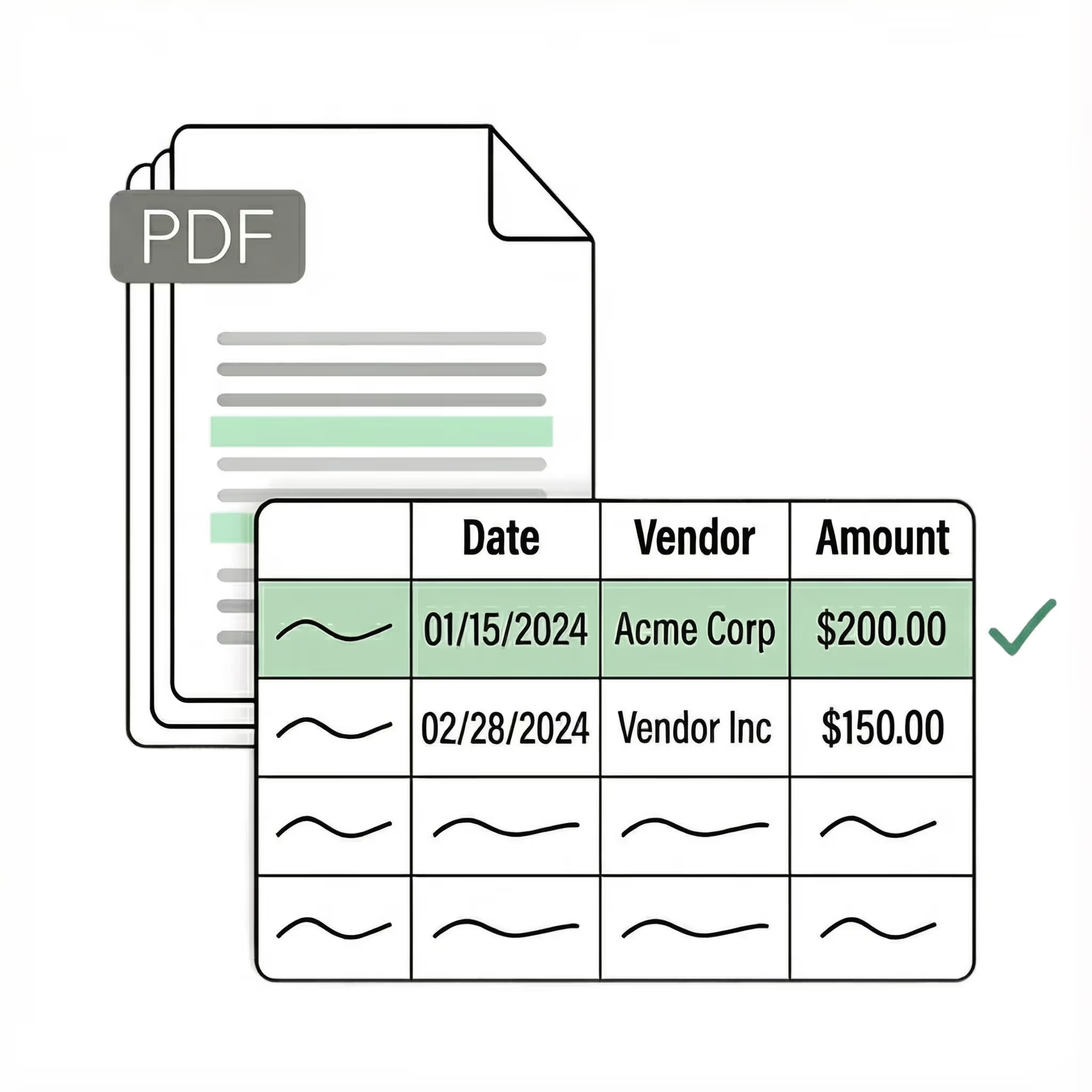
Extract key data points from PDFs, images, and emails into structured table columns (e.g., name, date, invoice number). Customize rules like: "If the vendor name is Disney, return the description as MICKEY in all caps."
Example: Extracted data customized with user-defined rules.
Get started today with 50 free page conversions
Lido doesn't work on mobile yet, but we'll send you an email with your login details for when you're back at a desktop!
Oops! Something went wrong while submitting the form.
Lido doesn't work on mobile yet, but we'll send you an email with your login details for when you're back at a desktop!
Oops! Something went wrong while submitting the form.
Information safeguarded with AES-256 encryption, both at rest and during transmission.
No training on your data
Your data remains untouched for AI training, backed by comprehensive data processing agreements.
Frequently asked questions
How do I extract data from check images?
Lido uses AI-powered OCR to extract routing numbers, account numbers, payee names, amounts, dates, and memo lines from check images automatically. Upload scanned or photographed checks and Lido returns structured, verified data — even from handwritten checks, which make up the vast majority of checks processed.
What is the best OCR software for reading handwritten checks?
Lido's AI is specifically trained to read handwritten text on checks, accurately capturing amounts, payee names, and dates that traditional OCR tools miss. Because nearly all checks contain handwriting, Lido's handwriting recognition is a critical advantage over tools that only handle printed text.
Is check image data extraction secure and compliant?
Lido is SOC 2 and HIPAA compliant, ensuring that sensitive financial data like routing numbers and account numbers are protected throughout the extraction process. All check data is encrypted in transit and at rest, meeting the security requirements of financial institutions and accounting firms.
How do I automate check processing without manual data entry?
Lido automates the entire check data capture workflow — from scanning the image to extracting every field into a structured spreadsheet or database. Upload check images in batch and Lido extracts payee, amount, date, routing number, and account number from each check, eliminating hours of manual keying.
Start today with 50 free pages
👋 Let's personalize your experience!
Oops! Something went wrong while submitting the form.
Lido doesn't work on mobile yet, but we'll send you an email with your login details for when you're back at a desktop!
Oops! Something went wrong while submitting the form.












.png)



.svg)
.svg)
.svg)
.svg)
.svg)
.svg)
.svg)
.svg)



%20(1).svg)

