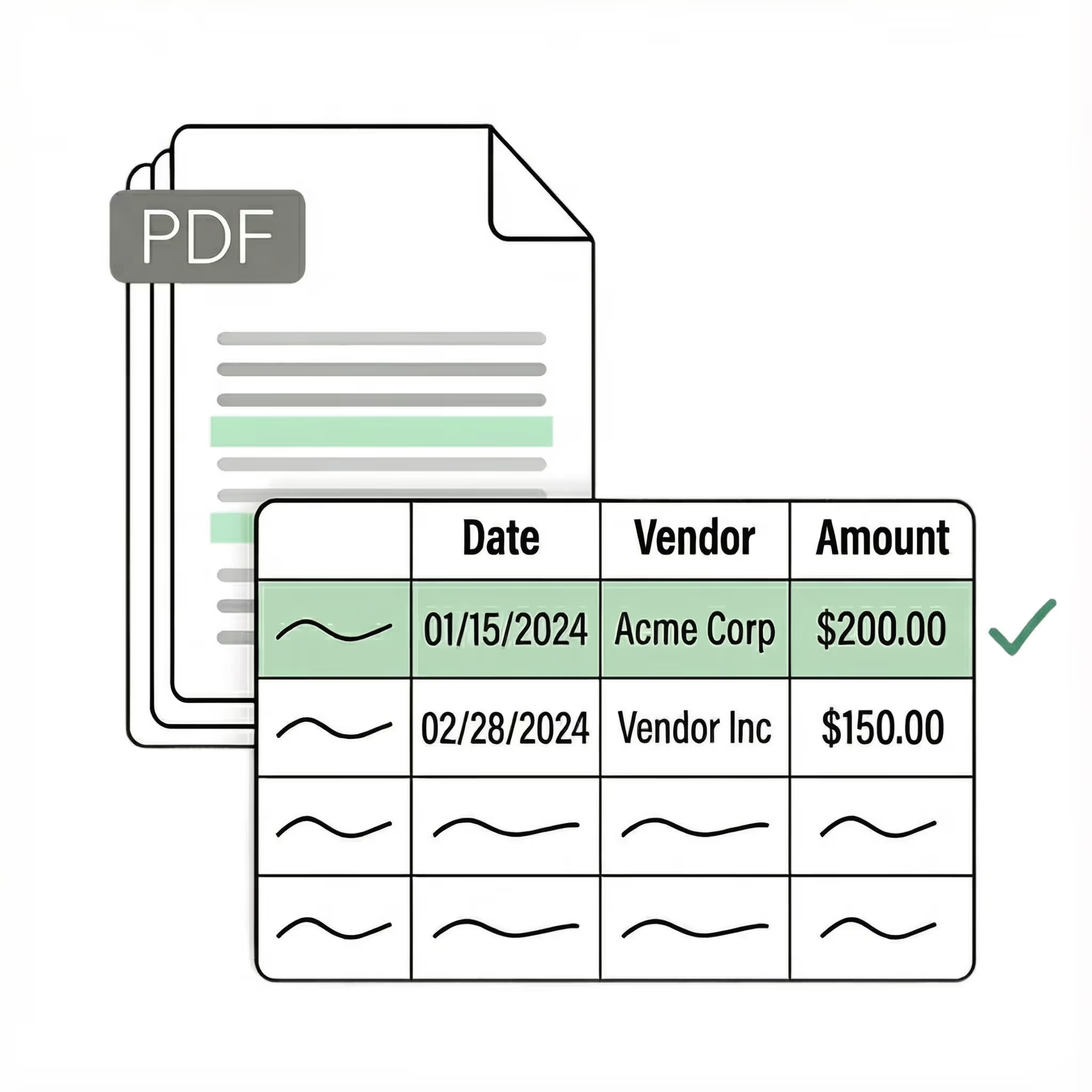
Extract business card data to Excel

Accurately extract data from business cards to spreadsheets with our AI OCR tool. Upload scans, PDFs, or images from your phone or drive folder. Lido works with all business card layouts and formats out of the box, no complex setup required.
  • Save time by automating manual data entry
  • Reduce errors and improve accuracy
  • Scale without hiring more people
  • No credit card required
  • 50 free pages
Get started today with 50 free page conversions
  • No credit card required
  • 50 free pages
Reviews

What our customers are saying

Seamless integration

Import from...

Seamlessly import files from your desktop, shared drives, or email.

Export to...

Automatically send extracted data to Excel, Google Sheets, QuickBooks, or your ERP.
Case Studies

Soldier field saves 20+ hours each week by automating invoice processing with Lido

Aerial view of Soldier Field stadium surrounded by greenery and city buildings in Chicago at sunset.
"What used to take us 20 hours each week now takes just 30 seconds per invoice. Lido has completely transformed our workflow."
Read the full case study ->
Security

🔐 Your data stays private and secure

SOC 2 Type 2

HIPAA

Encryption

Information safeguarded with AES-256 encryption, both at rest and during transmission.

No training on your data

Your data remains untouched for AI training, backed by comprehensive data processing agreements.

Frequently asked questions

How do I extract business card data to Excel?

Lido scans business card photos or images and automatically extracts contact details — name, title, company, phone, email, and address — into organized Excel columns. Upload a single card or batch-process hundreds at once to eliminate manual data entry entirely.

What is the best way to digitize business cards after a networking event?

Lido lets you snap photos of your business cards and converts them into a structured Excel spreadsheet within seconds. Teams at organizations like Soldier Field use Lido to automate contact capture, making it easy to import the resulting data directly into any CRM.

Can I batch-process multiple business cards to a spreadsheet?

Lido supports batch processing so you can upload dozens or hundreds of business card images and extract all contact information into a single Excel file. Each card's name, title, company, phone number, email, and address is parsed into its own row automatically.

How do I automate business card data entry into my CRM?

Lido extracts business card data into clean, CRM-ready Excel files that can be imported directly into Salesforce, HubSpot, or any other platform. Companies like Hocutt rely on Lido to eliminate the bottleneck of manually typing contact information from cards into their systems.

Start today with 50 free pages

  • No credit card required
  • 50 free pages
  • No technical knowledge needed