Bank Statement Parser

Parse data from any bank statement to Excel with the #1 AI OCR tool.
  • Parse your first bank statement in <5 minutes with template-free intelligent document processing
  • Works with any bank statement instantly
  • 99.9% field-level accuracy across every layout
  • No credit card required
  • 50 free pages
Trusted by hundreds of finance and operations teams
Demo video

See Lido in action

Watch and learn how you can use Lido to extract data from any PDF in less than 5 minutes.
Claim your 50 free PDF pages today!
  • No credit card required
  • 20 free pages
Reviews

What our customers are saying

Template-free data parsing

Parse data from any bank statement in minutes. No complex training required — just type in plain English.

Transform your bank statements into structured data in minutes. Just upload your documents, define your extraction fields, then extract.

AI Powered Bank Statement Parser

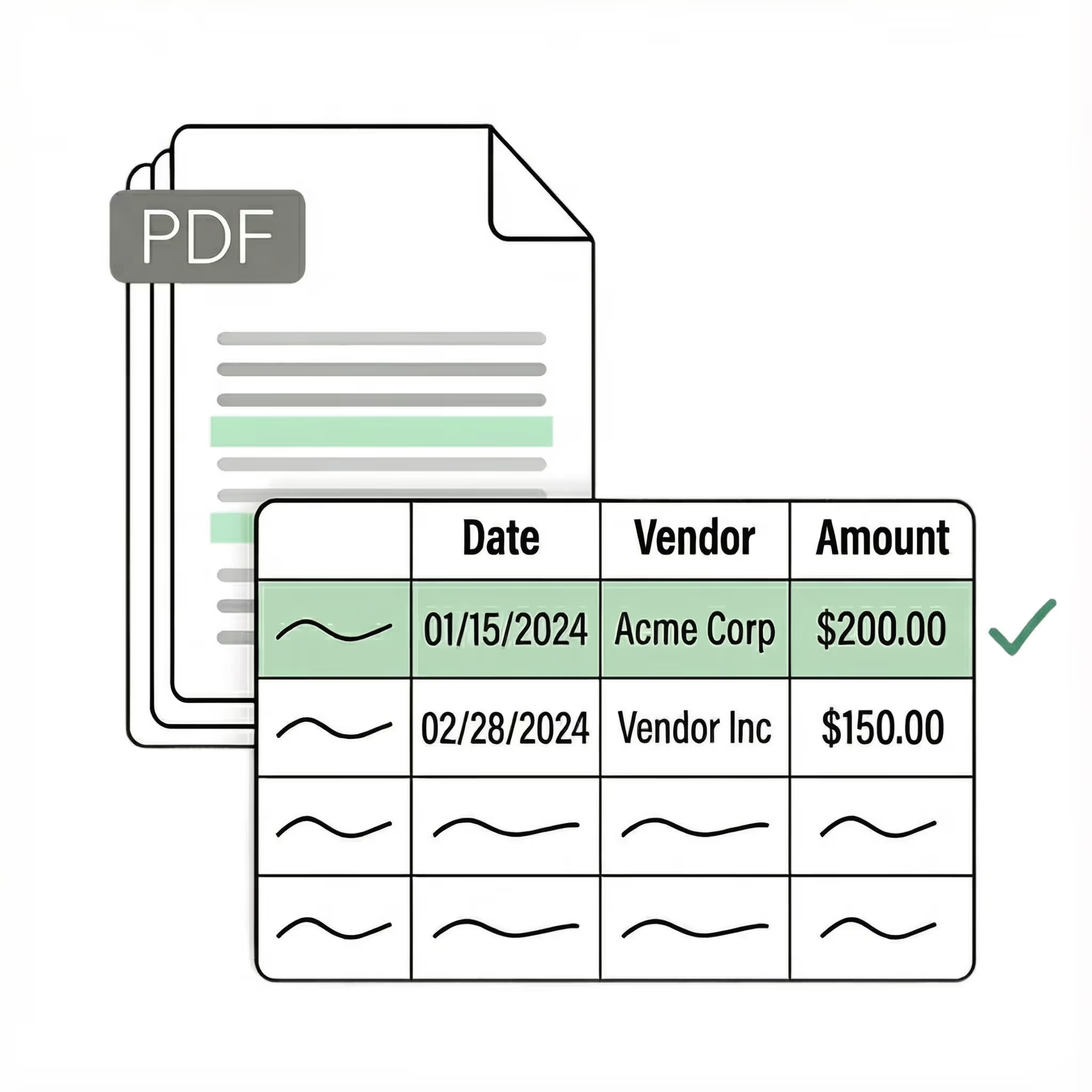
Parse key data points from PDFs, images, and emails into structured table columns (e.g., name, date, invoice number).
Spreadsheet displaying vendor names, dates, and amounts with an extract data panel showing selected columns for extraction: vendor, date, and amount.
Example: Extracted data customized with user-defined rules.

Get started today with 50 free page conversions

  • No credit card required
  • 50 free pages
-OR-
Seamless integration

Import from...

Seamlessly import files from your desktop, shared drives, or email.

Export to...

Automatically send extracted data to Excel, Google Sheets, QuickBooks, or your ERP.

How to parse bank statements automatically

Bank statement parsing means extracting structured transaction data from a PDF or scanned statement and turning it into rows you can work with. Date, description, amount, balance, each field in the right column, ready for reconciliation, bookkeeping, or import into your accounting software. The alternative is opening each statement, reading each line, and typing it into a spreadsheet. At 5-10 minutes per page, a 12-month set of statements from one account eats an hour. Multiply that across every account, bank, and client you handle.Bank reconciliation depends on every transaction matching to the penny. One misread amount, one skipped transaction, one line that got split across two rows — and the whole rec is off. That's why the conversion step matters more for bank statements than almost any other document type.

Most bank statement parsers use templates. You configure extraction zones for Chase, another for Wells Fargo, another for Bank of America. That works until the bank updates their statement layout. Most major banks do this at least once a year. Then your template breaks, the data comes out wrong, and someone has to rebuild the configuration. For firms processing statements from dozens of banks across dozens of clients, template maintenance becomes its own job.Manual entry is where most errors start. A person reading a 15-page Chase statement and typing each transaction into Excel will make mistakes — transposing digits, misreading a debit as a credit, skipping a line, entering "1,234" as "1,243." These errors are invisible until the reconciliation fails, and tracking them down takes longer than the original data entry. For a side-by-side comparison of template-based vs AI parsers, see our guide to the best bank statement parsers in 2026.

Lido parses bank statements without templates. The AI identifies transaction tables, dates, descriptions, debits, credits, and running balances regardless of which bank issued the statement. Upload a Chase PDF and a handwritten credit union statement in the same batch. Both come back as clean, structured data. No per-bank configuration. No retraining when formats change. The output goes directly to Excel, Google Sheets, CSV, or QBO format for import into QuickBooks. PDF-to-Excel converters introduce different problems. They read table formatting and dump it into a spreadsheet, but bank statement tables don't follow simple rules. Transactions carry across page breaks — a description starting on page 3 continues on page 4. Running balances reference the previous page's ending balance. Summary sections and interest calculations appear between transaction tables. The converter flattens all of this into a grid, creating duplicate entries at page breaks, splitting transactions across rows, and losing the running balance thread. For a step-by-step walkthrough, see how to extract data from bank statements automatically. For a broader comparison of OCR tools for this use case, see our bank statement OCR software guide.

Security

Enterprise grade security and compliance

SOC 2 Type 2

HIPAA

Encryption

Information safeguarded with AES-256 encryption, both at rest and during transmission.

No training on your data

Your data remains untouched for AI training, backed by comprehensive data processing agreements.

Frequently asked questions

What is a bank statement parser?

A bank statement parser extracts structured transaction data from bank statement PDFs, scans, or images and turns it into organized rows: date, description, amount, balance. Instead of reading each line and typing it into a spreadsheet, a parser does this automatically. The output is typically Excel, CSV, or a direct import into accounting software like QuickBooks or Xero.

Can Lido parse bank statements from any bank?

Yes. Lido reads the layout of each statement independently, so it works with any bank, credit union, or financial institution without per-bank templates. Chase, Wells Fargo, Bank of America, Citi, regional banks, international banks, and credit union statements all process the same way. When a bank updates their statement format, Lido handles the new layout automatically.

Can I parse scanned or photographed bank statements?

Yes. Lido handles digital PDFs, scanned paper statements, and photographs of statements. The AI runs OCR on scanned and photographed documents automatically, then extracts structured transaction data the same way it would from a native PDF. Accuracy is highest on 300 DPI or better scans, but Lido produces usable results even on lower-quality inputs.

What output formats does the bank statement parser support?

Lido exports parsed bank statement data to Excel (.xlsx), Google Sheets, CSV, and JSON. For bookkeepers and accountants who need to import directly into QuickBooks, the CSV output can be formatted to match QuickBooks' bank transaction import template. The data is also available via REST API for teams building automated reconciliation pipelines.

How accurate is AI bank statement parsing?

Lido achieves 99%+ field-level accuracy on digital PDFs from major banks. Scanned statements and older documents with faded text are lower but still above 95% in most cases. Every extracted value includes a confidence score so you can quickly identify and verify any fields that need a second look. This exceeds manual data entry accuracy, which introduces transposition errors and skipped lines on long statements.

How much does bank statement parsing cost?

Lido offers 50 free pages per month with no credit card required. Paid plans start at $29 per month for 100 pages. A typical 12-page monthly bank statement uses 12 pages of your allocation. For teams processing statements from multiple accounts or clients, per-page pricing scales with your actual volume rather than charging a flat annual fee regardless of usage.

Do I need to set up templates for each bank?

No. Lido's AI reads the layout of each bank statement on the fly, regardless of which bank issued it. There are no templates to build, no extraction zones to draw, and no reconfiguration when a bank updates their statement format. Upload a statement from a bank Lido has never seen before, and it extracts correctly on the first try.

Start today with 50 free pages

  • No credit card required
  • 50 free pages
  • No technical knowledge needed
Schedule a demo ->