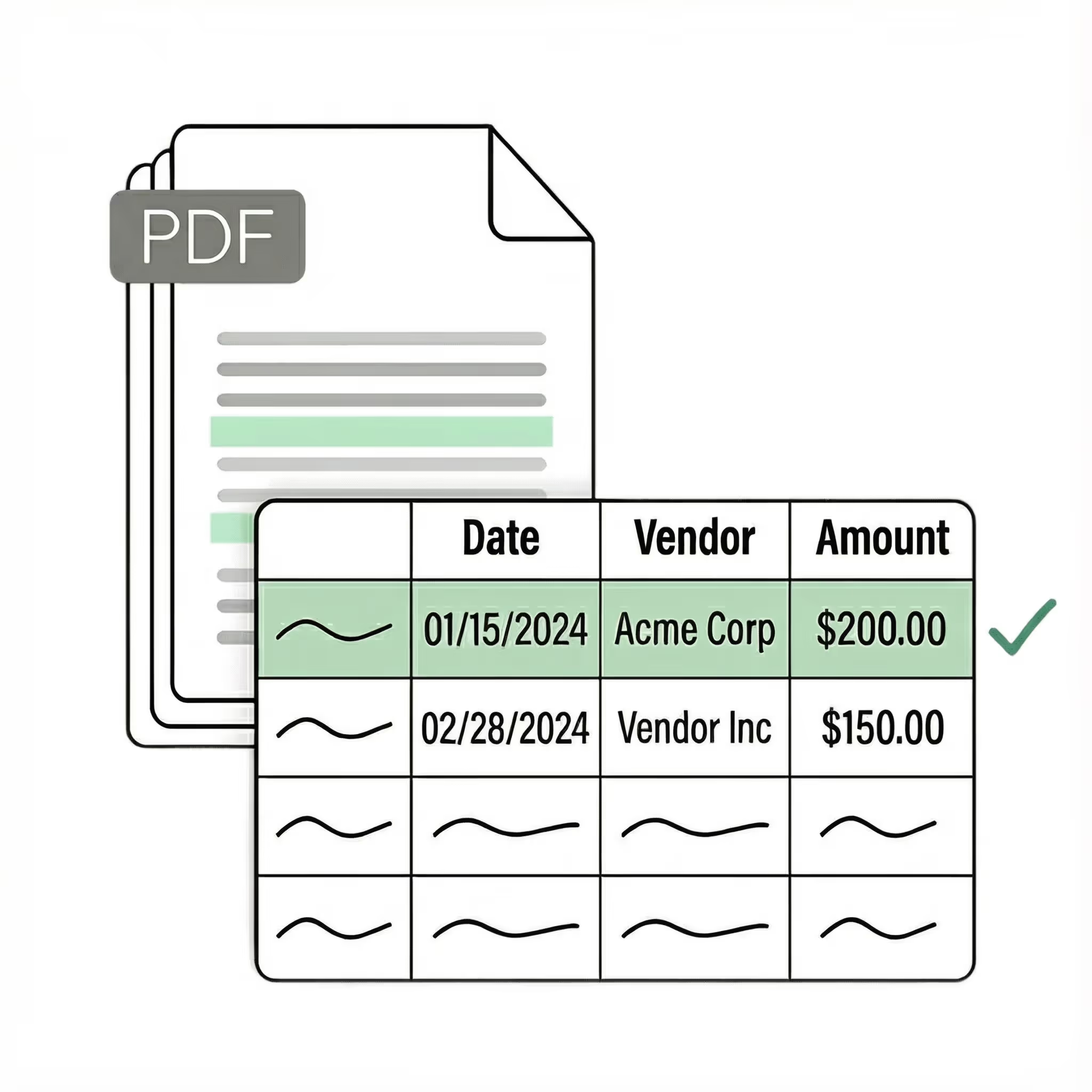
Extract tax form data 10x faster with AI OCR

Lido automates tax form data extraction so your team can stop keying in W-2s, 1099s, and tax returns manually. Upload any tax form and Lido pulls names, TINs, income figures, and filing details into structured columns automatically.
  • Extract data from any tax form with no templates or setup
  • Works with W-2s, 1099s, 1040s, and more out-of-the-box
  • 99%+ field-level accuracy across every layout
  • No credit card required
  • 50 free pages
Trusted by thousands of finance and operations teams
The time we save with Lido allows our focus to be directed to other tasks. We're able to handle more accounts with fewer reps.
Read the full case study ->
Elizabeth Rodriguez
Billing Manager
Experience the latest in invoice OCR technology

Our customers go live in minutes, not weeks or months. Lido's automated tax form data extraction just works for any tax document — no need for templates, manual entry, or data cleanup.

Advanced data extractor

Extract key data points from W-2s, 1099s, 1040s, K-1s, W-9s, and state tax forms into structured columns (e.g., taxpayer name, TIN/SSN, employer, wages, withholdings, filing status). Customize rules like: "If the form is a 1099-NEC, map the nonemployee compensation to a separate column."

Automated email parser

Set up a shared tax@yourcompany.com inbox and connect it to Lido. Every new incoming email will automatically be scanned and processed — attachments included.
Lido's template-free AI technology lets you extract data from tax forms from any filer or preparer without hassle.
Example: AI Email Parser
Seamless integration

Import from...

Seamlessly import invoices from your desktop, shared drives, or email.

Export to...

Automatically send extracted data to Excel, Google Sheets, QuickBooks, or your ERP.

Best automated tax form data extractor for 2026

If you have ever manually keyed data from a stack of W-2s or 1099s into a spreadsheet, you know how slow and error-prone the process is. During tax season, accounting teams can spend days entering the same fields — name, TIN, income, withholdings — from hundreds of forms, and a single transposed digit can trigger a filing error.

Most teams start by looking for a way to automate tax form data extraction. The first tools they find are template-based extractors that require you to map each field location on the form. These work for a single form type, but break when form layouts change between tax years or when you need to process a form type you have not set up yet.

The next option is a basic OCR tool that converts the tax form to raw text. It captures the characters, but leaves you to sort through unstructured output and match values to the correct fields yourself. For a handful of forms this is manageable. For a busy tax season, it creates more work than it saves.

The current generation — the one Lido built — uses AI that reads tax forms the way a person does. No templates to configure. No raw text to parse. Upload a W-2, 1099, K-1, or any other tax document and the software extracts the relevant fields into clean, structured columns automatically. It handles scanned forms, PDFs, photos, and email attachments on the first upload.

Lido is the most accurate automated tax form data extraction tool available. It processes any federal or state tax form without per-form configuration. Whether you are preparing returns, reconciling withholdings, or validating 1099s against your records, Lido turns a stack of tax forms into structured data in minutes.

The test is practical: upload your 10 most difficult tax forms — the faded W-2 copies, the multi-page K-1s, the scanned state returns — and see what comes back. If the software needs you to define fields or clean up the output, it is a previous-generation tool.
Case Studies

Soldier field saves 20+ hours each week by automating document data extraction with Lido

Aerial view of Soldier Field stadium surrounded by greenery and city buildings in Chicago at sunset.
"What used to take us 20 hours each week now takes just 30 seconds per document. Lido has completely transformed our workflow."
Read the full case study -> Schedule a demo
Security

Enterprise grade security and compliance

SOC 2 Type II Compliant • HIPAA Compliant • No training on your data
What is automated tax form data extraction?

Automated tax form data extraction uses AI to read tax documents like W-2s, 1099s, and tax returns and pull the relevant data into structured columns automatically. It replaces manual data entry and works without templates or per-form configuration.

What tax forms can Lido extract data from?

Lido extracts data from any tax form, including W-2s, 1099s (NEC, MISC, INT, DIV), 1040s, K-1s, W-9s, and state tax forms. It works with PDFs, scanned documents, photos, and email attachments.

How accurate is automated tax form extraction?

Lido delivers 99%+ field-level accuracy on tax form data. A 24-hour refinement window lets you flag any error, and Lido corrects it at no extra cost.

Can I extract data from scanned tax forms?

Yes. Lido reads scanned tax forms, photographed copies, and faxed documents just as accurately as digital PDFs. It handles faded prints, low-resolution scans, and varying image quality automatically.

What data fields can be extracted from tax forms?

Common fields include taxpayer name, TIN/SSN/EIN, employer information, wages, federal and state withholdings, filing status, income amounts, deductions, and any other field on the form. You can customize which fields Lido extracts.

Can I process tax forms in bulk?

Yes. Lido processes tax forms in bulk, handling hundreds or thousands of documents without slowdowns. Upload a folder of forms or connect an email inbox, and Lido extracts data from all of them automatically.

Is tax form data extraction secure?

Lido is SOC 2 Type II compliant. All tax documents are processed with enterprise-grade encryption and access controls to protect sensitive taxpayer information.

How do I get started with automated tax form extraction?

Upload your tax forms to Lido, define the fields you need extracted, and choose your output format. Most teams are up and running within minutes. No software installation or template setup is required.

Ready to start saving 20+ hours/week?

Join hundreds of finance and payables teams growing faster with Lido.
Schedule a demo ->