Lido is the most accurate AI PDF extractor on the market. Upload any document and get structured, labeled data in seconds. No templates, no manual entry, no cleanup.
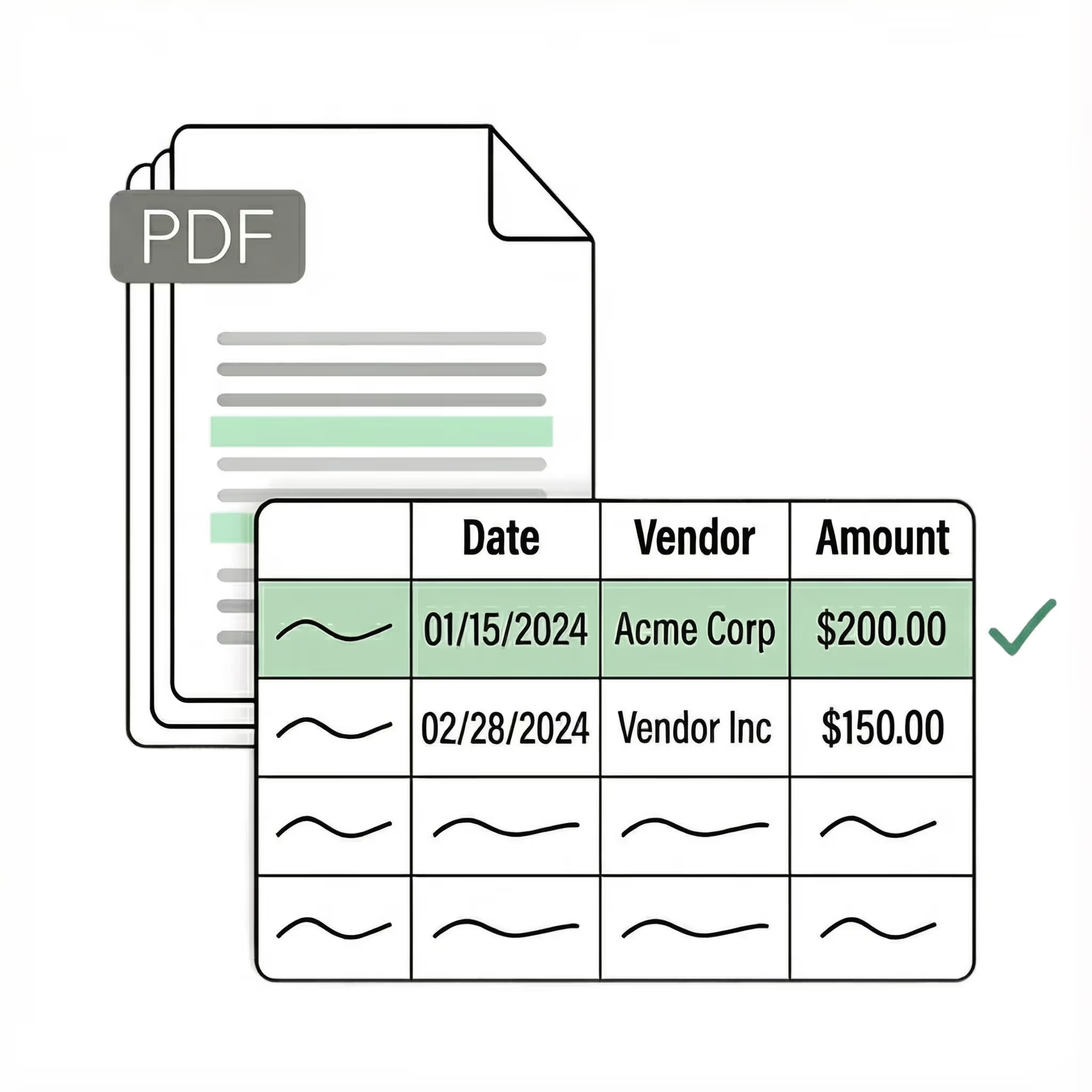
Extract data from any PDF with no templates or rules to configure
Works on scanned, digital, and photographed documents out-of-the-box
99%+ field-level accuracy across every layout
Lido doesn't work on mobile yet, but we'll send you an email with your login details for when you're back at a desktop!
Oops! Something went wrong while submitting the form.
👋 Let's personalize your experience!
Oops! Something went wrong while submitting the form.
No credit card required
50 free pages
Trusted by thousands of finance and operations teams
Extract data from PDFs automatically — try now!
Upload your own PDF files and see how Lido works firsthand.
Our customers go live in minutes, not weeks or months. Lido's AI just works for any PDF — invoices, receipts, bank statements, contracts, forms, and more. No templates, no rules, no manual cleanup.
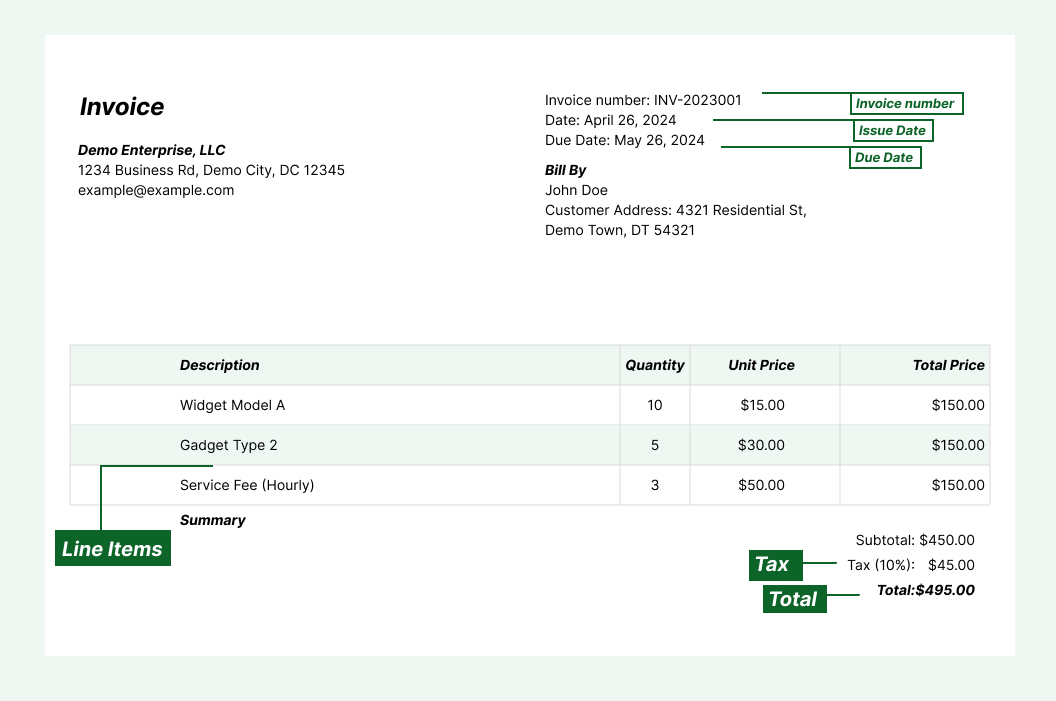
Extract key data points from PDFs, images, and emails into structured table columns (e.g., name, date, invoice number). Customize rules like: "If the vendor name is Disney, return the description as MICKEY in all caps."
Automated email parser
Set up a shared documents@yourcompany.com inbox and connect it to Lido. Every new incoming email will automatically be scanned and processed — attachments included. Lido's template-free AI extracts data from PDFs sent by any vendor, bank, or institution without per-format setup.
Example: AI Email Parser
Seamless integration
Import from...
Seamlessly import invoices from your desktop, shared drives, or email.
Export to...
Automatically send extracted data to Excel, Google Sheets, QuickBooks, or your ERP.
Best AI PDF extractor for structured data
Every team that handles PDFs hits the same wall. The data you need is locked inside documents that were designed for reading, not for extraction. Copy-pasting breaks table structure. Free converters dump raw text without identifying which values belong to which fields. Template-based parsers work for one document format but break the moment a vendor changes their layout. The previous generation of PDF extraction tools required you to draw boxes around fields, write parsing rules, or build templates for every document type. That approach works when you process one format at high volume. It falls apart when you handle dozens of formats from different sources — invoices from 50 vendors, bank statements from 10 institutions, receipts from hundreds of merchants. Lido is a different kind of AI PDF extractor. It reads the document the way a person does — understanding context, layout, and field relationships without templates or rules. Upload a PDF you have never processed before, and Lido identifies the data fields, extracts the values, and delivers structured output on the first try. Lido is the most accurate AI PDF extractor available. It handles invoices, receipts, bank statements, tax forms, contracts, purchase orders, medical records, shipping documents, and any other PDF with structured data. Digital, scanned, or photographed — it does not matter. The difference shows up on your hardest documents. Upload the PDFs that broke your last tool — the scanned ones, the ones with inconsistent layouts, the multi-page tables. If the extraction needs manual cleanup, the tool is not using real AI. Lido delivers clean, structured output ready for your spreadsheet or database.
Case Studies
Soldier field saves 20+ hours each week by automating document data extraction with Lido
"What used to take us 20 hours each week now takes just 30 seconds per document. Lido has completely transformed our workflow."
An AI PDF extractor is software that uses machine learning to read PDF documents, identify data fields, and output structured data automatically. Unlike template-based tools, AI extractors understand document layouts without manual configuration and work on any PDF format on the first upload.
What types of PDFs can Lido extract data from?
Lido extracts data from any PDF — invoices, receipts, bank statements, tax forms, contracts, purchase orders, medical records, shipping documents, and more. It works on digital PDFs, scanned documents, and photographed pages.
How accurate is Lido's AI PDF extraction?
Lido delivers 99%+ field-level accuracy across all document types. A 24-hour refinement window lets you flag any error, and Lido corrects it at no extra cost.
Does Lido work on scanned PDFs?
Yes. Lido includes built-in OCR that reads scanned documents, photographed pages, and faxed copies just as accurately as digital PDFs. It handles low-resolution scans and faded text automatically.
Do I need to create templates for each document type?
No. Lido is completely template-free. Its AI understands document structure automatically, so it works on any format from any source without per-document setup. Upload a new PDF type and it extracts the data correctly on the first try.
Can I automate PDF extraction with Lido?
Yes. Connect an email inbox to Lido and every incoming PDF attachment is extracted and exported automatically. This eliminates manual uploads entirely for teams that receive documents by email.
Where can I export extracted PDF data?
Lido exports to Excel, Google Sheets, CSV, and QuickBooks. The data arrives in clean, structured columns ready to use in your spreadsheet, database, or accounting system.
Is Lido secure for sensitive documents?
Yes. Lido is SOC 2 Type II and HIPAA compliant. All documents are processed with enterprise-grade encryption and access controls to protect financial, medical, and confidential data.
Ready to start saving 20+ hours/week?
Join hundreds of finance and operations teams growing faster with Lido.










-min.avif)
-min.png)
.svg)
.svg)
.svg)
.svg)
.svg)
.svg)
.svg)
.svg)



%20(1).svg)

