


Lido reads packing lists from any shipper and outputs structured item, quantity, and weight data for your receiving and inventory systems.
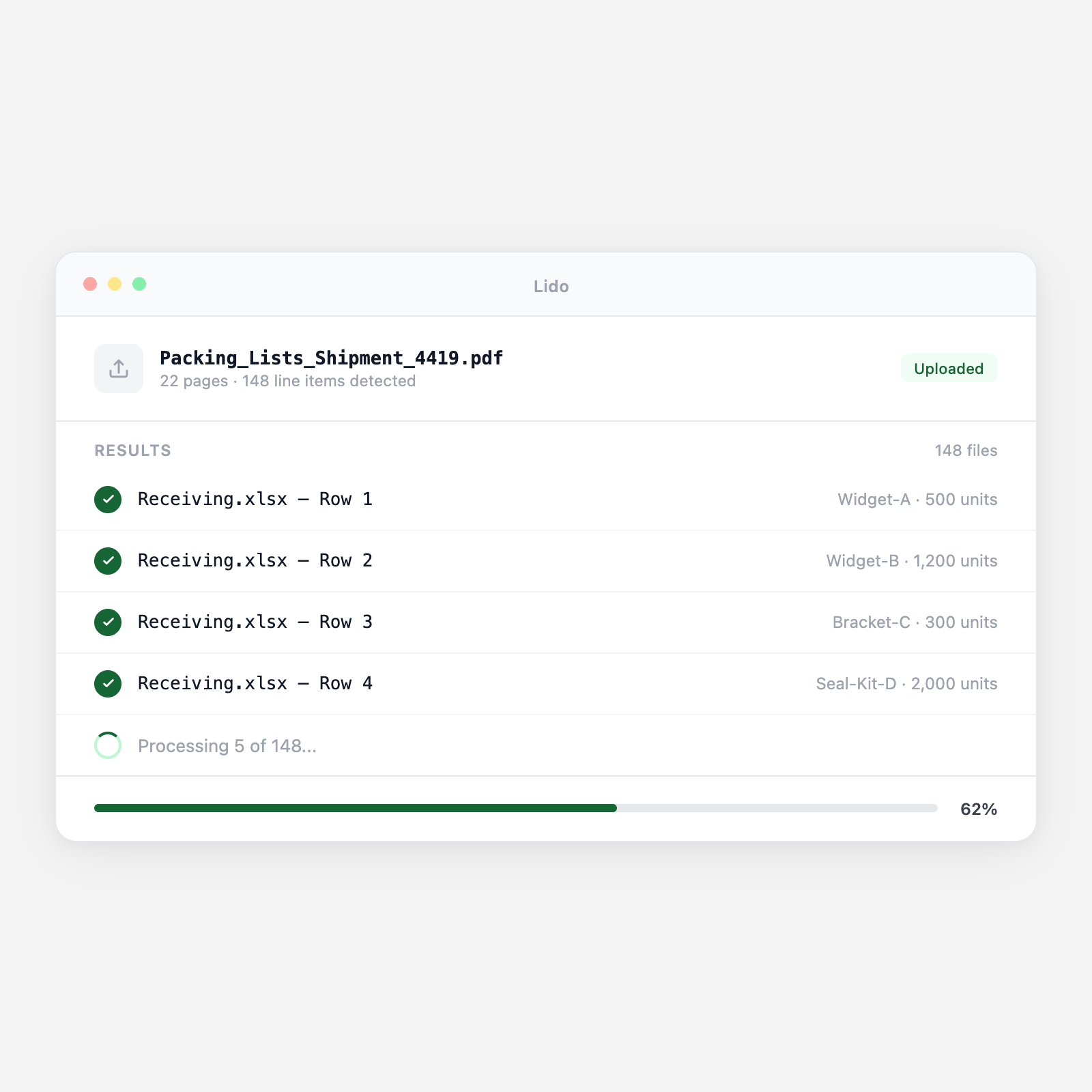






Lido reads any supplier packing list format and delivers structured WMS receiving data automatically.
Advance PDF copies arrive by email before shipment. Paper lists arrive with the freight or from the driver. Lido processes both in the same pipeline for pre-staging and dock confirmation.
Supplier name, shipment date, PO number(s), shipment reference, country of origin, port of loading, and carrier are extracted. Multi-PO lists link each PO to its corresponding line items.
Per SKU: description, part number, PO line, ordered and shipped quantity, carton count, pieces per carton, gross and net weight, and carton dimensions. Multi-SKU cartons are split into per-SKU rows.
Shipped quantities are compared against open PO lines from your ERP or WMS. Short shipments and over-shipments are flagged before goods reach the dock for faster exception resolution.
Output is an ASN structured for your WMS import with PO number, item, quantity, and carton count. A secondary output covers weight and dimensions by carton for dock planning.
Upload a batch and get structured output in minutes.
Standard supplier PDFs in any layout or column order. Items, quantities, carton counts, and weights extracted without templates.
Single documents serving as both commercial invoice and packing list. Packing and invoice fields extracted separately.
Lists covering multiple purchase orders in one shipment. Each PO section extracted with item-level linkage to the correct PO.
Per-carton contents with carton number, SKU, quantity, dimensions, and weight extracted per row.
Separate weight/measurement documents from freight forwarders. Container or pallet gross and net weights extracted.
Paper lists scanned at the dock and processed for receiving confirmation alongside the advance copy in the WMS.
| Feature | Lido | Manual keying |
|---|---|---|
| Extract item descriptions, quantities, and carton detail from any packing list format | ✓ | ✗ |
| Flag shipped vs. ordered quantity discrepancies before receiving begins | ✓ | ✗ |
| Output ASN-formatted data for WMS import before freight arrives | ✓ | ✗ |
| Handle multi-PO consolidated packing lists with per-PO line linkage | ✓ | ✗ |
| Extract carton dimensions and weights for freight invoice audit | ✓ | ✗ |
| Read the packing list PDF and type each SKU quantity into the WMS by hand | ✗ | ✓ |
Extract packing list data before the freight arrives. Your team receives against structured data, not a PDF.
A 3PL warehouse receives 15 container deliveries per week for 8 import clients. Advance packing lists from each client's suppliers are emailed the day before delivery. Lido extracts each packing list overnight and loads expected quantities into the WMS by 6 AM — before the first container arrives. Receiving time per container drops by 40%.
A specialty retailer imports from 120 suppliers across 8 countries. Packing list formats vary by supplier. Lido processes each advance packing list and compares shipped quantities against open PO lines in the ERP. Short shipments and substitutions are identified and communicated to the supplier before the freight departs origin, not at the receiving dock.
A freight forwarder consolidates LCL shipments from multiple suppliers into one container load. Packing lists from each supplier are extracted and merged into a consolidated shipment packing list and weight certificate for the carrier manifest and customs documentation package.
A consumer goods distributor receives 200 PO line items per week from domestic suppliers. Supplier packing lists in 30 different formats are extracted by Lido and mapped to the ERP receiving format, item number, quantity, location. Inventory replenishment triggers are updated from the packing list data as soon as the shipment is confirmed, not after receiving is complete.
%20(1).svg)
