Thanks to Lido, we’re processing ~400 weekly POs automatically with complete accuracy. This let us grow while avoiding a new hire.
Real Estate
SMB
So easy, a human can do it.
Everything you need to extract data from any credit card statement. No complex training required — just type in plain English.
All of our data extraction tools work with scanned and digital PDFs, images, and docs.
Data extractor
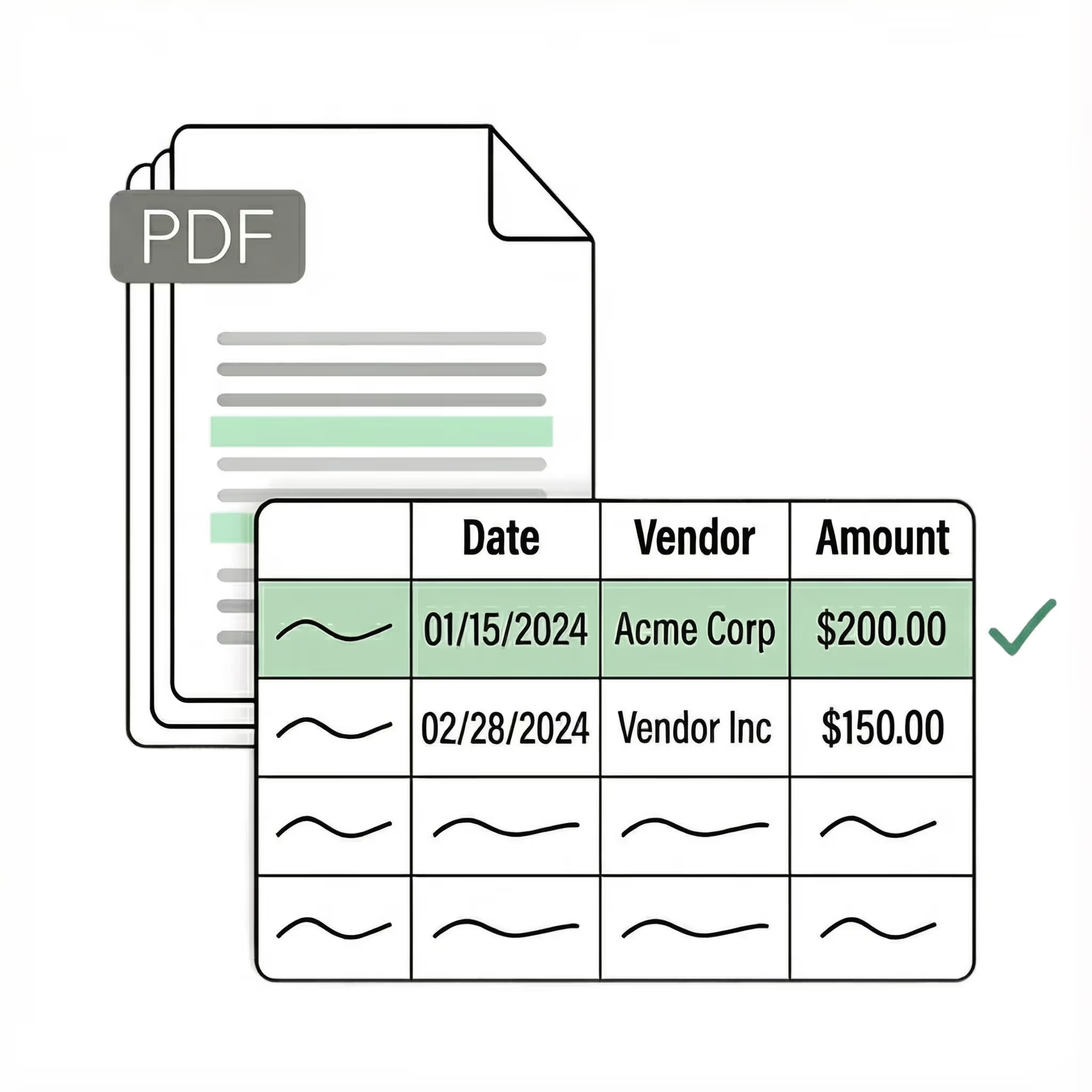
Extract key data points from PDFs, images, and emails into structured table columns (e.g., name, date, invoice number). Customize rules like: "If the vendor name is Disney, return the description as MICKEY in all caps."
Example: Extracted data customized with user-defined rules.
Seamless integration
Import from...
Seamlessly import credit card statements from your desktop, shared drives, or email.
Export to...
Automatically send extracted data to Excel, Google Sheets, QuickBooks, or your ERP.
Case Studies
Soldier field saves 20+ hours each week by automating invoice processing with Lido
"What used to take us 20 hours each week now takes just 30 seconds per invoice. Lido has completely transformed our workflow."
Information safeguarded with AES-256 encryption, both at rest and during transmission.
No training on your data
Your data remains untouched for AI training, backed by comprehensive data processing agreements.
Frequently asked questions
How do I convert a credit card statement to Excel?
Lido converts any credit card statement PDF to a clean Excel spreadsheet in seconds — just upload the file and download structured data. It works with every major issuer format including Amex, Visa, Mastercard, and store cards, with no templates to configure.
What is the fastest way to categorize credit card transactions for expense reports?
Lido extracts and categorizes credit card transactions automatically, giving you expense-report-ready data without manual sorting. ACS Industries processes over 400 purchase orders weekly with Lido, demonstrating the speed gains teams see when they stop hand-keying financial documents.
Can I convert multi-page credit card statements to a spreadsheet?
Lido reads multi-page credit card statements end to end, merging transactions across page breaks into one continuous table. It captures every line item — including fees, interest charges, and payment credits — so nothing is lost between pages.
Does credit card statement conversion work with any issuer format?
Lido works with credit card statements from any issuer — Chase, Citi, Capital One, Amex, and hundreds more — without requiring format-specific setup. Soldier Field's finance team saved 20 hours per week after switching to Lido for all of their document-to-spreadsheet workflows.
Start today with 50 free credit card statement page conversions
👋 Let's personalize your experience!
Oops! Something went wrong while submitting the form.
Lido doesn't work on mobile yet, but we'll send you an email with your login details for when you're back at a desktop!
Oops! Something went wrong while submitting the form.












.png)



.svg)
.svg)
.svg)
.svg)
.svg)
.svg)
.svg)
.svg)



%20(1).svg)
