Lido doesn't work on mobile yet, but we'll send you an email with your login details for when you're back at a desktop!
Oops! Something went wrong while submitting the form.
Lido doesn't work on mobile yet, but we'll send you an email with your login details for when you're back at a desktop!
Oops! Something went wrong while submitting the form.
No credit card required
50 free pages
Demo video
See Lido in action
Watch and learn how you can use Lido to extract data from any PDF in less than 5 minutes.
How it works
How to Convert Your Bank Statement Into Excel or CSV
Step 1:
Upload bank statement
Select native PDF bank statements or PDF containing scanned images of bank statements to upload. You can also drag and drop your bank statements into the upload box.
Step 2:
Convert to structured data
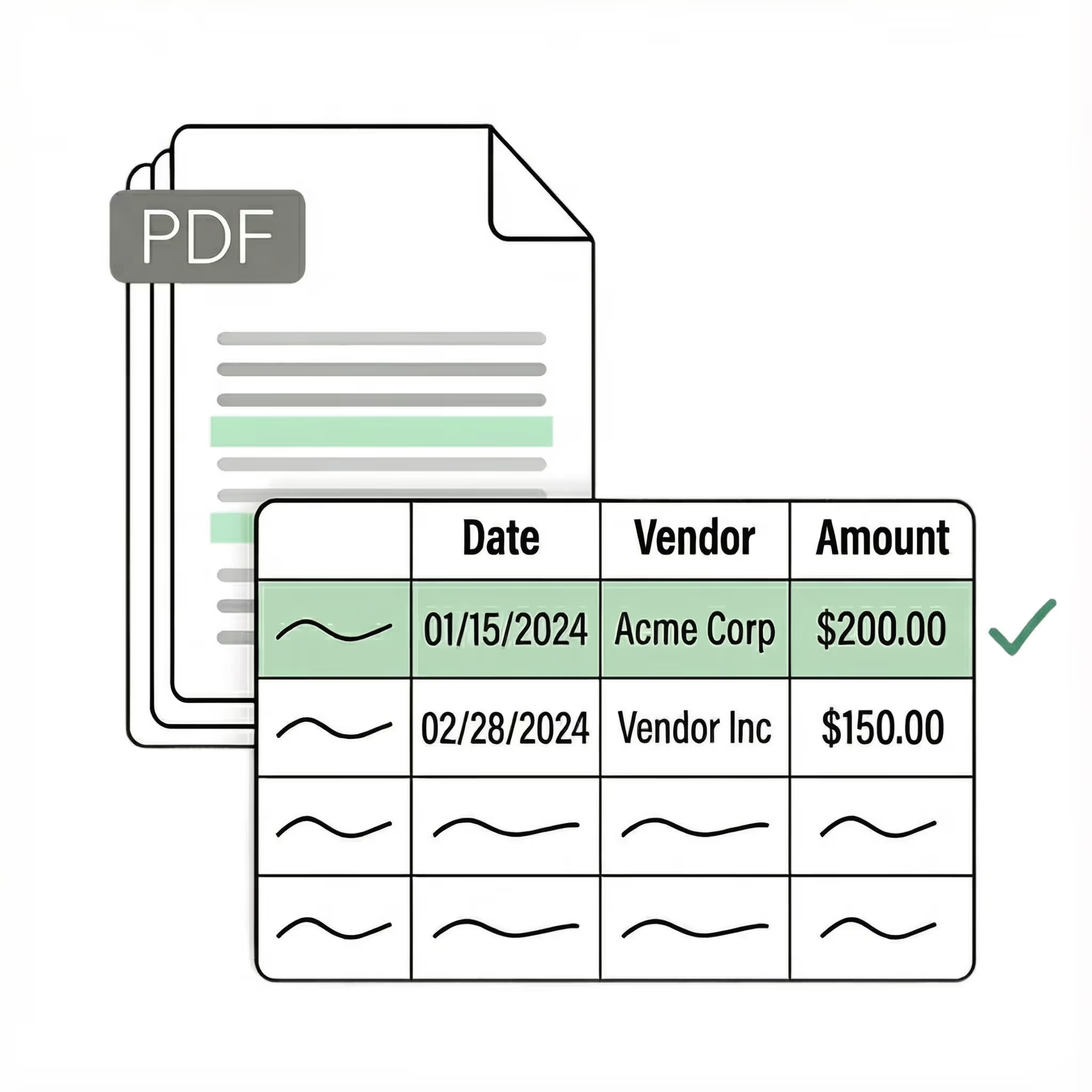
Lido uses advanced AI technology to identify and extract relevant data from your financial statements and convert them into structured data.
Step 3:
Download your Excel or CSV file
Within a few seconds, you can download your converted table and data in Excel or CSV file format.
Security
🔐 Your data stays private and secure
SOC 2 Type 2
HIPAA
Encryption
Information safeguarded with AES-256 encryption, both at rest and during transmission.
No training on your data
Your data remains untouched for AI training, backed by comprehensive data processing agreements.
Pricing
Pricing for teams of every size
Enhanced Pricing Component
Standard
Best for fast, accurate extraction from PDFs and other documents.
$29 / mo
100 pages / mo
1 user
Convert any file type
Export to Excel, CSV
Scale
Designed for teams automating multi-step document workflows, from extraction to validation to ERP.
$7,000 / yr
42,000 pages / yr
Up to 10 users
API & Workflow access
Priority email & chat support
Enterprise
Custom workflows, validation logic, and ERP integrations for complex, high-volume operations.