


In this tutorial, we will walk you through how to extract data from handwritten documents using Lido.
Lido is the best way to extract data from handwritten documents because it reads printed and handwritten text on the same page and keeps every value in the right row and column.
Before you start, make sure you have your handwritten document saved as a PDF, image, or scanned copy. Phone photos work too.
If you don't have a Lido account yet, you can create one for free here.
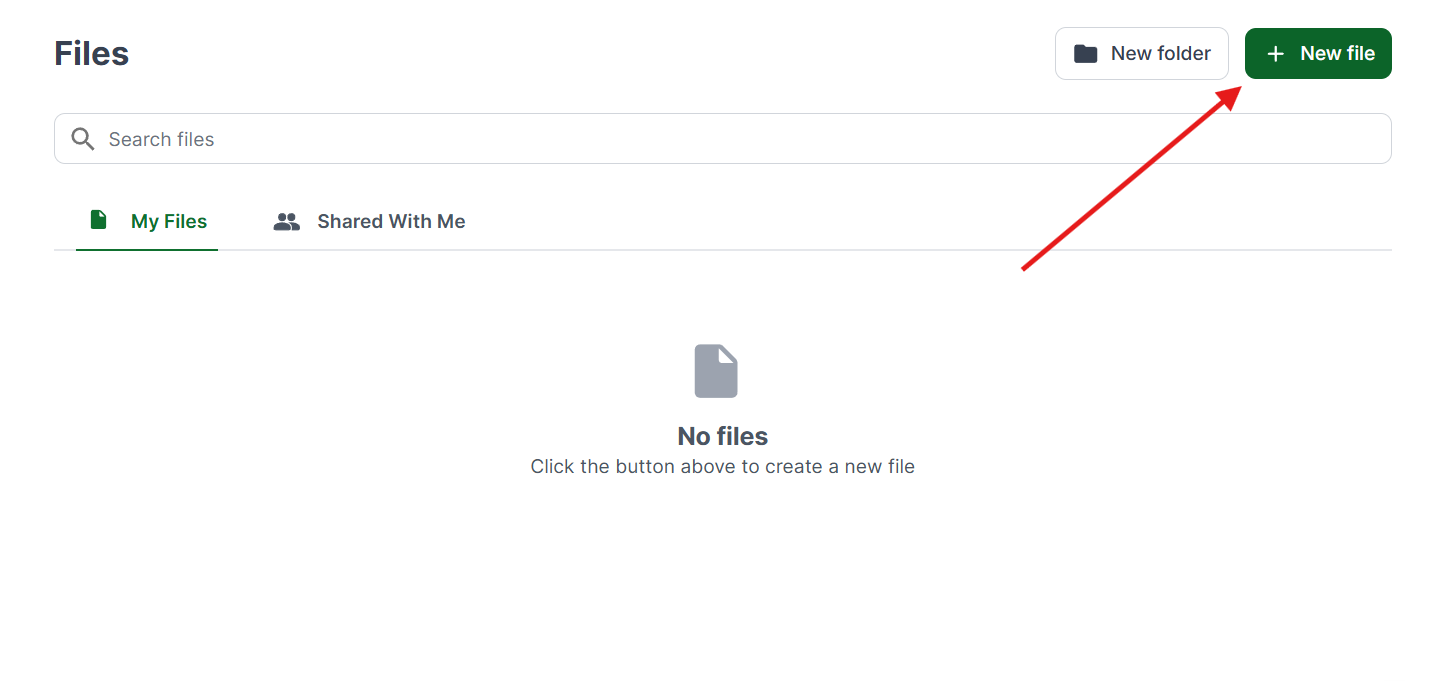
Once you're logged in, create a New File.
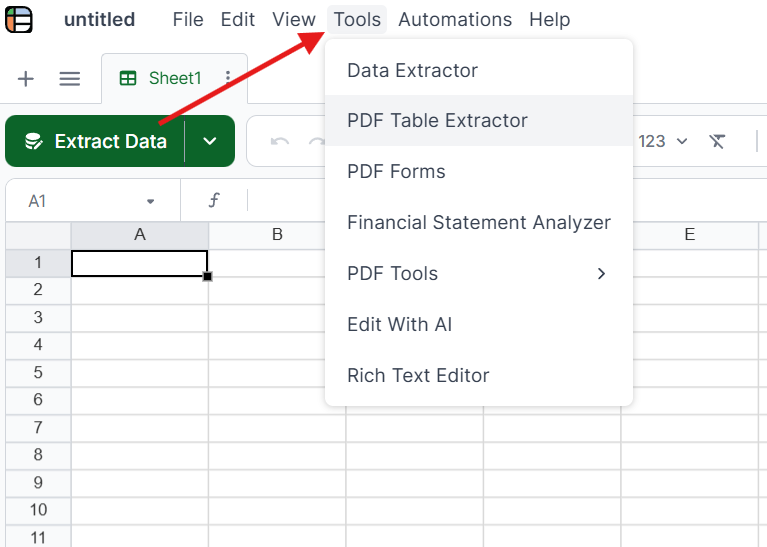
Click on Tools in the top menu and select the PDF Table Extractor. This tool reads tables and structured data from your document, including handwritten entries.
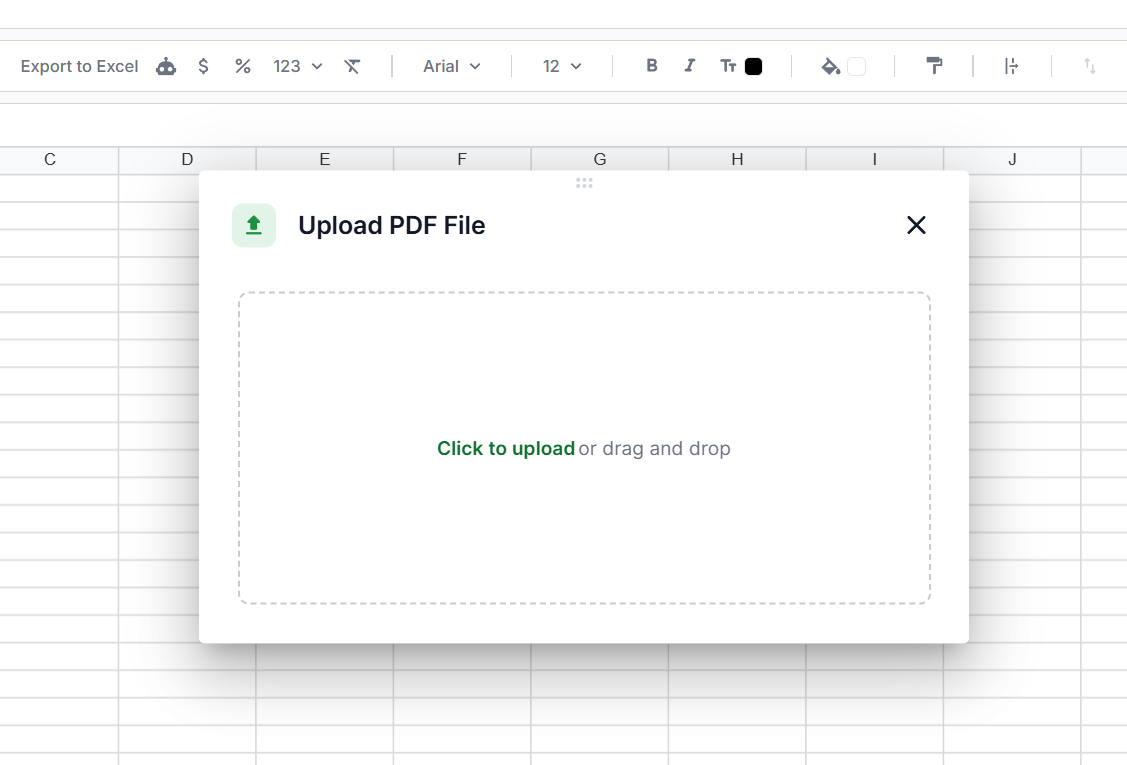
Drag and drop your file into Lido, or click to upload. Scanned PDFs, images, and phone photos taken in the field all work, with no need to pre-process or convert them.
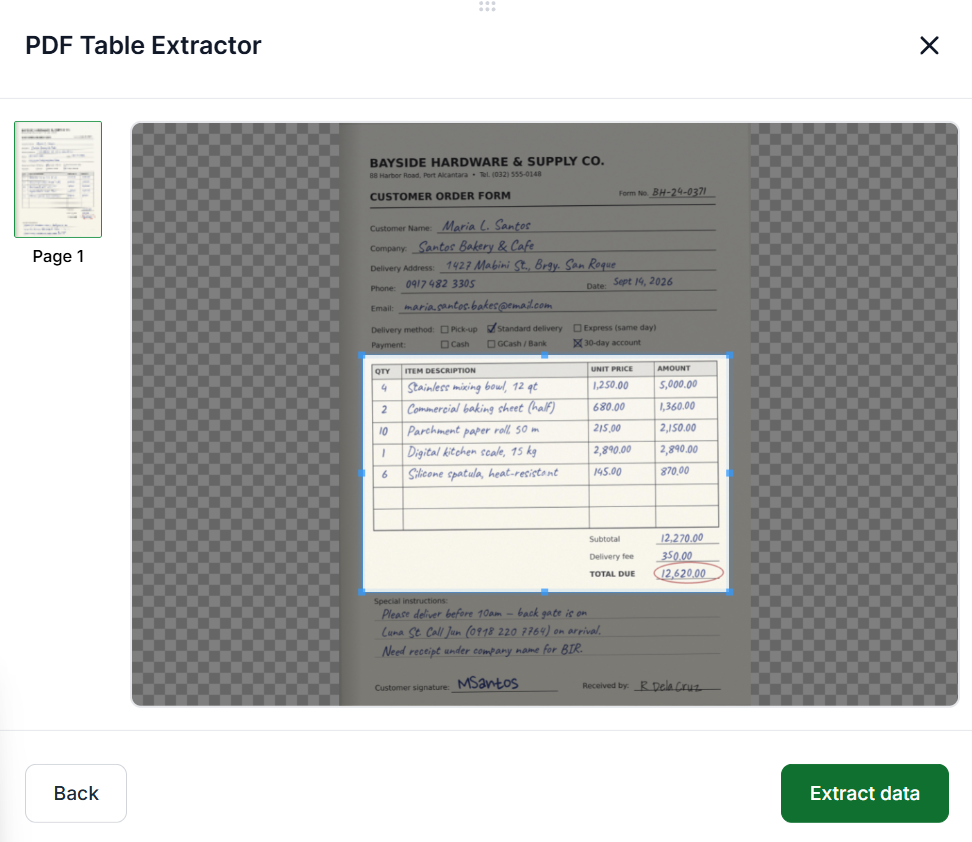
Drag the selection box over the part of the document you want to pull, such as the table on a handwritten inspection form or the line items on a delivery slip. If the same layout repeats on every page, check Apply selection to all pages.
Once you have your selection, click Extract Data.
Review the extracted data to make sure it includes everything you need. You can go back to adjust your selection. When you're satisfied, click Insert at Active Cell to add it to your spreadsheet.
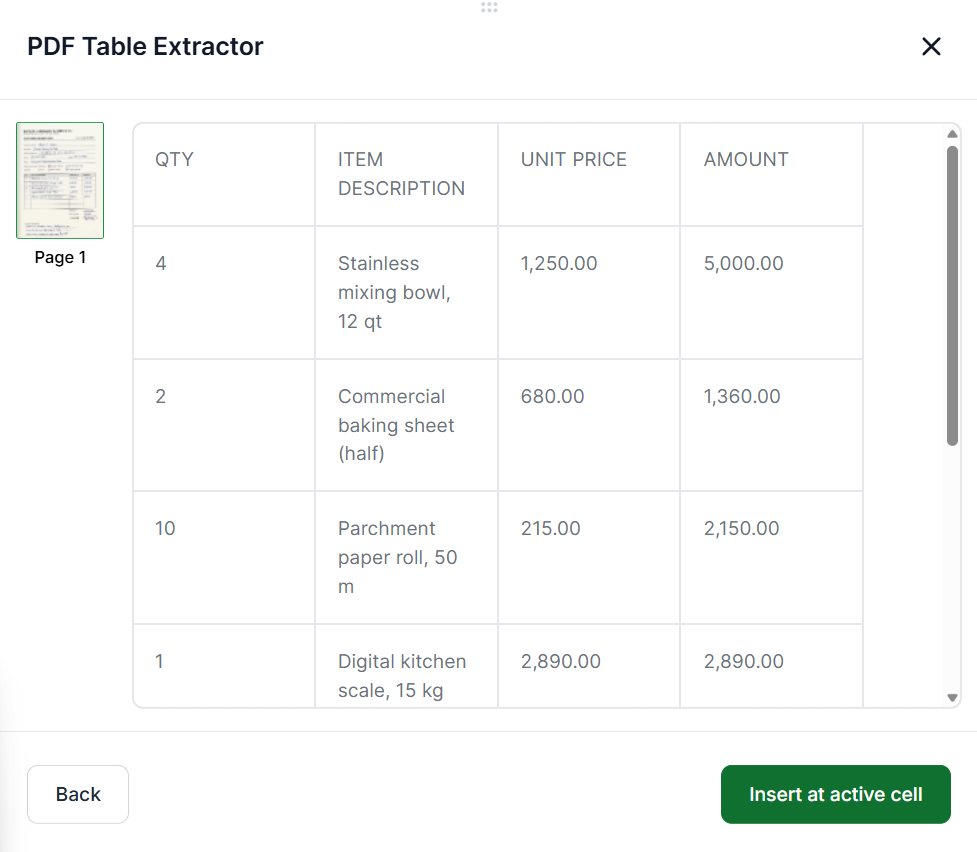
You can edit and format the cells however you need. Adjust column widths, format dates and numbers, or reorganize the data to suit your workflow.
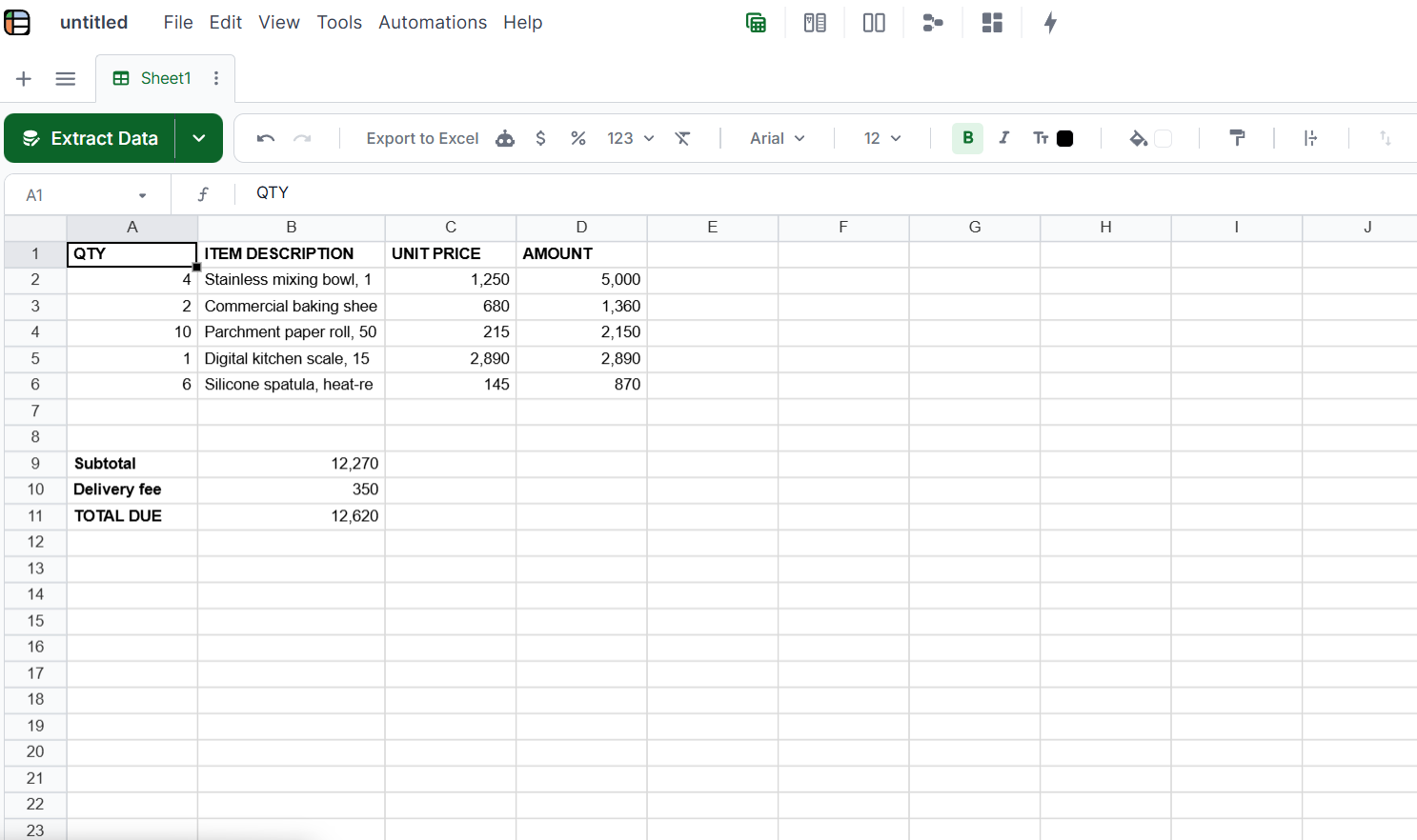
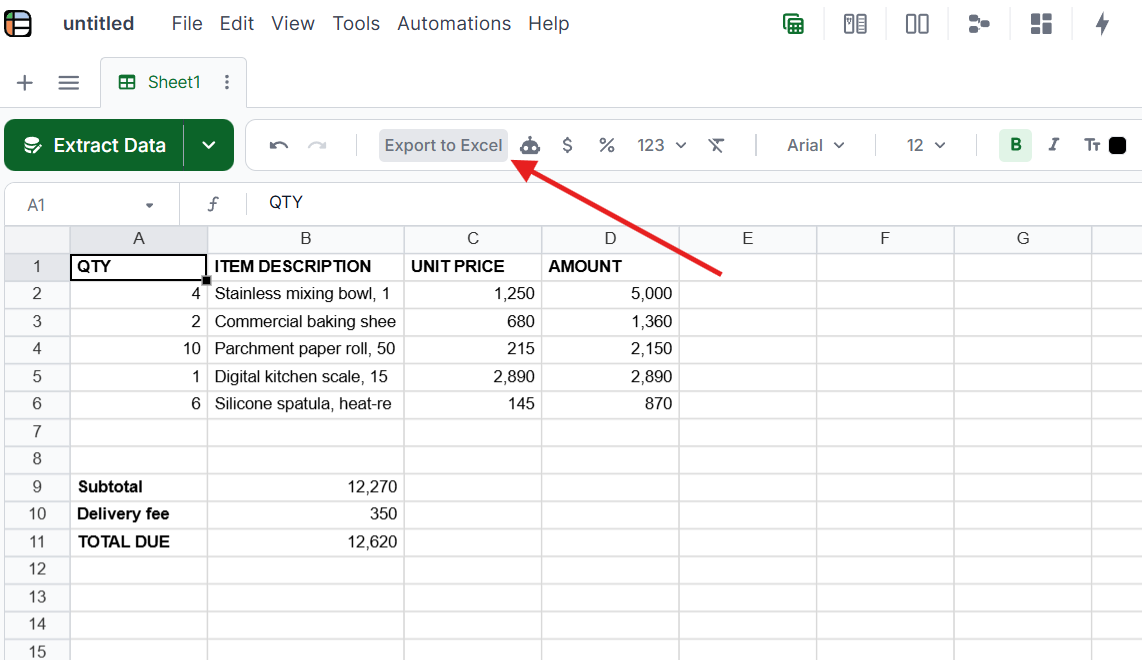
Once you're done, click Export to Excel at the top to download your handwritten data as a spreadsheet file.
Tip: For the clearest results, scan at 300 DPI or higher, or take phone photos in good lighting on a flat surface.
Traditional OCR data extraction was built for typed, printed text in standard fonts. It matches character shapes against a known library of letterforms. Handwriting breaks that model completely.
Handwriting causes three main problems for traditional OCR:
Every person’s handwriting is different. Letter shapes, spacing, slant, and ink quality all vary by writer. A “7” that looks like a “1,” a “4” that looks like a “9.” These are judgment calls that character-matching OCR can’t make.
Most documents mix printed and handwritten text. A typed form with handwritten entries. A printed invoice with handwritten delivery notes. A bill of lading with pre-printed fields filled in by hand. The OCR engine has to handle both on the same page and know which text belongs to which field.
Template-based tools break entirely. Handwritten text doesn’t appear in fixed positions. A driver writing a total in the margin, a receiver scrawling a count next to a pre-printed field. None of this conforms to a rigid template. Tools that rely on coordinates will miss handwritten entries or extract the wrong values.
Kei Concepts (restaurant group, 13 locations) processes handwritten Vietnamese-language restaurant documents (invoices, receipts, delivery slips) that no other OCR tool could handle. Mixed printed Vietnamese and handwritten entries. Lido reads them accurately.
Disney Trucking extracts data from handwritten driver tickets. Every load generates a handwritten ticket with weights, times, and driver information. Previously, each ticket required manual transcription. Now automated with Lido.
Logistics companies processing handwritten bills of lading, stamped, annotated, and covered in carrier-specific notations, use Lido as document capture software to extract shipper details, weights, and freight charges without templates. Lido handles the variation because it reads context, not coordinates.
It depends on legibility. Neat block handwriting extracts reliably, while hurried cursive, faded ink, and overlapping text are harder to read. Most teams find that 80% to 90% of fields extract cleanly, and the rest take a quick check.
Yes. Lido reads printed and handwritten text on the same page and understands the context, so each value goes to the right field. Typed forms with handwritten corrections and printed invoices with handwritten notes work without separate rules for each type of text.
Lido handles multiple languages, including non-Latin scripts. Kei Concepts uses it daily for handwritten Vietnamese restaurant documents that mix Vietnamese text with numbers and abbreviations, with no language-specific setup.
Scan at 300 DPI or higher for the best results. Phone photos work for field capture, and good lighting and a flat surface make the biggest difference.
%20(1).svg)
.png)
