Transform complex Bills of Lading into structured data with AI-powered data extraction of shipping details, cargo descriptions, and consignment information.
Start processing BOLs in minutes not weeks — no training or rules to build
Works with any bill of lading format out-of-the-box
99%+ field-level accuracy across every layout
Lido doesn't work on mobile yet, but we'll send you an email with your login details for when you're back at a desktop!
Oops! Something went wrong while submitting the form.
👋 Let's personalize your experience!
Oops! Something went wrong while submitting the form.
No credit card required
50 free pages
Trusted by hundreds of finance and operations teams
Watch Demo Video
Extract data from your Bills of Lading in minutes
Cut your Bill of Lading processing time by 90% — try now!
Upload your BoLs and experience Lido's AI data extraction firsthand.
Get started today with 50 free page conversions
Lido doesn't work on mobile yet, but we'll send you an email with your login details for when you're back at a desktop!
Oops! Something went wrong while submitting the form.
Lido doesn't work on mobile yet, but we'll send you an email with your login details for when you're back at a desktop!
Oops! Something went wrong while submitting the form.
Experience the latest in Bill of Lading OCR technology
Extract data from any Bill of Lading format, no templates or complex setup required.
Bill of Lading data extractor
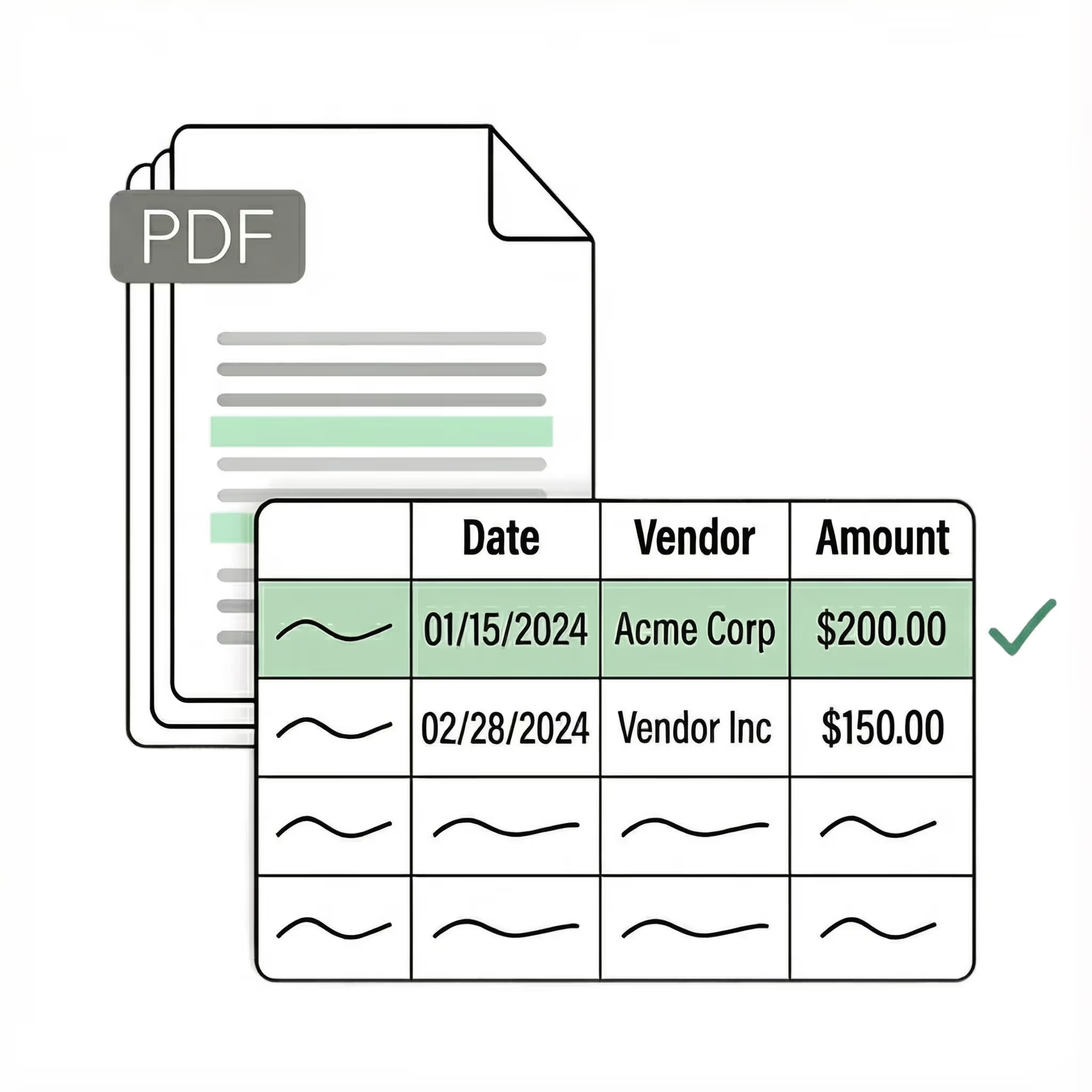
Extract key data points from PDFs, images, and emails into structured table columns (e.g., name, date, invoice number). Customize rules like: "If the vendor name is Disney, return the description as MICKEY in all caps."
Example: Extracted data customized with user-defined rules.
Automated email parser
Set up a shared BoL@yourcompany.com inbox and connect it to Lido. Every new incoming email will automatically be processed — attachments included.
Lido's template-free AI technology lets you process BoLs from multiple carriers without hassle.
Example: AI Email Parser
Seamless integration
Our Bill of Lading Parsing software is built for easy integration into your existing systems and software.
Import from...
Seamlessly import BoLs from your desktop, shared drives, or email.
Export to...
Automatically send extracted data to Excel, Google Sheets, QuickBooks, or your ERP.
Thanks to Lido, we’re processing ~400 weekly POs automatically with complete accuracy. This let us grow while avoiding a new hire.
Real Estate
SMB
Best bill of lading OCR for freight and logistics teams
A bill of lading starts on a loading dock. A driver scrawls the piece count. Someone stamps it at the checkpoint. It gets folded into a clipboard, carried in a truck cab for 600 miles, pulled out at delivery, signed again, then scanned or faxed to the back office. By the time someone in operations needs to enter the data into a TMS or spreadsheet, the document has been through more hands and conditions than almost any other business paper.
That physical journey is why BOLs are one of the hardest document types to digitize. The handwriting is rushed — drivers filling in fields on a clipboard balanced on a truck hood. The ink smudges. Carbon copy BOLs (still common in LTL and intermodal) produce faint text on pink or yellow paper. Stamps and seals from checkpoints are layered over printed fields. Moisture, folding, and handling degrade the paper. Then there's the format problem. Every carrier, 3PL, and freight broker uses a different BOL layout. A FedEx Freight BOL looks nothing like an XPO or Old Dominion BOL. Field labels, placement, and document structure vary widely. Customs declarations add another format. Teams processing shipments from dozens of carriers can't build templates fast enough to keep up — and every new carrier or format change means more template maintenance. Standard OCR tools fail on BOLs for all of these reasons at once: handwriting, physical degradation, and format variance, compounded by the fact that a single BOL might have all three problems simultaneously. Lido extracts shipper, consignee, cargo details, weight, piece counts, reference numbers, and delivery terms from any bill of lading — handwritten, carbon copy, stamped, faxed — from any carrier format, on the first upload. The AI reads handwriting in context, understanding that the scrawl next to "Pieces" is a count and the number by "Weight" is a weight, regardless of handwriting quality. No per-carrier templates, no format configuration.
Security
Enterprise grade security and compliance
SOC 2 Type II Compliant • HIPAA Compliant • No training on your data
What is the best OCR tool for bills of lading?
Lido is the most effective OCR tool for bills of lading, extracting shipping details, cargo information, and consignment data from any BOL format — including handwritten, scanned, and photographed documents — with 99%+ accuracy. One trucking company freed six full-time employees from manual BOL data entry by moving to Lido.
How do I extract data from bills of lading automatically?
Lido extracts BOL data automatically using AI vision models that read document layout and context, so it handles any carrier's format without templates or per-carrier configuration. Connect a shared email inbox and every incoming BOL is processed automatically — shipper, consignee, cargo details, reference numbers, and weights extracted into structured columns.
Can AI read handwritten bills of lading?
Lido reads handwritten bills of lading in any condition — including rushed entries from loading docks and fields filled in by drivers — using AI vision models rather than character-level OCR. Disney Trucking processes 360,000 handwritten pages annually through Lido, and as one Lido sales engineer put it: "Lido has extracted things that I cannot read."
How do logistics companies automate BOL processing?
Lido automates BOL processing for logistics companies by extracting data from any carrier's format — handwritten, scanned, faxed, or digital — without templates or per-carrier setup. Documents arrive via email or upload, Lido extracts the data automatically, and structured output exports to CSV, Excel, or directly to your TMS or accounting system.
What is the best bill of lading OCR software?
The best BOL OCR handles the conditions BOLs actually arrive in — handwritten entries from loading docks, carbon copies on colored paper, stamps layered over text, faxed and folded and moisture-damaged. Lido processes all of these at the same accuracy as clean digital PDFs.
Lido extracts the full set of BOL fields: shipper and consignee names and addresses, carrier, PRO and BOL numbers, PO numbers, ship and delivery dates, commodity descriptions, NMFC codes, freight class, piece count, weight, dimensions, declared value, freight charges, and special instructions. For non-standard fields — seal numbers, container numbers, temperature requirements, hazmat classifications — you specify what to extract in plain English. Works on any carrier's format without templates.
How do freight brokers automate bill of lading data entry?
Freight brokers process BOLs from dozens or hundreds of carriers, each with a different format. Every new carrier means a new layout. Manual data entry creates a bottleneck that grows with shipment volume.
Lido eliminates this by connecting to a shared email inbox where carriers send BOLs. Every incoming document is automatically extracted into structured data — shipper, consignee, cargo, weight, references — regardless of carrier format. The data exports to Excel, Google Sheets, CSV, or your TMS. No per-carrier templates, no onboarding delay for new carriers, no maintenance when a carrier updates their BOL format. The manual data entry step goes from hours per day to minutes of periodic review.
Can OCR read handwritten entries on bills of lading?
Handwritten BOL entries — rushed piece counts, scrawled weights, driver signatures, dock annotations — are among the hardest text for any extraction tool to read. Standard OCR fails on handwriting that's smudged, partially overwritten, or cramped into small fields.
Lido uses AI vision models that understand handwriting in context. If the handwritten scrawl next to "Weight" could be "1,200" or "1,700," the AI uses context — the commodity, shipment size, adjacent fields — to determine the correct reading. This contextual approach delivers reliable accuracy on BOLs filled out on loading docks and in truck cabs, where writing quality is lowest.
Can BOL OCR handle carbon copy and faxed shipping documents?
Yes. Carbon copy BOLs — still standard in LTL, intermodal, and international freight — have faint text on colored paper (pink, yellow, or blue copies), uneven ink, and bleed-through from other copies. Faxed BOLs add compression artifacts and resolution loss.
Lido processes both at the same accuracy as clean digital documents. The AI reads through noise, degradation, ink bleed, and layered stamps to extract the underlying data. You can connect Lido to your e-fax service or upload scanned carbon copies directly — no preprocessing or image cleanup required.
Start today with 50 free pages
👋 Let's personalize your experience!
Oops! Something went wrong while submitting the form.
Lido doesn't work on mobile yet, but we'll send you an email with your login details for when you're back at a desktop!
Oops! Something went wrong while submitting the form.




.png)
.png)


-min.png)
.svg)
.svg)
.svg)
.svg)
.svg)
.svg)
.svg)
.svg)



.png)




%20(1).svg)
