Invoice to Excel in Minutes, Not Weeks
Extract data from any invoice format — scans, photos, even handwriting — without building rules for each vendor. Describe what you need in plain English.
Start processing invoices in minutes: no training, coding, or template configuration required
Works with any invoice format: 50 vendors or 500, one setup handles them all
Free to refine for 24 hours: adjust extraction and reprocess at no extra cost
No credit card required
50 free pages
Trusted by thousands of finance and operations teams
Upload your PDFs and see how Lido works with your invoices.

The time we save with Lido allows our focus to be directed to other tasks. We're able to handle more accounts with fewer reps.
Read the full case study -> -min.avif)
Elizabeth Rodriguez
Billing Manager
Extract key data points from PDFs, images, and emails into structured table columns (e.g., name, date, invoice number). Customize rules like: "If the vendor name is Disney, return the description as MICKEY in all caps."
Set up a shared invoices@yourcompany.com inbox and connect it to Lido. Every new incoming email will automatically be processed — attachments included.
Lido's template-free AI technology lets you process invoices from multiple vendors without hassle.
-min.png)
Example: AI Email Parser
What used to take us 20 hours each week now takes just 30 seconds per document.
PDF to spreadsheet conversion is just the first step
Extract and validate data from documents, then automate what happens next: upload to your ERP, populate forms with extracted data, or export a clean CSV.
Ingest
Upload documents in batches, or connect shared folders and inboxes to automatically ingest new files as they arrive.
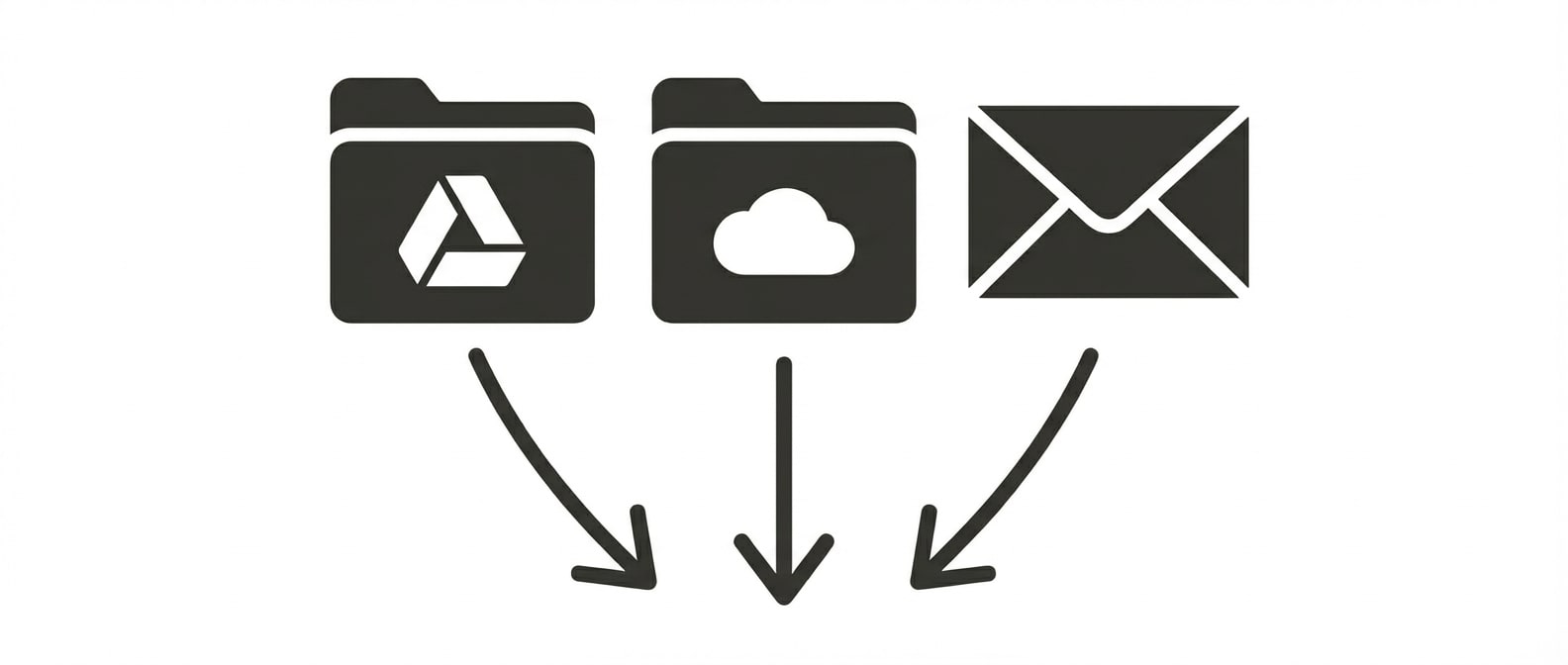
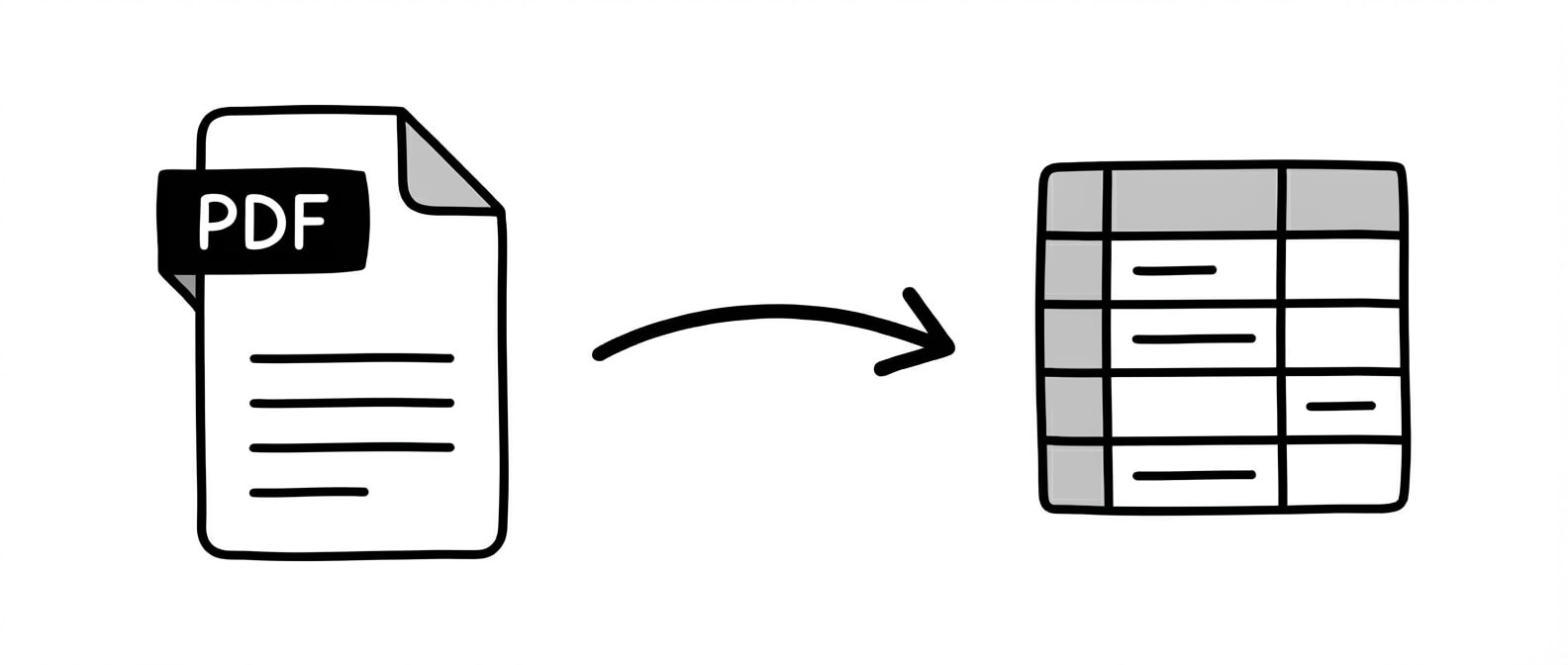
Extract
Automatically extract structured data from any document. Tell Lido what fields you need and we'll pull the right data into clean, usable tables.
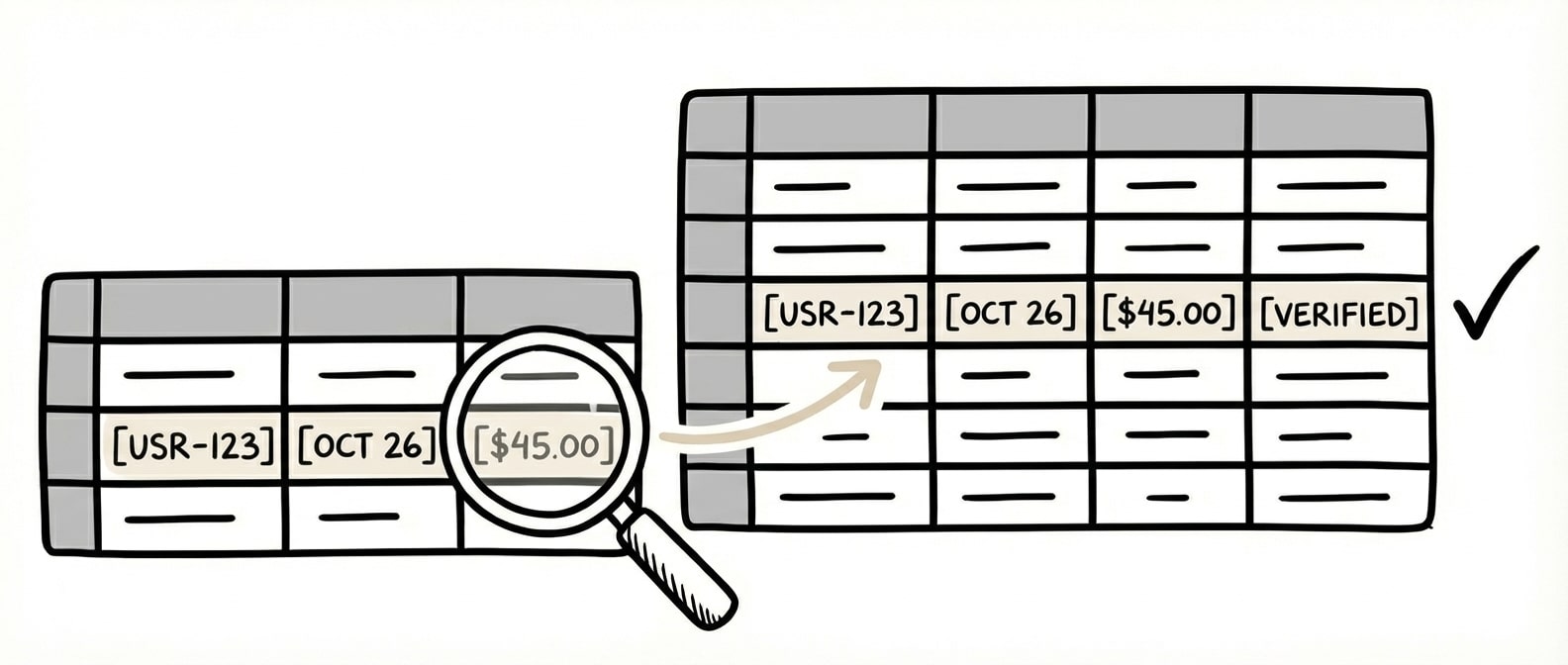
Validate
Automatically match extracted data against your internal systems with AI to find the correct records and return clean, validated data ready for your ERP.
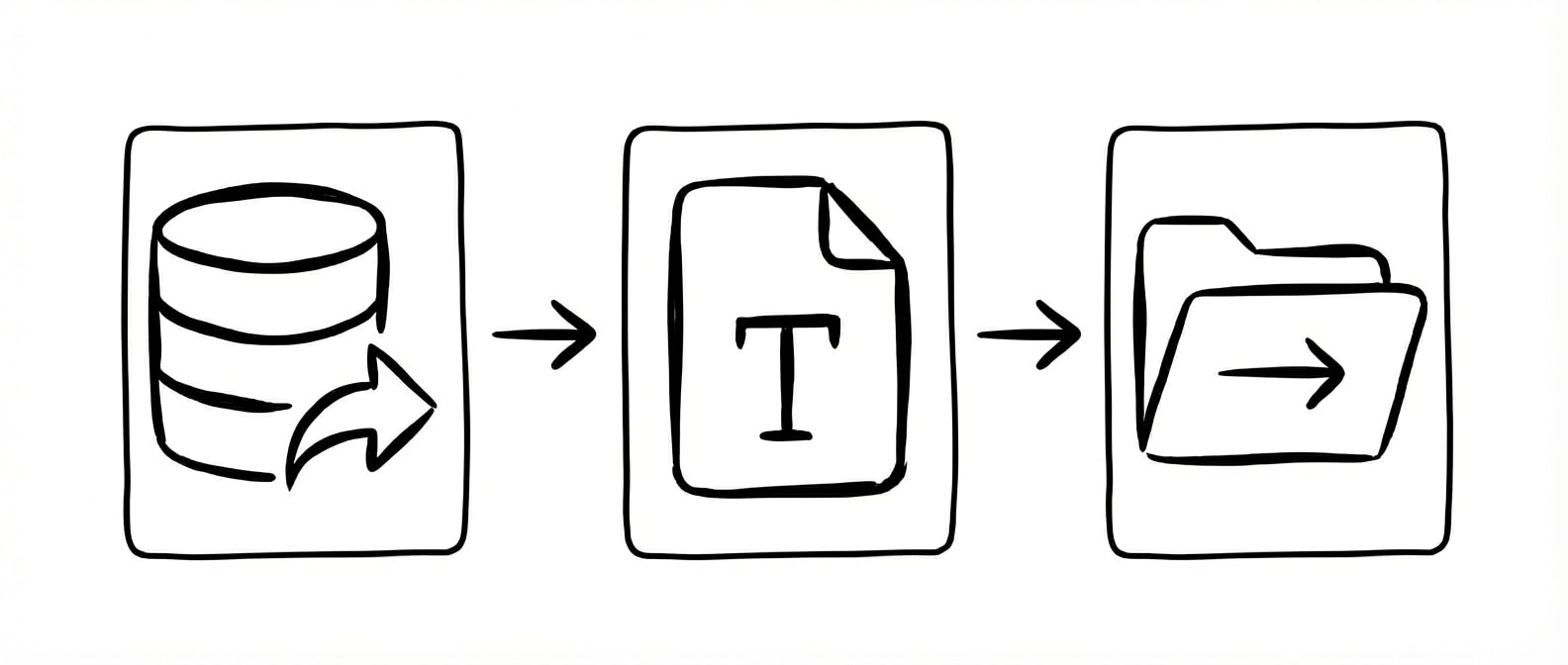
Automate
Trigger workflows based on extracted data. Split or rename files, send outputs on a schedule, or generate downstream documents with our AI form filler.
The gap between "extracting invoice data" and "having usable Excel data" is bigger than most teams expect.
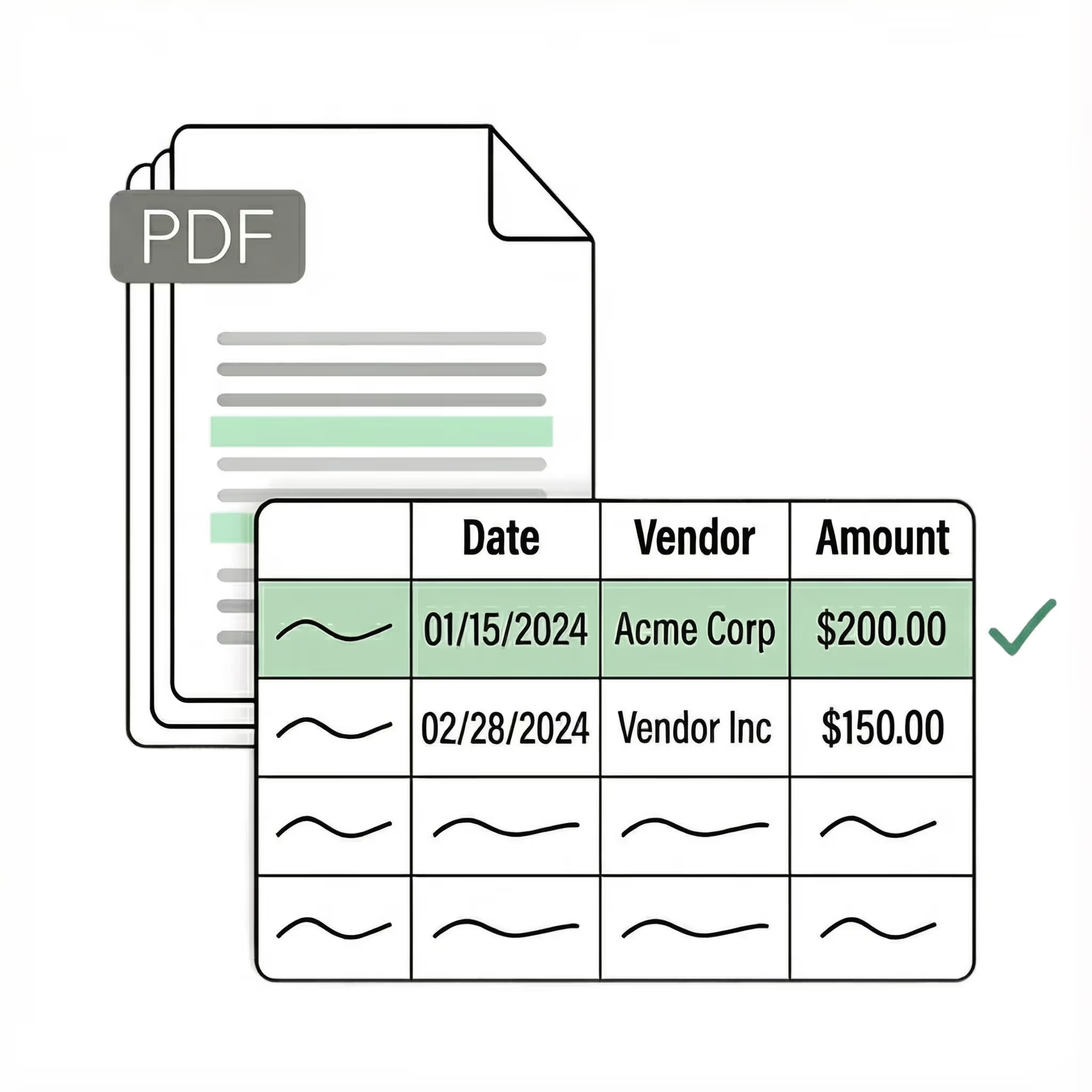
Getting text off a PDF is the easy part. The hard part is getting it into the right columns, in the right format, consistently enough to actually use. Invoice number in column A, vendor in column B, each line item as its own row with quantity, unit price, and extended amount in separate columns. Tax broken out. Dates in a format your system recognizes. Amounts as numbers, not text strings with dollar signs embedded.
Standard PDF-to-Excel tools do a format conversion — they read table borders and drop cell contents into a spreadsheet grid. On clean digital PDFs with visible tables, this works. But the output is a raw dump: merged cells, broken rows, headers mixed with data, amounts formatted as text. Someone still has to clean it up before it's usable for AP processing, reconciliation, or ERP import.
The deeper problem is that invoices don't have consistent table structures. One vendor puts line items in a table with borders. Another uses white space. A third wraps item descriptions across two lines. Some invoices have no tables at all — just labeled fields scattered across the page. A format conversion tool can't handle this because there's no consistent format to convert.
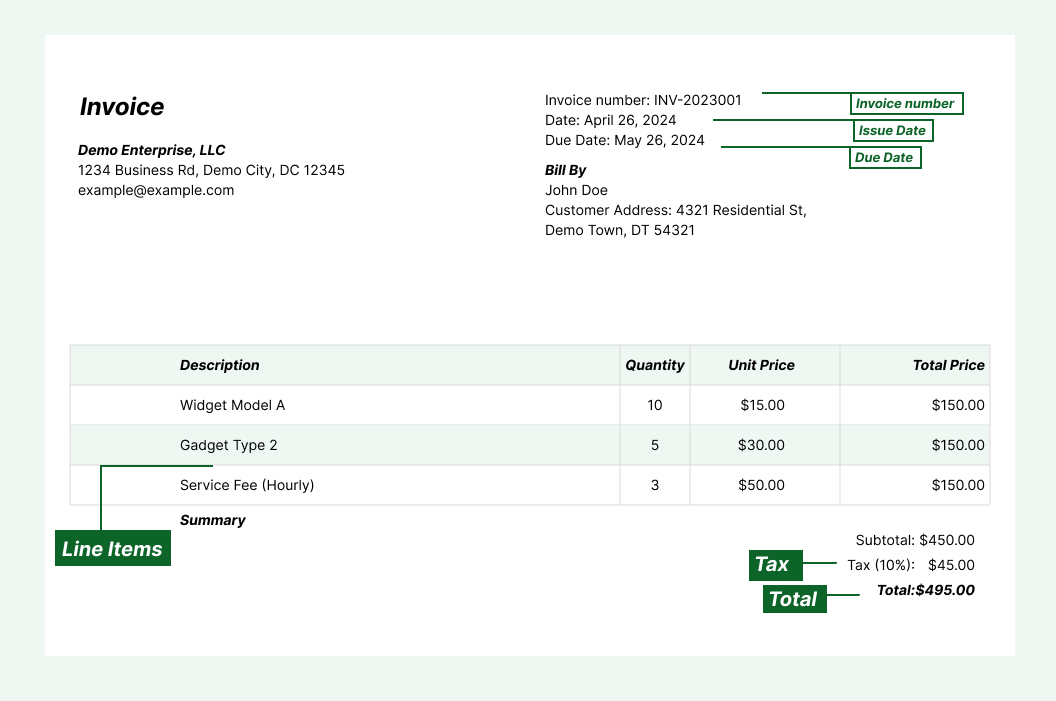
Lido converts invoices from any vendor directly into structured, clean Excel or Google Sheets output — with each field in the right column, line items as individual rows, and amounts as actual numbers. You define the output structure once (vendor, invoice number, date, line items, tax, total) and every invoice from every vendor is mapped to those columns automatically. Soldier Field's finance team went from 20 hours per week of manual invoice data entry to 30 seconds per document.
The difference shows up at month-end. With a format converter, you spend the last three days cleaning up broken spreadsheet dumps. With Lido, the data is already in your working spreadsheet, correctly structured, ready for review.
SOC 2 Type II Compliant • HIPAA Compliant • No training on your data
How do I convert invoices to Excel automatically?
Lido converts invoices in any format — PDF, scanned image, or handwritten — into structured Excel data through a four-step workflow: Ingest, Extract, Validate, and Automate. Whether invoices arrive as PDFs, scans, or photos, Lido converts any format into structured Excel columns without templates. You define the fields once — vendor, invoice number, date, line items, total — and every invoice from every vendor maps to those columns automatically.
Lido connects to Gmail and Outlook, so invoices arriving as email attachments are converted without anyone downloading files. Most teams are processing invoices into Excel within the first hour of setup. Erewhon processes over 20,000 invoices per month through Lido without building a single template per vendor.
What is the best invoice data extraction software for multiple languages?
Lido's multilingual OCR engine reads invoices in any language and extracts line items, totals, dates, and vendor details into Excel. Esprigas uses Lido to process 27,000 documents per month across multiple languages without any manual configuration per language or vendor.
Can I extract data from handwritten or non-standard invoices?
Lido handles handwritten invoices, non-standard layouts, and any vendor format without requiring pre-built templates. Elizabeth Rodriguez, Billing Manager at Hocutt, reports that Lido freed 85% of her team's capacity by automating extraction from invoices that previously required manual data entry.
How accurate is AI invoice to Excel conversion?
Lido delivers 99%+ field-level accuracy across all invoice formats, matching or exceeding manual data entry while eliminating the human errors that compound with fatigue and volume. The output is structured — amounts land as numbers, not text strings with embedded dollar signs — so the data is immediately usable for calculations, pivot tables, and ERP import.
Lido's free 24-hour refinement window lets you flag any extraction issue for correction at no additional cost. Anna Hockey, CFO, notes that Lido's validation step catches discrepancies before they reach the spreadsheet, reducing downstream accounting errors significantly.
How do I convert invoice PDF attachments from email to Excel?
Lido connects directly to Gmail and Outlook. Set up a forwarding rule or dedicated inbox — like ap@yourcompany.com — and every invoice attachment is automatically extracted into structured Excel or Google Sheets columns. No downloading, no uploading, no manual steps.
This eliminates the most time-consuming part of AP workflows: the download-open-type-verify loop for each invoice. With Lido, invoices from any vendor in any format are extracted as they arrive. Esprigas processes 27,000 documents monthly through Lido with invoices arriving from hundreds of suppliers via email, each one converted to structured spreadsheet data without manual intervention.
How do I extract invoice line items into separate Excel rows?
Most PDF-to-Excel tools only capture header data — invoice number, date, vendor, total. AP teams need the full line-item breakdown: each product as its own row with quantity, unit price, extended amount, and per-line tax in separate columns.
Line-item extraction is harder because invoice tables vary wildly between vendors — different column orders, nested rows, subtotals mixed with line items, descriptions wrapping across lines. Lido handles all of these. You specify the columns you need in plain English and get structured rows back for every line item. Kei Concepts uses Lido to extract line items with conditional tax calculations from handwritten Vietnamese invoices across 13 restaurant locations.
What is the difference between a PDF-to-Excel converter and invoice-to-Excel AI?
A PDF-to-Excel converter reads table formatting from a digital PDF and copies the cell layout into a spreadsheet. It doesn't understand the data — it just mirrors the visual structure. The output typically has merged cells, broken rows, headers mixed with data, and amounts stored as text. It works on clean PDFs with visible borders. It fails on scans, photos, handwriting, and the many invoices that don't use table borders at all.
Invoice-to-Excel AI (like Lido) reads the document semantically — understanding that "Inv #" is an invoice number, that the column of numbers on the right is amounts, and that indented rows are line items. The output is structured data in the columns you defined, from any input format. No cleanup needed.
How much time does automated invoice to Excel conversion save?
Soldier Field's finance team went from 20 hours per week of manual invoice data entry to 30 seconds per document — a 95% reduction. Hocutt freed up 85% of their AP team's capacity. ACS Industries eliminated a planned hire for manual PO entry.
The math is straightforward: a team processing 500 invoices monthly at 3 minutes per invoice (download, open, type into Excel, verify) spends 25 hours on manual data entry. With Lido, you spend minutes on setup and periodic review. The cost of the tool is typically recovered in the first month before factoring in reduced errors and faster close cycles.
%20(1).svg)



.png)
.png)






.png)



