Turn 50 different PO formats into 1 clean ERP upload
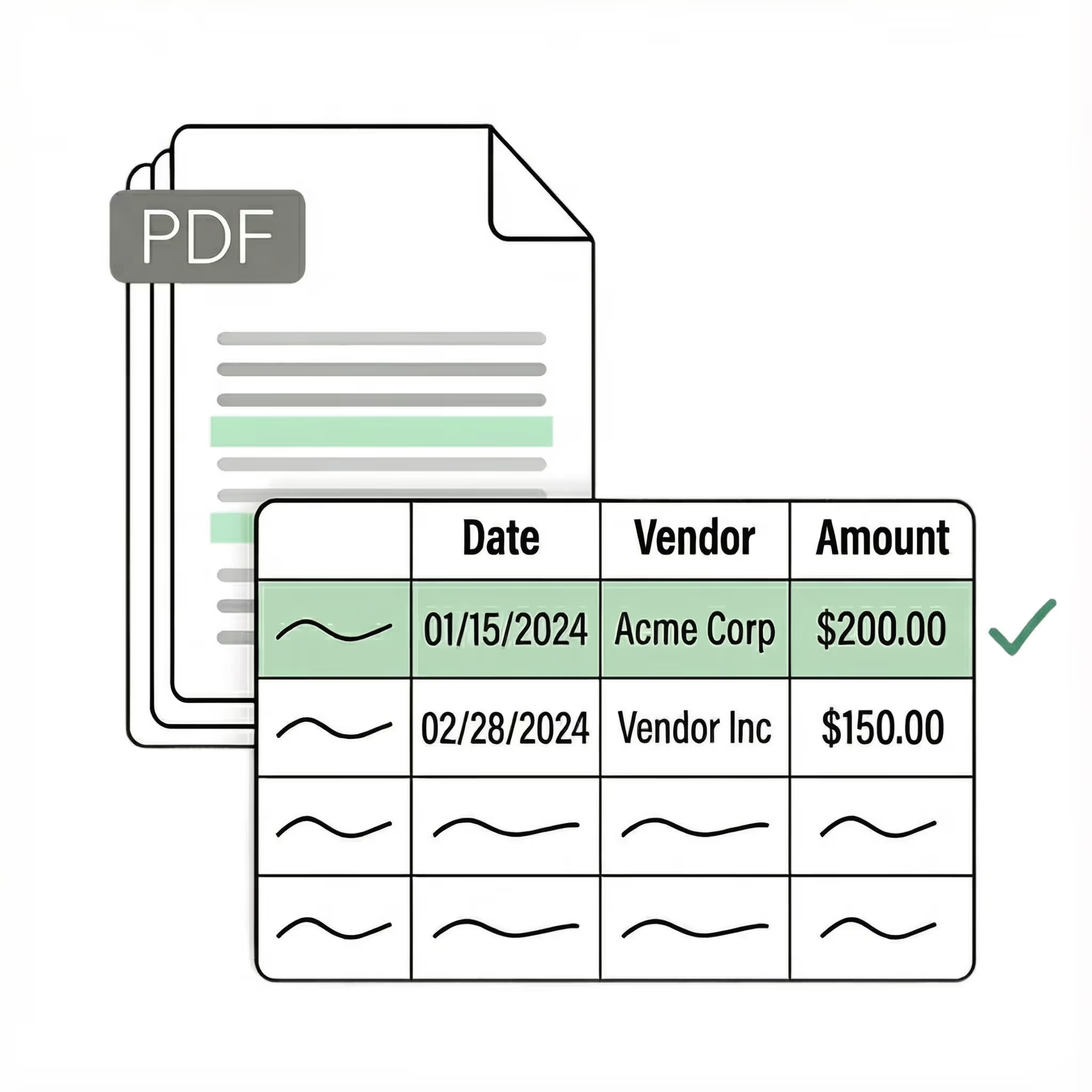
Ingest POs exactly how customers send them: PDFs, spreadsheets, emails, and scans.
Validate against your internal data. Fields are normalized, validated, and enriched with the correct internal reference data before posting to your ERP.
Post clean data to your ERP in minutes. Grow your business without adding more backoffice headcount.
No credit card required
50 free pages
Trusted by thousands of finance and operations teams
Upload a PDF and experience Lido's instant time-to-value.
What used to take us 20 hours each week now takes just 30 seconds per document.
End-to-end document automation
Extract and validate data from purchase orders, then automate what happens next: validate against your internal account and item lists, upload to your ERP, or populate forms with extracted data.
Ingest
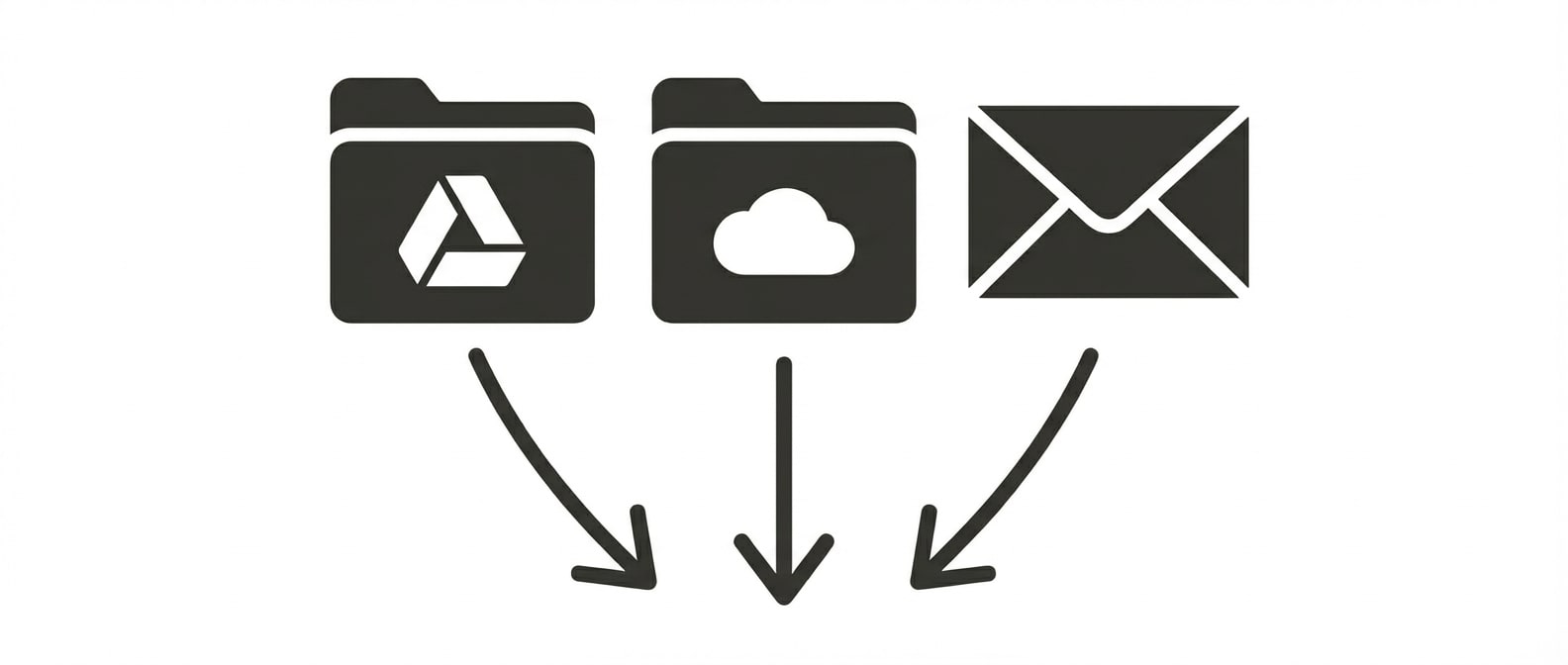
Upload documents in batches, or connect shared folders and inboxes to automatically ingest new files as they arrive.
Extract
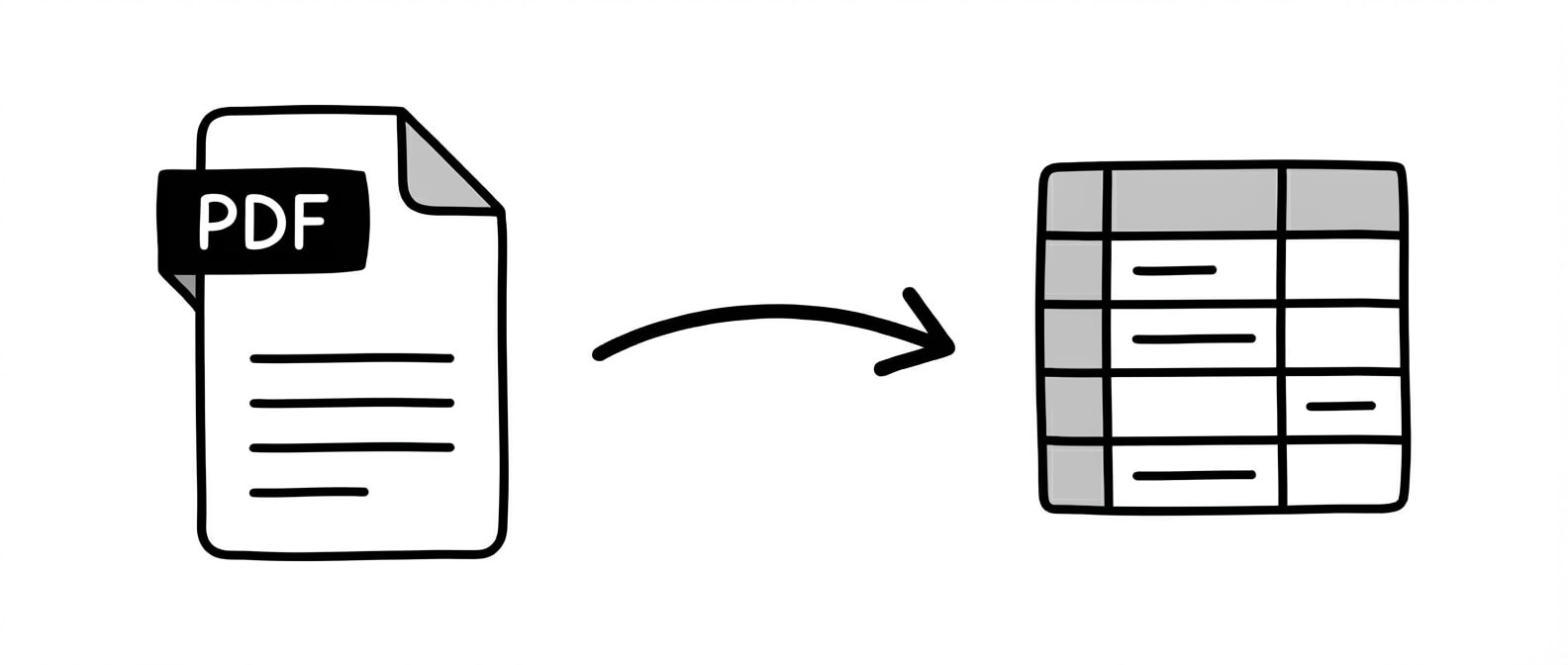
Automatically extract structured data from any document, without templates or manual setup. Tell Lido what fields you need and we'll pull the right data into clean, usable tables.
Validate
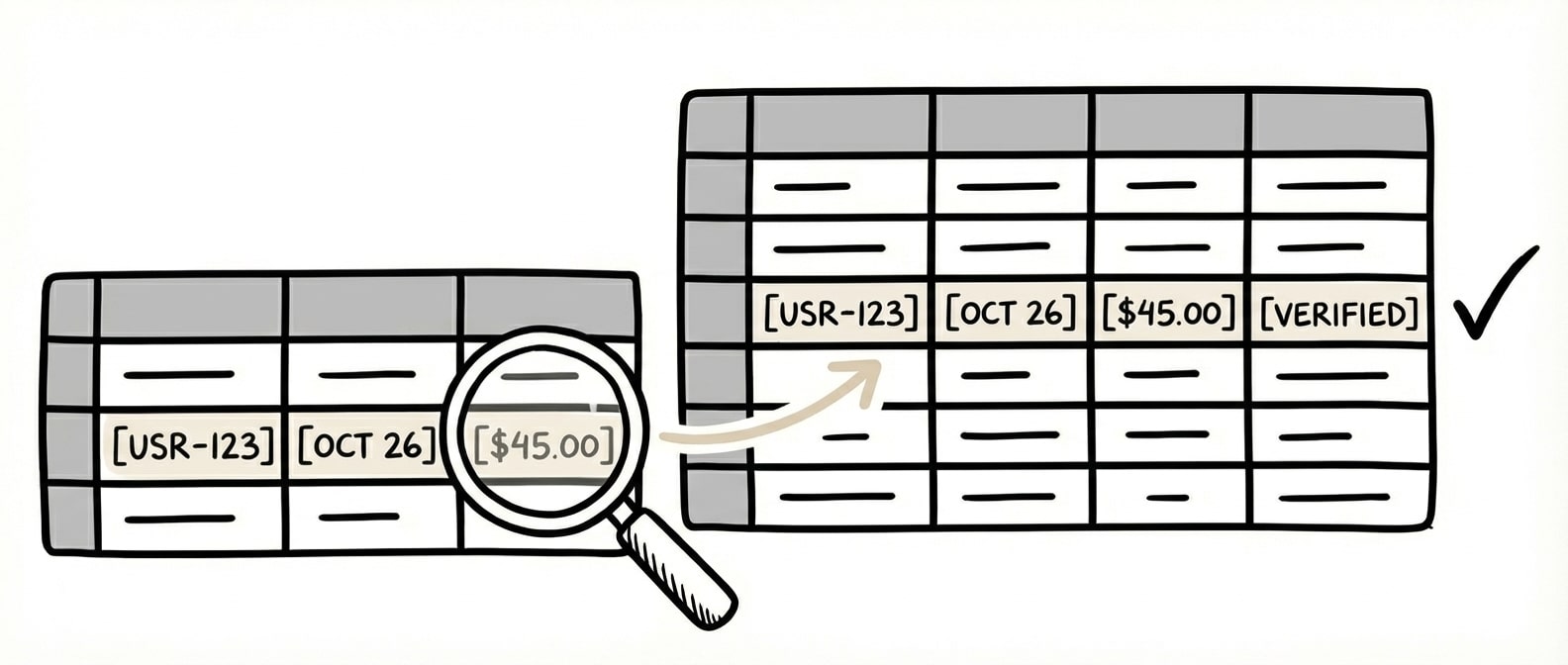
Intelligently match extracted data against your internal systems to find the correct records, even when names or details don’t perfectly align, and return clean, validated data ready for your ERP.
Automate
Trigger workflows based on extracted data to route, transform, and deliver results automatically. Split or rename files, send outputs on a schedule, or generate downstream documents with our AI form filler.
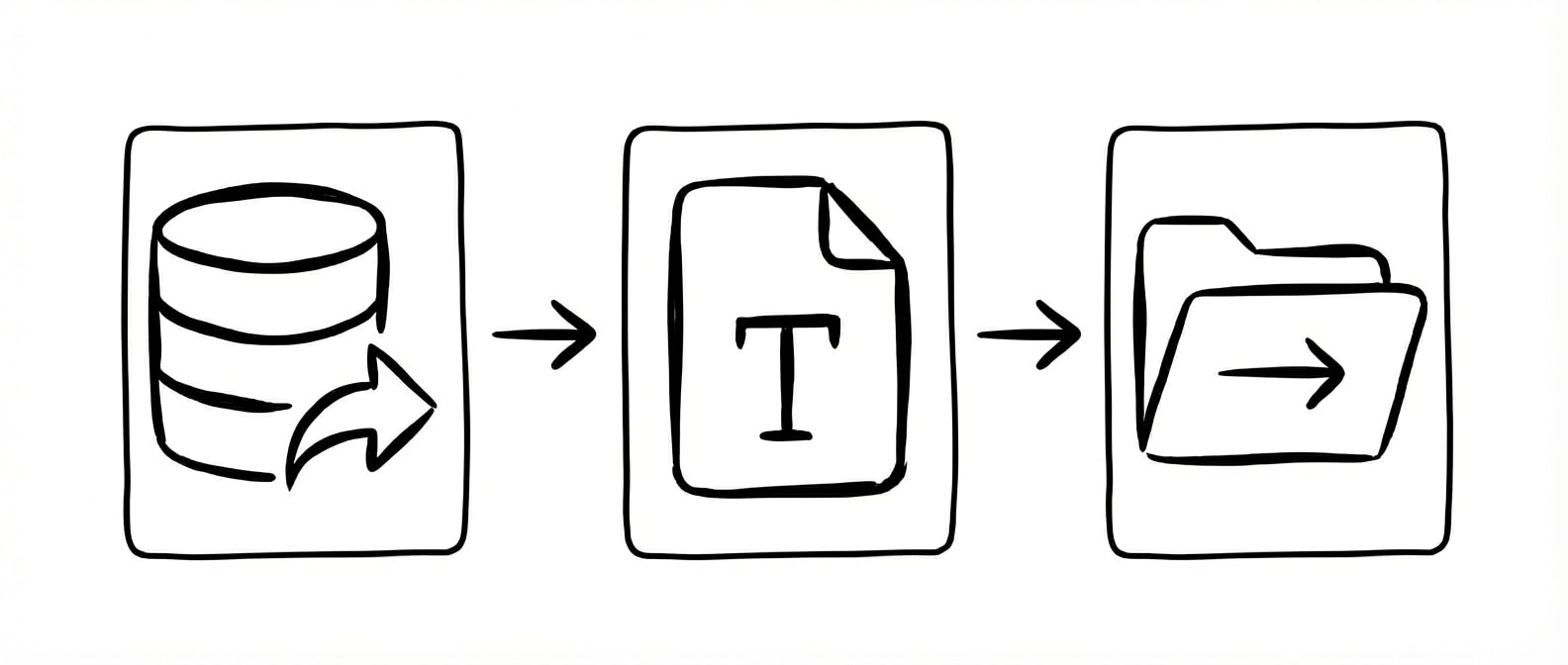
Extracting data from a purchase order is the easy part. The hard part — the part that keeps operations teams stuck in manual work — is matching that data to your internal systems.
A PO comes in from a customer. The tool reads the product descriptions, quantities, unit prices, and delivery address. But the product names on the PO don't match your ERP. The customer writes "Blue Widget 4-pack" and your catalog says "WDG-BLU-4PK." The PO says "Ship to: 445 Commerce Drive" and your system has "445 Commerce Dr, Suite B." Account names, shipping addresses, product descriptions, part numbers; nearly every field has some variation between what the customer writes and what your system expects.
For companies handling POs from a handful of customers, a person catches these during entry. For companies processing POs from 50 or 100 or 500 customers — each with their own formats, terminology, and conventions — the matching work grows faster than the extraction work. Some teams report that the manual lookup and matching step takes longer than the data entry the OCR tool was supposed to replace.
This is the gap that most PO extraction tools ignore. They get data off the document. That's table stakes now. But they leave you with unmatched data that still needs human review on every line item.
Lido handles both extraction and validation. It pulls PO data from any customer format — PDFs, scans, emails, handwritten forms — without templates, then validates the extracted data against your ERP using fuzzy matching. Product names, account numbers, vendor records, and shipping addresses are matched even when the PO uses different terminology than your system. Mismatches are flagged for review, not silently passed through. ACS Industries processes 400+ POs weekly through Lido with complete accuracy.
For manufacturers and distributors adding new customers regularly, this eliminates the per-customer setup that other tools require. A new customer sends a PO in a format you've never seen; Lido extracts it and matches it to your catalog on the first order.
SOC 2 Type II Compliant • HIPAA Compliant • No training on your data
Frequently asked questions
What is the best tool for automating purchase order processing?
Lido is the most effective tool for automating PO processing, extracting data from any PO format — PDFs, scans, emails, handwritten forms — and validating it against your ERP using AI fuzzy matching. ACS Industries automates 400+ POs weekly through Lido with complete accuracy, avoiding a new hire.
How does AI extract data from purchase orders?
Lido extracts PO data using AI vision models that read document structure and context rather than relying on templates, so it handles any PO format from any customer on the first upload. It pulls header fields, line items, quantities, pricing, and shipping details into structured columns, then validates against your internal data using fuzzy matching before posting to your ERP.
Can purchase order automation handle different formats from different customers?
Lido processes POs from any customer in any format — PDFs, scans, emails, spreadsheets, even handwritten forms — without per-format configuration. It normalizes all formats into consistent output columns and uses fuzzy matching to validate against your ERP records, catching name variations like "ACME Corp" vs. "ACME Inc." automatically.
How do I validate purchase orders against my ERP automatically?
Lido's fuzzy lookup workflow matches extracted PO data against your ERP tables — product numbers, account names, vendor records — using configurable confidence thresholds and AI post-processing. It flags mismatches and exceptions for review while automatically validating the rest, so your team only handles the POs that need attention.
Can AI extract data from handwritten and scanned purchase orders?
Lido extracts data from handwritten, scanned, faxed, and photographed purchase orders with 99%+ accuracy using AI vision models — no special configuration for messy inputs. YMI Jeans processes sales orders that are half handwritten through Lido, and ACS Industries automates 400+ POs weekly including scanned documents from various customers.
Join hundreds of teams growing faster by automating the busywork with Lido.



.png)
.png)





.png)



