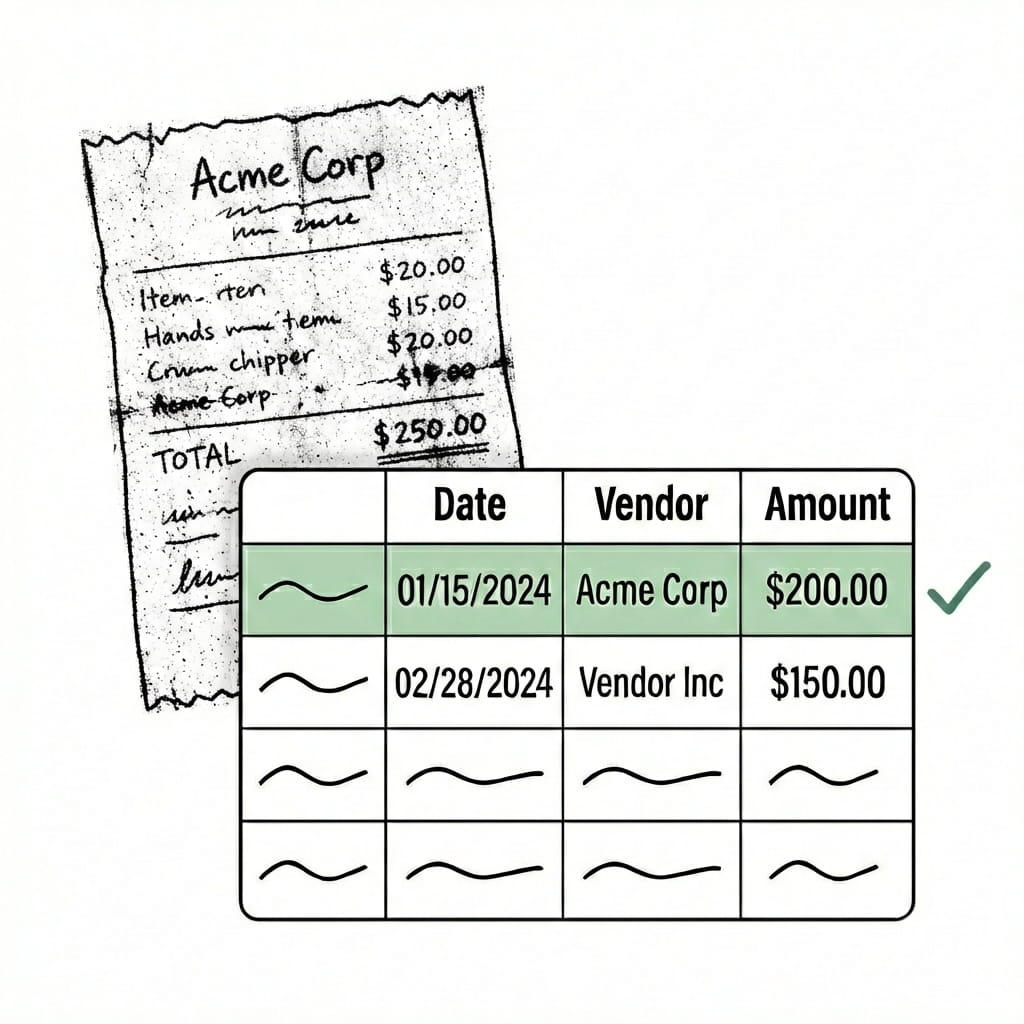
Extract data from scanned PDFs — even handwriting, faxes, and phone photos

Upload your messiest document. If other tools failed, this one won't.
  • Handwriting extraction that actually works
  • No templates to build or maintain
  • Free reprocessing for 24 hours
  • No credit card required
  • 50 free pages
Trusted by thousands of finance and operations teams

Upload your messiest scanned document. We'll handle it.

  • No credit card required
  • 50 free pages
-OR-
Demo video

See Lido in action

Watch and learn how you can use Lido to extract data from any PDF in less than 5 minutes.
Claim your 50 free PDF pages today!
  • No credit card required
  • 20 free pages
The invoice format is very, very difficult. Handwritten. In Vietnamese. Lido works perfectly.
Ellie Ho
Sr. Accounting Manager
See Lido in action. No coding required.

Just tell Lido what to extract in plain English.

No templates. No training. Just describe what you need.
Our drivers just like to hand write everything. We had 6 FTEs just processing driver tickets until we found Lido.
Stephen Disney
President
Seamless integration

Import from...

Seamlessly import files from your desktop, shared drives, or email.

Export to...

Automatically send extracted data to Excel, Google Sheets, QuickBooks, or your ERP.
Security

Enterprise grade security and compliance

SOC 2 Type II Compliant • HIPAA Compliant • No training on your data

Frequently asked questions

What is the best tool to convert scanned PDFs to Excel?

Lido is the most effective tool for converting scanned PDFs to Excel, using AI vision models that read document layout and context rather than character-level OCR — so it handles faded scans, faxes, phone photos, and handwriting that break other tools. Disney Trucking processes 360,000 handwritten pages annually through Lido, and Kei Concepts extracts handwritten Vietnamese invoices that no other tool could read.

Can AI extract data from handwritten scanned documents?

Lido extracts data from handwritten documents in any language and any condition — including rushed driver tickets, Vietnamese invoices, and margin annotations — using AI vision models rather than traditional OCR. As one Lido sales engineer described: "Lido has extracted things that I cannot read." Free reprocessing for 24 hours means you only pay when the output is right.

Why does OCR fail on scanned documents?

Traditional OCR fails on scanned documents because it processes individual character shapes without understanding document context — so low resolution, skewed pages, and compression artifacts produce cascading errors. Lido replaces this with AI vision models that interpret the full document layout, which is why it handles the dot matrix scans, faded faxes, and phone photos that break character-level OCR tools.

How do I convert a photographed document to Excel?

Lido converts photographed documents to Excel using AI vision models that handle shadows, rotation, poor lighting, and low resolution — the issues that make phone photos unusable for traditional OCR. Upload your photo, describe what to extract, and get structured spreadsheet data back in seconds. 50 free pages to test with no credit card required.

How secure is scanned document processing with AI?

Lido is SOC 2 Type 2 certified and HIPAA compliant, with AES-256 encryption at rest and in transit — and never trains AI models on your data. Your scanned documents are processed securely whether they contain financial data, healthcare records, or personally identifiable information. Hundreds of finance and healthcare teams use Lido for sensitive document processing.

Upload your messiest document. Handwritten, scanned, faded. We'll extract it.

  • No credit card required
  • 50 free pages
  • No technical knowledge needed
Schedule a demo ->