.png)
.png)



Yes! Lido works with all scanned documents.
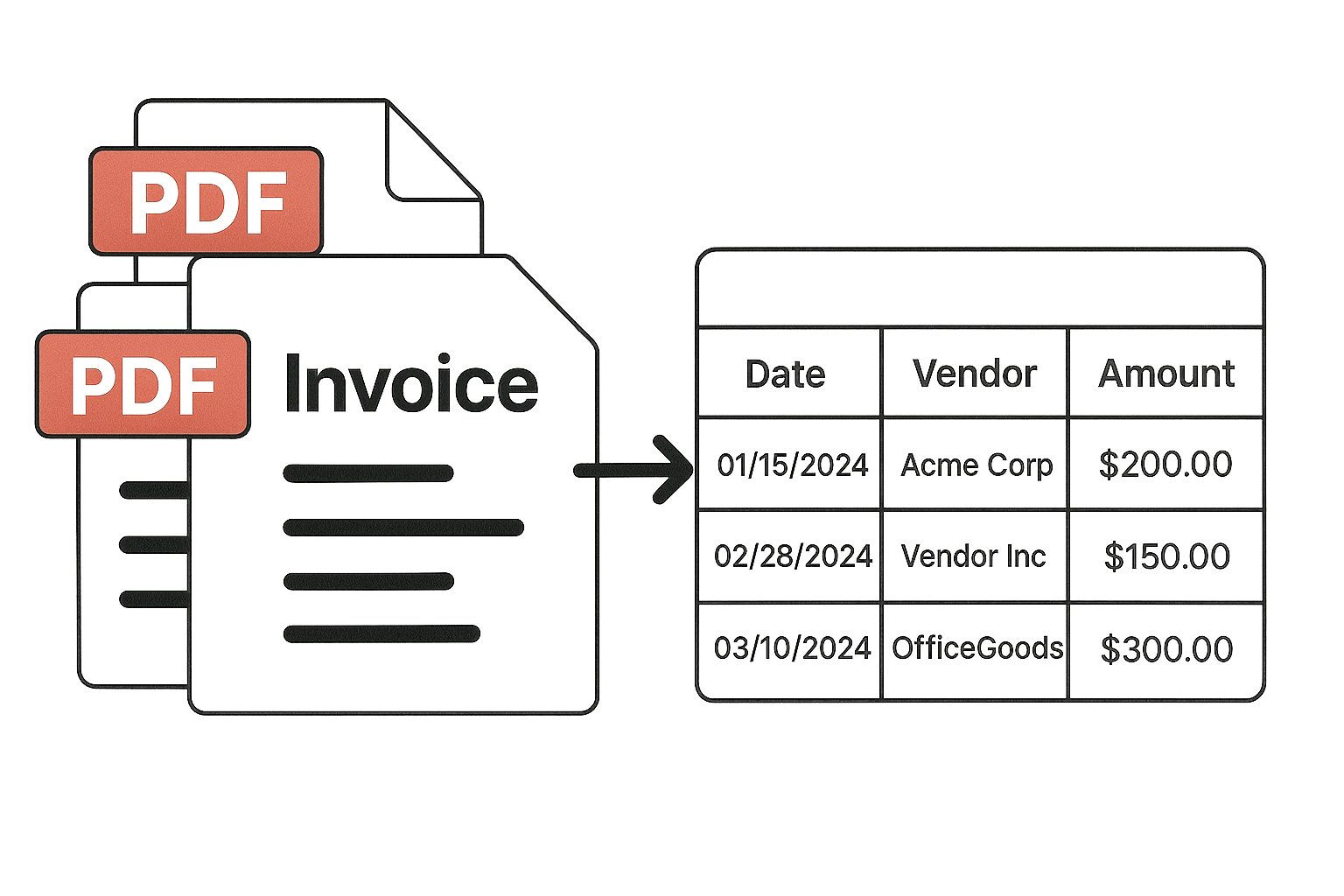
Yes! Lido supports bulk uploads of up to 100 files at a time.
All users get access to our free plan, which includes 50 PDF page conversions with some feature limits. Our paid plans are based on volume. You can see the different plan options here.
Yes! Lido can automate your entire document processing workflow end-to-end. Connect a Google Drive or One Drive folder and we'll automatically fetch new files, process them, then email or upload the extracted data to a folder of your choice.
Yes. Each plan includes a specific number of seats for inviting team members. All usage within the workspace counts toward your shared page credit limit. Learn more about workspaces here.